

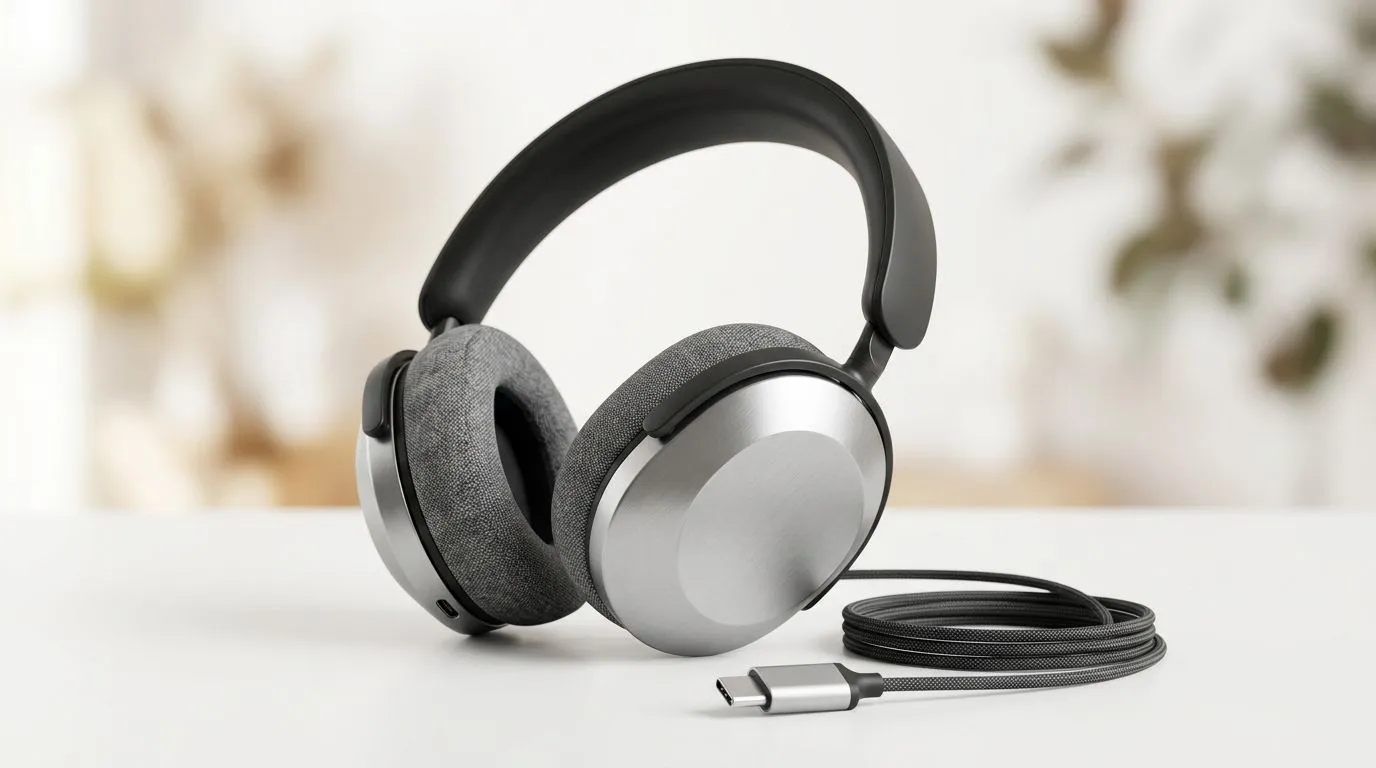
USB-C Headset Disconnecting? Start with the basics ⚡
If your USB-C headset keeps dropping audio mid-match, you are not alone. It’s the kind of problem that shows up at the worst time... right as the squad pushes, your comms vanish, and suddenly you’re explaining why you went silent. The good news? Most USB-C headset disconnecting issues come down to compatibility, power, or a flaky connection. Those are fixable. Usually without replacing your whole setup.
USB-C Headset Compatibility Issues Explained
USB-C looks universal, but in practice, not every port behaves the same. Some laptops, handhelds, docks, and front-panel ports can power a headset differently. Others support data, charging, or audio more reliably than the rest. That’s why one device works perfectly while another keeps disconnecting.
A common culprit is using a USB-C headset through an adapter or hub. If the adapter is loose, low-quality, or not designed for audio devices, the headset may reconnect every few seconds. Front case ports can also be a weak link if the internal cable is not seated properly.
For shoppers comparing options, it helps to check headset specs on a trusted listing like Razer headset options at Evetech before assuming the issue is the headset itself.
Quick compatibility checks
- Try a different USB-C port on the same device
- Test the headset directly, without a hub or dongle
- Check whether the port supports data, not only charging
- Update chipset, audio, and USB drivers
- Restart after switching ports or devices
USB-C Headset Disconnecting Fixes That Actually Help 🔧
Start simple. Unplug the headset, wait ten seconds, and reconnect it firmly. If the plug wiggles, that’s a clue. USB-C should feel snug, not loose. Then test the headset on another device. If it works there, your original PC or console likely has the issue.
Power management is another sneaky cause. On Windows, USB selective suspend can sometimes cut power to devices. Disabling that setting can stabilise the connection. Also, check Device Manager for USB power-saving options. If Windows is allowed to turn off the port to save power, your headset may vanish during play.
If you want a wireless model with broad compatibility, the Razer Barracuda X Chroma Wireless Headset in Phantom White is worth a look. Always confirm the exact connection type and platform support before buying... especially if you switch between PC, PlayStation, and mobile devices.
Connection Stability Tip ⚡
When a USB-C headset keeps disconnecting, avoid cheap hubs first. Plug the headset directly into the device, then test it for 15 minutes. If it stays stable, the hub is the problem, not the headset.
USB-C Headset Disconnecting on Gaming PCs and Laptops
Gaming rigs often have more moving parts than expected. Motherboard USB-C ports, front-panel ports, and external docks can all behave differently. On laptops, a busy USB-C port may also be carrying display output, charging, and data at once. That can create instability with some headsets.
If the headset only disconnects during load, check for USB power or thermal issues. Heavy gaming can push the system harder, and some ports become less stable under strain. Updating your motherboard BIOS or laptop firmware can help too, especially if the manufacturer mentions USB stability fixes in release notes.
For users who simply want a reliable replacement path, browsing headphone and headset options at Evetech makes it easier to compare wired, wireless, and USB models side by side.
USB-C Headset Troubleshooting Before You Return It
Before you assume the headset is faulty, test these final steps:
Driver and firmware checks
- Install the latest audio and USB drivers
- Update headset firmware if the brand offers it
- Remove conflicting audio software, then retest
Port and cable checks
- Avoid extension cables
- Skip USB-C to USB-A adapters if possible
- Look for bent connectors or dust in the port
Device settings
- Set the headset as default audio device
- Disable aggressive power saving on USB ports
- Try a different user profile or clean boot if needed
If the headset still disconnects on multiple devices, then the hardware may be defective. At that point, warranty support is the smart move.
USB-C Headset Disconnecting Fixes for South African Buyers
In South Africa, it pays to buy gear that matches your actual setup, not just the spec sheet. A headset that works beautifully on a gaming laptop may behave differently through a monitor dock or a budget hub. That’s why checking compatibility first saves time, frustration, and unnecessary courier trips.
The best approach is simple... test direct, update drivers, check power settings, and only then consider replacement. If you’re upgrading anyway, choose a headset with clear platform support and a retailer that lists it properly in ZAR. That way, you can compare value without guessing.
Ready to Find Your Perfect Match? The Mac vs Windows debate is complex, but for maximum power, choice, and value in South Africa, Windows is hard to beat. Explore our massive range of laptop specials and find the perfect machine to conquer your world.











