

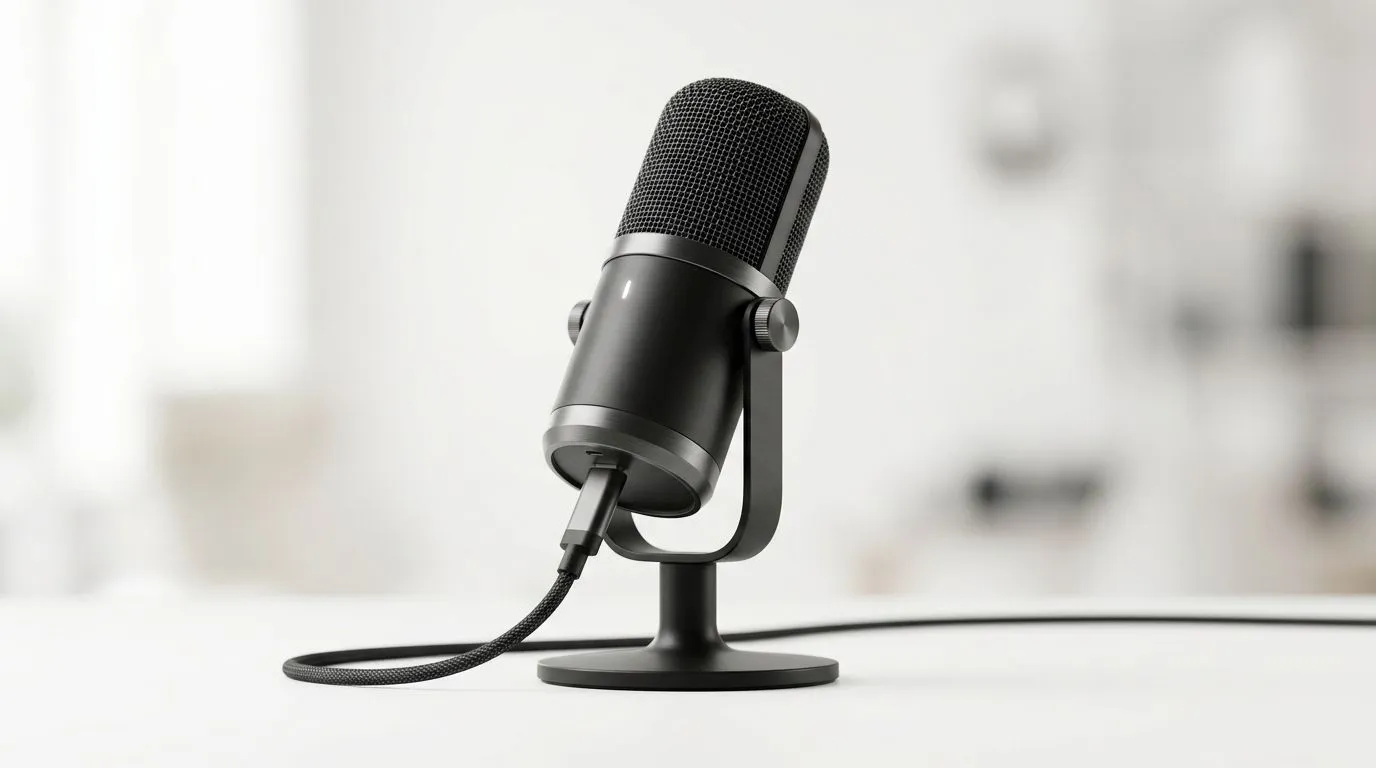
Understanding USB-C Plug-and-Play Microphones for Gamers 🎙️⚡
If you’re streaming on Twitch or chatting with your squad, crisp audio matters just as much as your graphics. South African gamers are increasingly turning to USB-C plug-and-play microphones for their ease and versatility. These microphones promise quick setup and wide compatibility, letting you plug in and start broadcasting instantly. But what should you know about their compatibility and setup to get the best out of your mic? Let’s break this down.
Compatibility Insights: What Works With USB-C Microphones?
USB-C microphones are designed to work seamlessly across devices like modern laptops, desktops, and even some smartphones. They eliminate the need for extra drivers or mixers, recognising plug-and-play ease as a top priority. However, not every device handles USB-C audio gear identically; some older motherboards might require BIOS updates or adapters to ensure full functionality.
For streaming buffs looking to up their setup, pairing a USB-C mic with other quality gear makes a big difference. Check out our streaming essentials collection where brands like CORSAIR deliver reliable microphones known for compatibility and sound clarity. Their kits offer everything from mics to lighting, ideal for SA streamers on a budget.
Step-by-Step Setup Guide for USB-C Microphones 🚀
- Locate your device’s USB-C port—many new laptops provide multiple ports, but desktops may vary.
- Plug your USB-C microphone straight in; your system should acknowledge the device immediately.
- Open your sound settings, select the USB-C mic as both input and output if applicable.
- Adjust input levels—most plug-and-play mics feature auto gain, but manual tweaking optimises your voice capture.
- Test your mic in your streaming or recording software to confirm sound quality.
Why USB-C? A Quick Performance Check
USB-C offers higher data transfer rates and stable power delivery compared to USB-A, essential for lag-free audio. Plus, its reversible design means no fumbling to plug in during those intense gaming nights!
Beyond microphones, you can boost your streaming setup with smart lighting from brands like Cololight, available in our Cololight collection. Quality ambient lighting can add an immersive atmosphere to your stream while complementing your mic setup.
Quick Setup Tip
Plug your USB-C mic directly into your device’s port—not a hub. This reduces latency and ensures your chat audio runs smoothly, perfect for lag-free communication.
Complement Your Mic With Top-Tier Streaming Accessories 🎛️
A microphone alone isn’t enough for flawless streaming. Consider pairing it with a reliable webcam to capture your reactions and engage your audience. We stock a range of webcams that match quality USB-C mics, all compatible with South African systems and supporting crisp HD video.
Streaming essentials, whether you are in Pretoria, Cape Town, or elsewhere in SA, combine to create a professional broadcast. Grab premium gear from Evetech and witness the difference precise audio and video bring to your gaming reputation.
Elevate Your Stream Today Ready to experience effortless setup and clear sound? Shop now at Evetech for performance that leaves lag in the dust.











