

Quick Answer
USB ports usually fail because of driver issues, power management settings, or hardware damage. Start with a reboot, then update or reinstall USB controller drivers in Device Manager, disable USB selective suspend in Power Options, and only physically inspect the port itself once software fixes are exhausted.
The Five-Minute Software Triage
Reboot first, surprisingly often it works. Then open Device Manager, expand Universal Serial Bus controllers, right-click each USB Root Hub and Generic USB Hub, and choose Uninstall device. Restart, Windows reinstalls them automatically. Next, open Power Options, change advanced settings, and disable USB selective suspend. That setting is the single most common cause of dead-feeling ports on laptops and PCs.
Driver and Chipset Fixes
Visit your motherboard or laptop maker's site and grab the latest chipset and USB drivers, generic Windows drivers occasionally lag behind. AMD users should run the official AMD chipset installer, Intel users grab the Intel Chipset Device Software. After install, restart and test each port with a known-good cable and device. If only USB 3.0 ports fail while USB 2.0 works, the issue is almost always driver or BIOS rather than hardware.
When It Is Actually Hardware
If software fixes do not help, look at the port itself. Bent pins, dust packed inside, or a loose internal header on a desktop case all cause intermittent failures. Compressed air clears most dust. On desktops, reseat the front-panel USB cables on the motherboard headers. If a port is physically damaged, an internal PCIe USB expansion card adds four to seven new ports for under R600 with local SA stock.
Frequently Asked Questions
How do I fix USB ports not working on my PC?
Start with a reboot, then reinstall USB controllers in Device Manager, disable USB selective suspend in Power Options, and update chipset drivers. If hardware is the cause, a PCIe USB expansion card is the cheapest fix on a desktop, swapping motherboards is a last resort.
What are common mistakes when troubleshooting USB issues?
Assuming the device is faulty without testing another cable or port, ignoring USB selective suspend, and skipping the chipset driver update. Many users also forget to check BIOS settings, USB power delivery options can be disabled by default after a CMOS reset.
Do I need special tools or parts in SA?
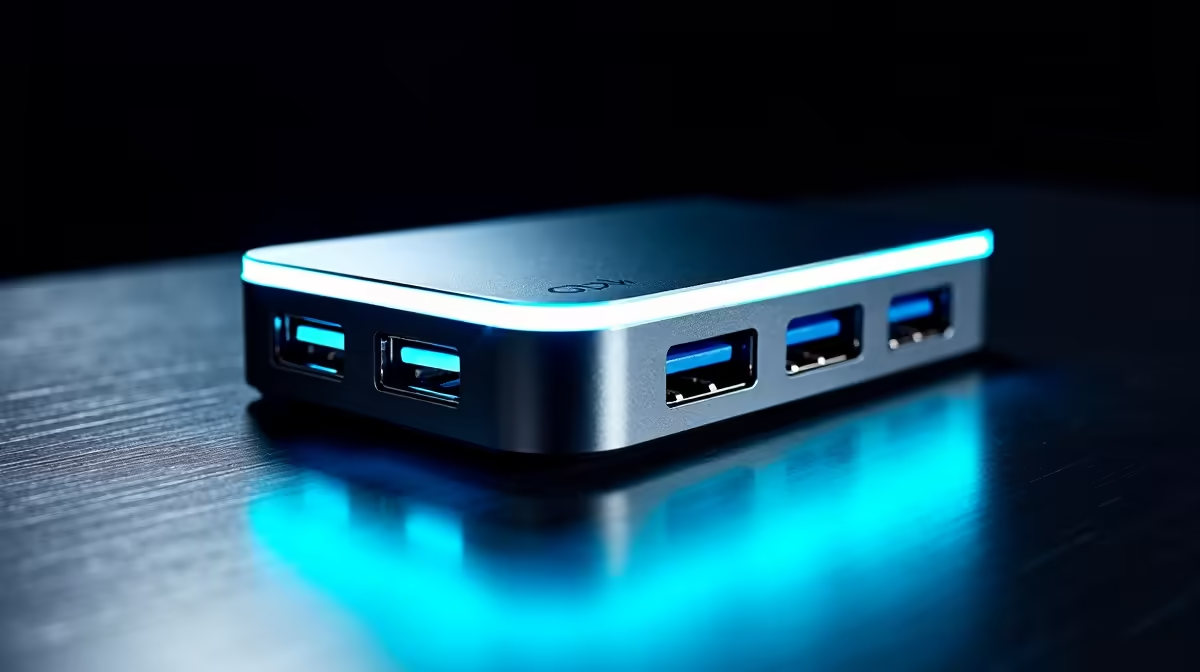
Most fixes need no tools at all. If you do need a PCIe USB expansion card or a USB hub, both are in local SA stock with ZAR pricing and same-week delivery. Quality powered USB 3.0 hubs start around R350 and solve dead-port problems instantly without opening the PC.
Ready to Find Your Perfect Match? If your USB issues point to a deeper hardware fault, upgrade with confidence. Shop reliable PCs and components at Evetech











