

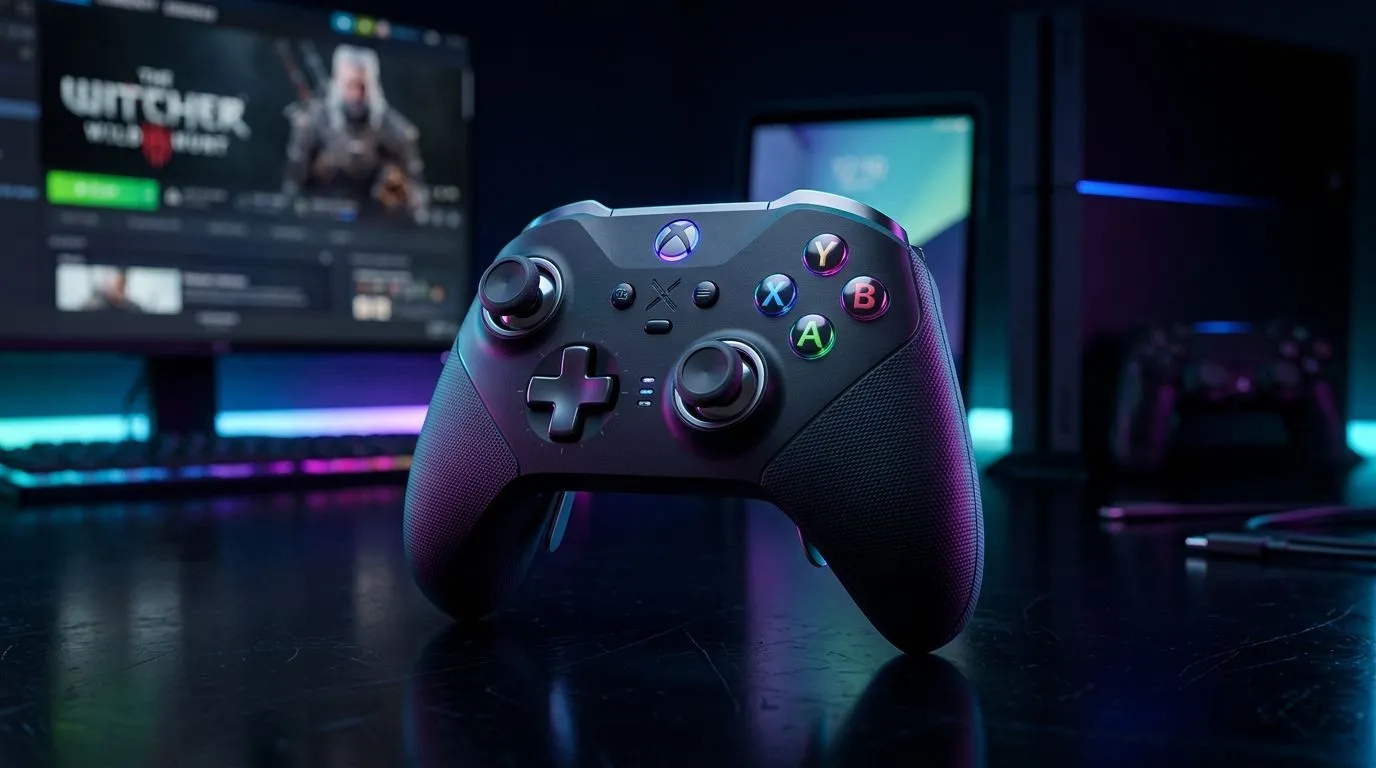
Can You Use One Gamepad for Windows PC, PS4, and Android? (Yes… with the right setup)
If you’ve ever owned one controller and wished it worked everywhere… you’re not alone. In South Africa, we often build our “gaming stack” with a Windows PC at home, a PS4 for couch sessions, and an Android handheld on the go. The big question is simple: can you use one gamepad for Windows PC, PS4, and Android? 🎮
The honest answer: sometimes, but it depends on the controller’s connection mode. Most “one controller for all” claims only hold if the pad supports the right standards: Windows (XInput/DirectInput), PS4 (often via USB and specific drivers), and Android (usually USB, Bluetooth, or OTG). Let’s break it down so you don’t waste money.
Can You Use One Gamepad for Windows PC, PS4, and Android? Choose by connection type
When people say a gamepad is “compatible,” they usually mean it will work over at least one of these routes:
Windows PC: wired USB is the safest start
For Windows gaming, USB wired support is usually plug-and-play. Many controllers are designed around XInput, which games recognise quickly.
PS4: USB often works better than wireless
PS4 compatibility is more picky. Wired USB tends to be the reliable route, while Bluetooth support can vary by model.
Android: use OTG or Bluetooth (and expect settings)
Android support commonly works best with USB OTG (adapter needed) or Bluetooth, but some games may not map buttons correctly without per-app settings.
Can You Use One Gamepad for Windows PC, PS4, and Android? What to check before you buy 🔧
Before you commit, do a quick checklist:
- Connection modes: USB + Bluetooth is ideal, wired-first is safest.
- Button mapping notes: especially if you play shooters or racing games.
- Android method: look for OTG mentions, not just “works on Android”.
- Driver/firmware support: if a pad needs software, confirm it’s available for your devices.
If you want a controller that’s built for serious PC play (and often transitions well to other devices), start by browsing Evetech’s controller range and deals. You’ll also see which brands are currently stocked for South African buyers.
In the meantime, compare options with Evetech’s controller guides here: See gaming controllers available for purchase
Can You Use One Gamepad for Windows PC, PS4, and Android? A realistic “one pad” plan 🚀
Here’s a practical approach that works for many people:
- Use USB for Windows (lowest hassle).
- Use USB for PS4 (lowest surprise).
- Use OTG on Android when Bluetooth is flaky.
I’ve seen this play out in real homes. You arrive on holiday with one controller, plug in quickly, and avoid the late-night panic of “Why isn’t it detecting?” That’s what you want.
Setup Pro Tip ⚡
On Android, try USB OTG first. Plug the controller in, then open the game’s controller settings (some titles need you to enable ‘Gamepad’ or confirm input mode). If the buttons feel scrambled, remap inside the game rather than hunting for drivers.
Can You Use One Gamepad for Windows PC, PS4, and Android? Where deals fit in (ZAR matters) ✨
If you’re shopping on a budget, focus on value per connection method. A controller that reliably covers PC and Android, and works wired on PS4, is usually the sweet spot.
For example, if you’re considering a more competitive-style controller, check this deal from Evetech: Razer Wolverine V3 Tournament Edition (8K) deal
And if you already know you want Razer options specifically, you can browse the brand-focused set here: Gaming controllers (Razer)
CALLTOACTION
Ready to Find Your Perfect Match? The Mac vs Windows debate is complex, but for maximum power, choice, and value in South Africa, Windows is hard to beat. Explore our massive range of laptop specials and find the perfect machine to conquer your world.











