

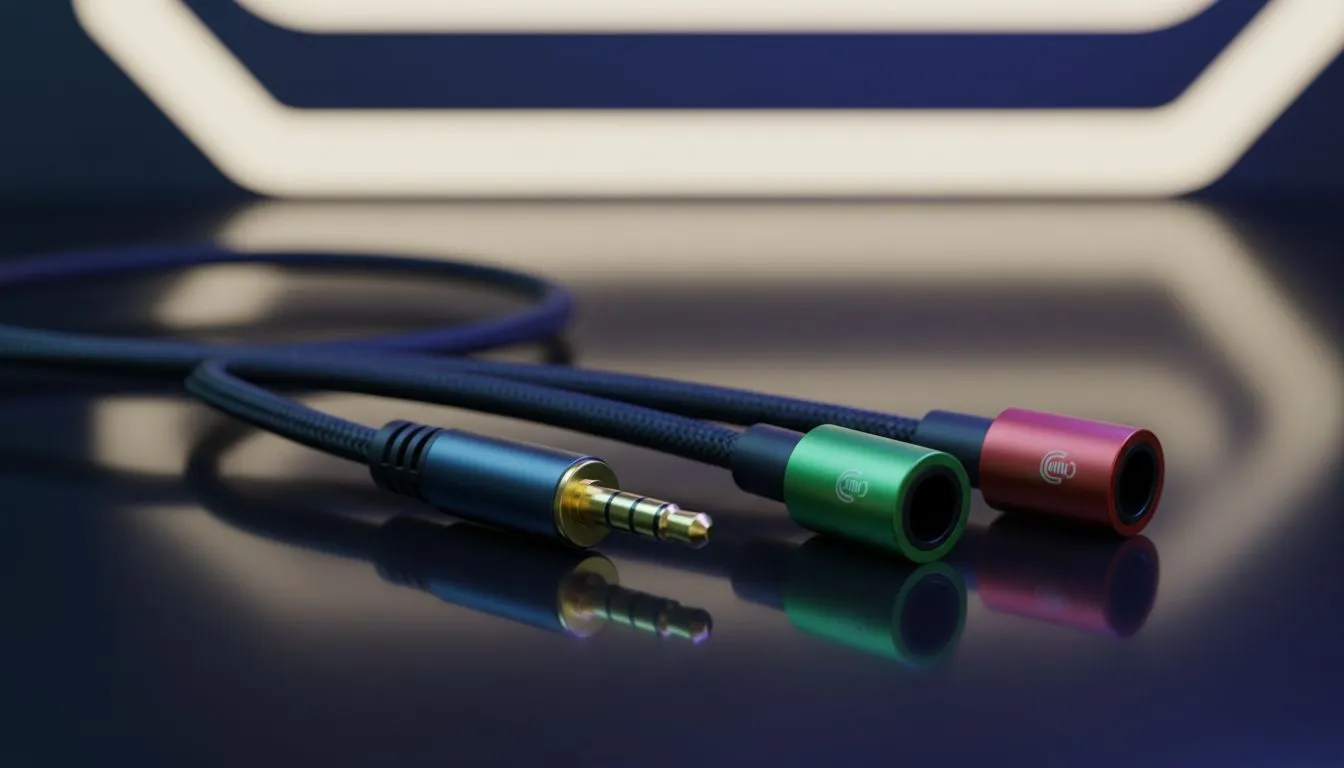
Single 3.5mm headset: separate mic and audio ports explained 🔧
Use Single 3.5mm Headset with Separate Mic and Audio Ports — and stop juggling adapters mid‑game. If your PC, laptop or console has two 3.5mm jacks (one for headphones, one for mic), you can run a single headset that has separate plugs or a combined combo plug with the right splitter or front‑panel wiring. This quick guide helps South African gamers get clear chat and full audio without buying a new headset.
Quick setup: what to plug where ⚡
Most desktop motherboards label green for audio out and pink or with a mic icon for mic in. Laptops often use a single combo jack. If your headset has two 3.5mm plugs — one for audio, one for mic — plug them into the corresponding ports on the back of your PC or front I/O. If you have a combo jack, use a 2‑to‑1 TRRS adapter or the motherboard’s front panel header to combine signals. For a wireless alternative with built‑in mic and audio routing, see the Razer Barracuda X Chroma on Evetech for a neat, low‑latency solution available in South Africa: check current ZAR pricing and specs on that product page. https://www.evetech.co.za/razer-barracuda-x-chroma-wireless-headset-phantom-white/best-deal/24367
Quick Setup Tip ✨
If your headset mic is quiet after plugging into the right ports, open Windows Sound Settings > Input Device and ensure the correct jack is selected. Turn on mic boost only if needed; too much boost adds hiss.
Choosing gear and adapters: what to buy
If you’re buying new gear, consider headsets with detachable cabling or dedicated mic jacks to make future swaps easier. Evetech’s headset category lists many wired and wireless options if you want to compare brand features and local stock: browse Razer headphones and headsets to compare models and availability in South Africa. https://www.evetech.co.za/PC-Components/razer-headphones-headsets-105
A compact 2‑to‑1 TRRS adapter is cheap and reliable; if you prefer a cleaner build, a USB sound card or DAC with separate mic/audio ports gives better preamps and easier level control. Evetech also keeps a wide range of headphone and headset accessories to match your budget and PC build needs. https://www.evetech.co.za/components/headphone-headsets-100
Troubleshooting common problems
- No mic detected: confirm each plug is fully seated and matched to the correct colour or icon.
- Crackling audio: try a different port or cable; check for ground loop issues if using front panel headers.
- Chat volume mismatched: set application‑level mic gain in Discord or Teamspeak and then fine‑tune system input levels.
A short micro‑story: I once helped a clan mate in Cape Town who'd bought a gaming headset with two plugs but only had a laptop combo jack. A R70 TRRS adapter from a local vendor fixed it in five minutes... and they could stop whispering into the mic mid‑raid.
Final checks before you play
Make sure Windows and your sound drivers are up to date; check your motherboard manual for front‑panel header wiring if you're building or troubleshooting a desktop. Want a wireless option with a dedicated dongle and better range? That Razer Barracuda X Chroma linked above is a popular pick for low latency and solid chat quality — see the Evetech product page for specs and ZAR deals.
Ready to Find Your Perfect Match? The Mac vs Windows debate is complex, but for maximum power, choice, and value in South Africa, Windows is hard to beat. Explore our massive range of laptop specials and find the perfect machine to conquer your world.











