

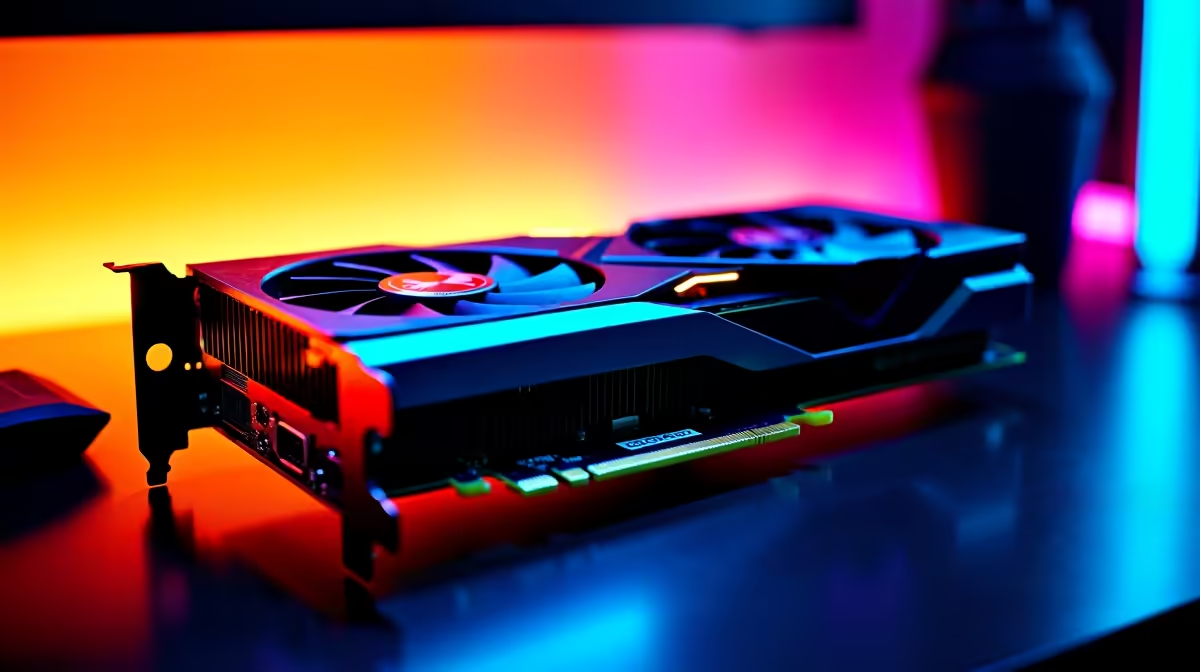
The Frustration of Mid-Game Freezes
You are holding the perfect angle on Ascent. Your team is relying on you to secure the round. Suddenly, your screen freezes. The dreaded graphics driver error pops up. If you need a reliable Valorant crashing due to GPU fix, you are not alone. Let us get your rig stable so you can get back to climbing the ranked ladder without dropping precious RR.
Why is Your Graphics Card Dropping the Ball?
Riot Games optimised Valorant to run on almost anything. However, hardware conflicts still happen. The most common culprits are overheating, corrupted drivers, or unstable overclocks.
South African summers are brutal on electronics. Is your older notebook struggling to keep cool? It might be time to browse the latest laptops for sale in South Africa.
Your Step-by-Step Valorant Crashing Due to GPU Fix 🔧
Software issues cause the majority of these frustrating crashes. Follow these steps to restore stability.
1. Perform a Clean Driver Install
Never just install new drivers over old ones. Download Display Driver Uninstaller (DDU). Boot into Safe Mode and wipe your old drivers completely. Then, install the latest stable release from NVIDIA or AMD.
2. Monitor Your Temperatures
Heat is the enemy of performance. Use software like MSI Afterburner to watch your temperatures while gaming. Good airflow is non-negotiable. Modern pre-built PC deals usually feature optimised cooling to prevent these exact crashes.
Performance Pro Tip ⚡
Cap your frame rate in the Valorant settings to match your monitor refresh rate. This stops your graphics card from working overtime to render frames you cannot even see, significantly reducing temperatures and preventing sudden crashes.
3. Remove Unstable Overclocks
Factory overclocks can sometimes push silicon too far. If you are experiencing crashes, try underclocking your core memory slightly. This simple tweak is often the ultimate Valorant crashing due to GPU fix for older cards.
When Software Tweaks Are Not Enough 🚀
Sometimes your hardware is simply too old to handle modern engine updates. If your system is constantly overheating, an upgrade is inevitable. You can easily buy graphics cards that will push a flawless 240Hz without breaking a sweat.
Building an entirely new setup? Check out our best gaming PC deals to find a system perfectly balanced for competitive esports.
You do not need to spend hundreds of thousands of ZAR to get high frames. Keep a close eye on our specials to score top-tier components at prices that respect your wallet.
Ready to Dominate the Server? Hardware crashes should never cost you the match. For maximum FPS, stability, and value in South Africa, Evetech has your back. Explore our massive range of gaming specials and find the perfect machine to conquer your world.











