

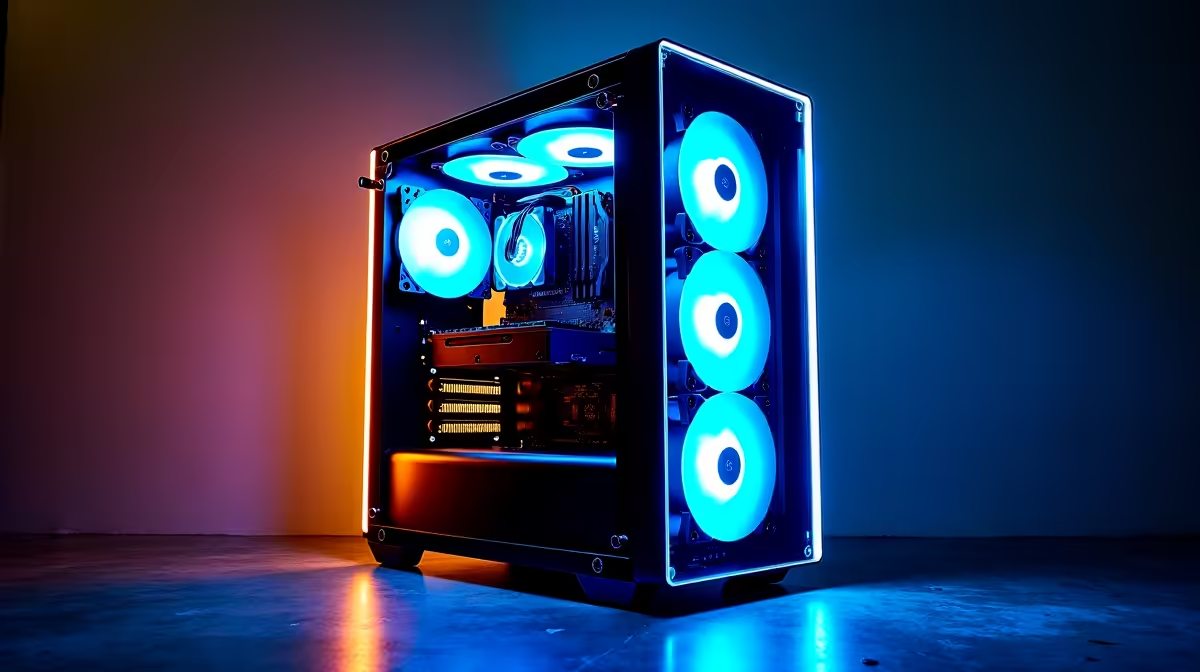
Vertical Airflow PC Builds: How Fan Placement Impacts Cooling Performance
Vertical airflow configurations deliver superior thermal performance by establishing a clear pathway for hot air to exit your chassis, preventing hot-spot accumulation around high-heat components. The key is positioning intake fans at the bottom or front and exhaust fans at the top or rear—this creates a natural convection pattern that continuously cycles cool air through your system.
Understanding Airflow Dynamics in Vertical Configurations
When you orient airflow vertically, hot air naturally rises, which works with physics rather than against it. This is why vertical tower coolers perform better than traditional horizontal mounting in many cases. In a well-designed vertical setup:
- Bottom intake fans draw cool air into the case, surrounding your GPU and CPU with fresh ventilation
- Mid-level components (motherboard, RAM) benefit from cooler air passing through before it heats up
- Top exhaust fans remove the hottest air before it recirculates
This stratification prevents thermal stacking—where exhaust from one component becomes intake for another, progressively warming the entire case.
Case Design Matters for Vertical Airflow
Not all cases support vertical airflow equally. Modern gaming cases like the NZXT H7 or Corsair 4000D Airflow feature optimised vent placement that maximises vertical flow potential. When evaluating case fans from Evetech, look for cases with:
- Unobstructed top exhaust mounting (2-3 fan slots)
- Dedicated bottom intake mesh (often 2 fans)
- Minimal interior obstructions in the airflow path
- Cable routing that doesn't block airflow channels
The difference between a case with optimised vertical design and one with poor airflow paths can be 5-10°C in real-world temperatures.
Thermal Testing: Vertical vs Traditional Airflow
Independent testing shows that vertical airflow configurations with 3 intake and 3 exhaust fans maintain CPU temperatures 3-8°C cooler than traditional side-intake setups under gaming loads. GPU temperatures improve even more dramatically—often 5-12°C cooler—because hot exhaust doesn't feedback into the chassis.
The CPU particularly benefits when your case has a top exhaust positioned directly above the socket. Vertical tower coolers combined with vertical case airflow create an optimal heat escape route.
Practical Vertical Airflow Setup for Gaming PCs
For a high-performance gaming build in South Africa, implement this proven configuration:
Intake (Cool Air In):
- 2× 120mm fans in bottom front panel (drawing air horizontally, then up)
- 1× 140mm fan in lower front panel (creates upward pressure)
Exhaust (Hot Air Out):
- 2× 120mm fans in top rear panel (primary exhaust route)
- 1× 120mm fan in rear panel (secondary hot-spot relief)
This 3-3 setup creates distinct intake and exhaust zones, preventing recirculation. Your CPU cooler and GPU both see fresh air, and thermal stratification naturally carries waste heat upward.
Monitor Your Vertical Setup
Common Vertical Airflow Mistakes
Many builders abandon vertical configs after poor results because they:
- Place exhaust in the wrong location – Bottom exhaust completely defeats vertical airflow. Always prioritise top exhaust.
- Overload with intake fans – Too many intake fans create pressure that forces air through unintended gaps, breaking vertical stratification.
- Ignore case cable management – Loose power cables behind the motherboard block airflow tunnels, killing vertical efficiency.
- Mix fan sizes incorrectly – Using 140mm intakes with 120mm exhausts creates pressure imbalances that disrupt vertical flow.
When selecting case fans for your build, match intake and exhaust sizes for consistent pressure balanced airflow.
Vertical Airflow + Component Selection
Vertical configs work best with components that don't obstruct the flow path:
- GPUs: Single or dual-fan designs perform better than triple-fan in vertical setups (less turbulence)
- CPU Coolers: Tower designs with vertical mounting (LGA1700/AM5) optimise the vertical path
- Storage: Opt for NVMe exclusively—2.5" SSDs mounted horizontally break airflow, as do multiple 3.5" HDD cages
Evetech's motherboard range supports vertical cooler mounting standards across AMD (AM5) and Intel (LGA1700), so ensure your cooler aligns with these mounting orientations.
Final Verdict: When Vertical Airflow Wins
Vertical airflow excels in:
- Compact builds (fewer intake/exhaust options, so vertical becomes essential)
- High-heat gaming setups (dual GPU or 5GHz+ overclocks)
- Tall cases (ITX or mid-towers with significant vertical space)
- Silent builds (thermal efficiency means lower fan speeds)
If you're building or upgrading, vertical airflow paired with quality case fans from reputable brands delivers measurable cooling gains without expensive aftermarket solutions.
Vertical airflow is proven to lower component temperatures and improve system stability. Browse high-performance case fans and cooling solutions at Evetech to optimise your build today.











