

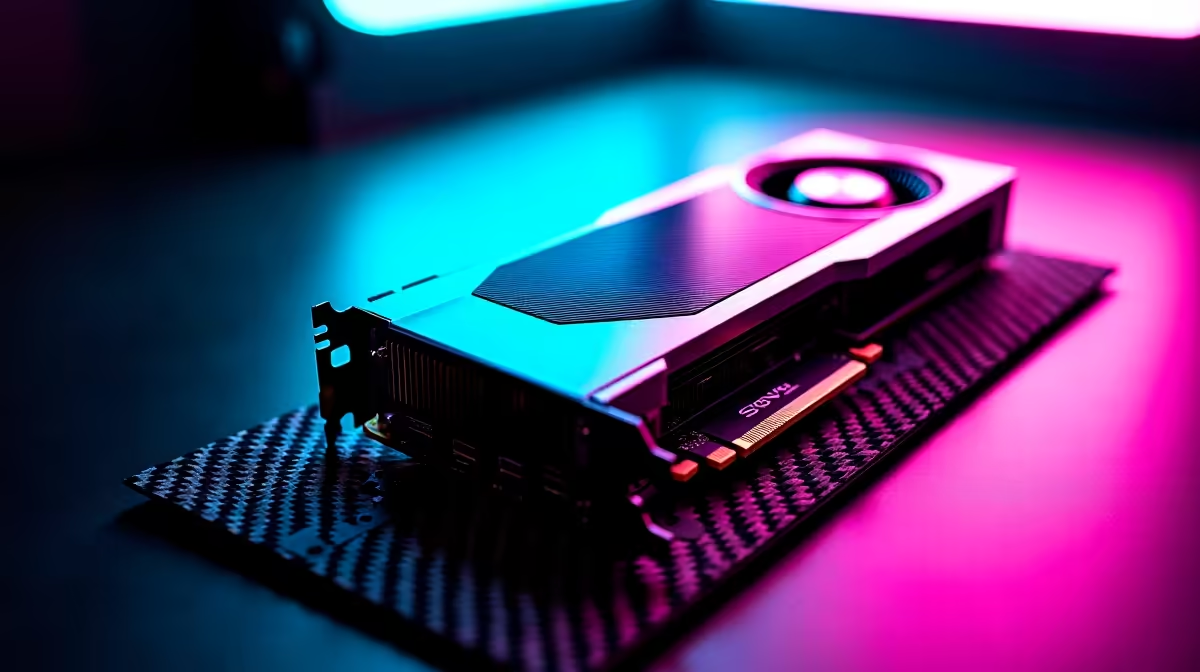
Unlock Streaming Potential with the RTX 4060 Ti 🔧
Ready to step up your streaming game with Nvidia’s RTX 4060 Ti? South African gamers and streamers, listen up — streaming with the RTX 4060 Ti demands more than just the graphics card. To achieve smooth, lag-free broadcasts with crisp visuals, your setup needs a balance of power and optimisation. Let’s break down the minimum requirements so you can stream confidently without hitches or buffering.
Minimum Streaming Requirements for RTX 4060 Ti
The RTX 4060 Ti boasts efficient ray-tracing and impressive encoding capabilities, but your PC’s overall specs matter. First, pairing this GPU with a solid processor is key. Aim for at least an Intel Core i5-12600K or AMD Ryzen 5 5600X to handle encoding workloads without bottlenecks. Streaming apps like OBS Studio thrive on CPUs with good single-core and multi-core performance.
Memory-wise, 16GB of DDR4 RAM is the recommended baseline. It’s enough to juggle gaming and streaming applications simultaneously without slowdowns. Keep your SSD storage healthy too — fast drives reduce lag when loading assets and streaming data to your software.
Don’t forget a strong and steady internet connection. A minimum upload speed of 10 Mbps ensures your streams stay crisp, avoiding pixelation during peak moments.
Essential Components To Consider 🔥
- GPU: RTX 4060 Ti for smooth graphics and hardware-accelerated encoding (NVENC).
- CPU: Intel i5-12600K or Ryzen 5 5600X minimum for balanced performance.
- RAM: 16GB DDR4 for multitasking between game and stream.
- Storage: SSD for quick access and reduced load times.
- Internet: 10 Mbps upload speed or higher for stable, clear broadcasts.
For those building a custom streaming rig specialized around the 4060 Ti, explore Evetech’s wide range of graphics cards to find the perfect match within your budget. Whether upgrading or starting from scratch, they’ve got you covered.
Optimising Your Gaming PC for Streaming
Having the right parts is only part of the story. You need smart optimisation to get the best out of streaming with an RTX 4060 Ti. Consider fine-tuning your software settings—OBS’s hardware encoding should be enabled to use the GPU’s NVENC encoder. This reduces CPU strain and keeps your streams smooth.
Keep background software down to a minimum to avoid performance dips. Efficient cooling also matters. The RTX 4060 Ti runs cool, but pairing it with a good airflow case maintains stability during long sessions.
If you’re curious about pre-built PCs optimised for gaming and streaming, Evetech offers some seriously competitive gaming PC deals that feature this GPU paired with matching CPUs and RAM.
Pro Tip for Streamers
Avoid running your game and streaming software on the same storage drive for better performance and fewer frame drops. Use an SSD for your OS and streaming programs, and a secondary drive for games.
Financing Your Streaming Setup in South Africa
Building around an RTX 4060 Ti is an investment — but it doesn’t have to break the bank. Evetech’s pre-built PC deals make it easier to grab a solid streaming rig with no fuss. Plus, with laptops now capable of handling the RTX 4060 Ti via external GPUs and powerful internal components, you can take portable streaming to the next level. Check out their collection of laptops with serious power for flexible setups.
Stay alert for Evetech’s specials, where discounts on hardware can bring down costs significantly. These deals are perfect for squeezing out every rand and rands in South Africa.
Call-to-Action Heading Ready to build or upgrade your streaming setup with the RTX 4060 Ti? Find the best deals and components tailored to South African gamers at Evetech — Shop now at Evetech for performance that leaves lag in the dust.











