

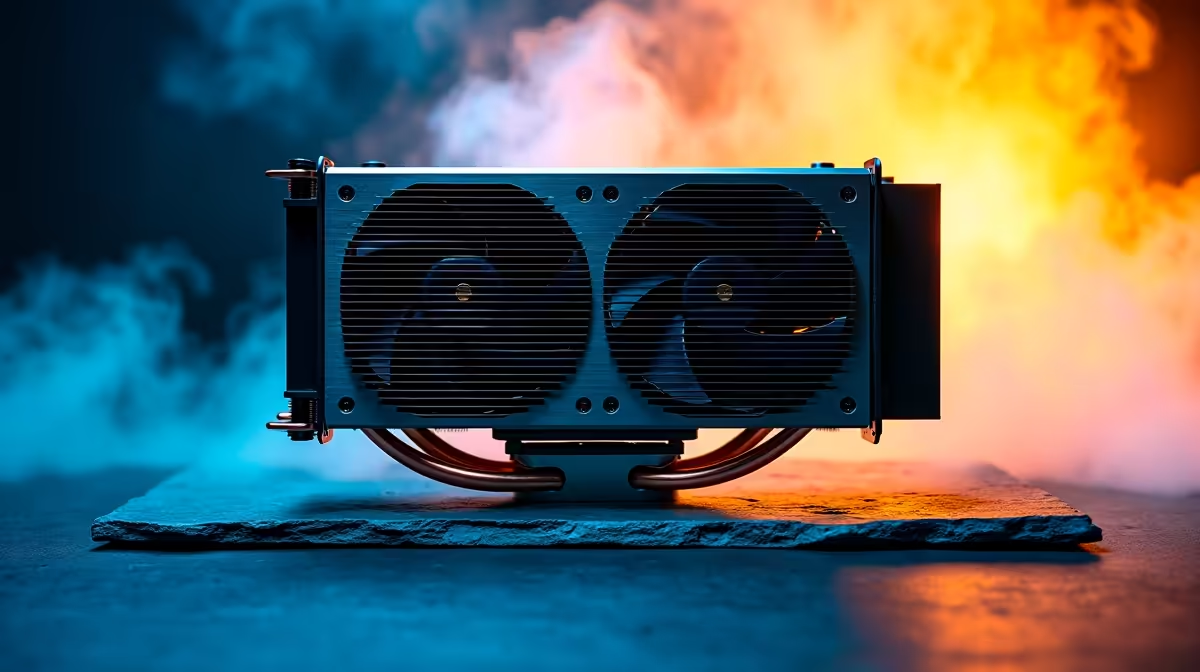
Intel's flagship processor is an absolute monster... but it runs incredibly hot. If you are dropping serious ZAR on this beast, you cannot afford to skimp on thermals. When the South African summer hits, inadequate cooling will throttle your frame rates into the ground. So, exactly what cooler do you need for the Core i9-14900K to keep it running at peak performance? 🚀
Understanding the Thermal Demands
The Core i9-14900K pushes boundaries with its 24 cores and 6.0 GHz boost clocks. That massive power draws up to 253 watts under heavy load. It can pull even more power during intense rendering tasks. Air cooling is technically possible but highly risky. You really want to look at premium liquid cooling solutions. Upgrading your setup means browsing the absolute best CPU coolers available to prevent nasty thermal throttling.
Liquid vs Air... Making the Right Call
For this specific Intel CPU, a 360mm or 420mm All-In-One (AIO) liquid cooler is the gold standard. Brands like Corsair, ASUS, and MSI offer incredible options that dissipate heat rapidly. A massive radiator ensures your coolant stays at optimal temperatures. If you prefer avoiding the tricky DIY route entirely, you can always grab one of our incredible gaming PC deals that already include top-tier liquid cooling out of the box.
Radiator Placement Pro Tip 🔧
Always try to top-mount your 360mm AIO radiator as an exhaust. This prevents the cooler from dumping hot air directly onto your graphics card, keeping your entire system perfectly balanced during long gaming sessions.
Don't Forget About Case Airflow
Even the best AIO cooler will struggle inside a poorly ventilated chassis. You need a case with a mesh front panel and high static pressure fans. Good airflow ensures fresh air constantly reaches your components. If you want a 14900K system built by professionals who know exactly how to route airflow, check out our pre-built PC deals. They come fully optimised for peak performance without the stress of mounting a massive cooler yourself.
Pre-Built Desktop or Portable Power? ⚡
Sometimes you need extreme power on the move. While desktop cooling relies on massive radiators, modern high-end gaming laptops offer desktop-level performance with custom vapour chamber cooling built right in. These portable beasts handle demanding tasks brilliantly... no massive AIO required.
The Secret to Lower Temperatures ✨
Beyond just buying a massive radiator, the physical contact between your CPU and cooler matters immensely. The 14900K has an elongated shape that can sometimes warp slightly under the standard motherboard latch. Using a third-party contact frame can lower temperatures by several degrees. Combine that with a high-end thermal compound rather than the stock paste. Every single degree counts when you are pushing 6.0 GHz.
Maximise Your Budget for the Best Cooler
Cooling the 14900K properly is an investment. A premium 360mm AIO can set you back anywhere from R3,000 to R6,000 depending on the brand and LCD screen features. However, smart buyers know exactly where to look for value. Keep an eye on our weekly specials to score massive discounts on high-end AIO coolers and chassis fans. You can save thousands of ZAR while securing the ultimate thermal setup for your rig.
Ready to Tame the Beast? Giving your Core i9-14900K the cooling it deserves is the only way to unlock its true potential. Explore our massive range of PC components and find the perfect cooler to conquer your world.











