

You finally secured the legendary AMD Ryzen 5 5600X. It is an absolute beast for 1080p and 1440p gaming. But as the South African summer approaches, you might be looking at your temperatures and wondering... what cooler do you need for the Ryzen 5 5600X? The stock Wraith Stealth cooler does the job, but pushing high frame rates demands a bit more chilling power. ⚡
The Stock Cooler vs South African Heat
AMD bundles the Wraith Stealth fan with this 65W processor out of the box. It is perfectly fine for daily browsing or light esports titles. However, if you are building the best gaming PC for intense, hours-long Warzone sessions, that stock fan gets noticeably loud.
When ambient temperatures hit 30 degrees in Gauteng or KZN, your processor works much harder to stay cool. This heat limits your automatic boost clocks. AMD chips use Precision Boost Overdrive to maximise performance, but it only works if temperatures are low. Upgrading your thermal solution ensures you get every ounce of power you paid for in ZAR.
Choosing the Right Air or Liquid Cooler
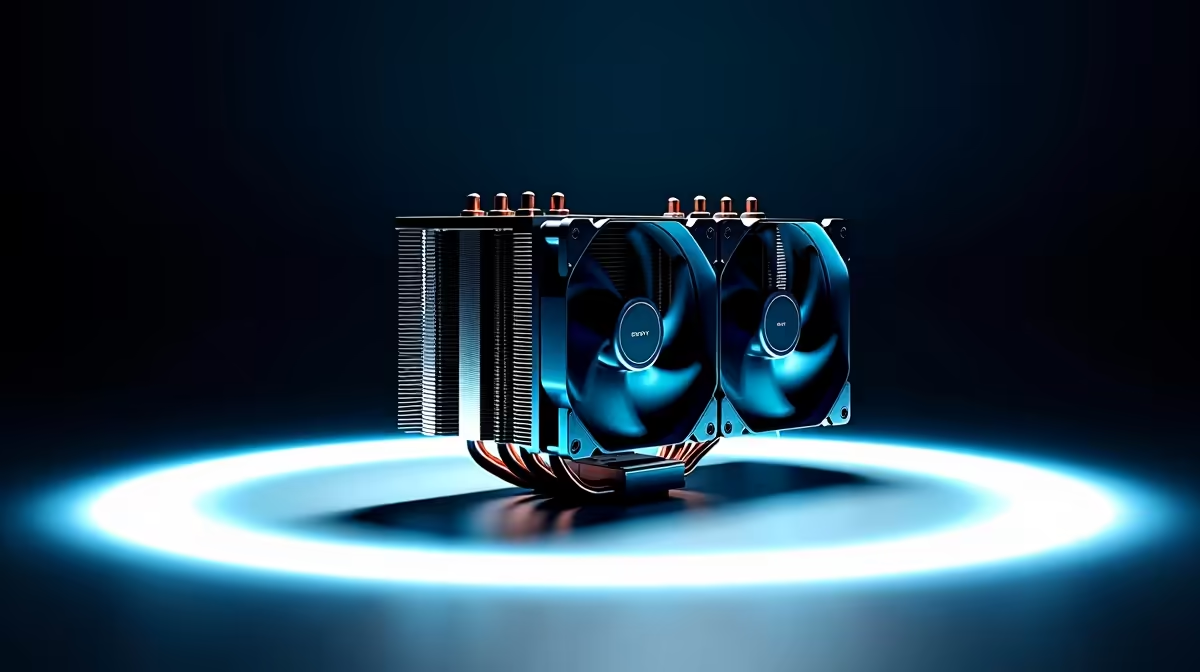
So, what cooler do you need for the Ryzen 5 5600X to keep things frosty? The good news is that you do not need to spend thousands on a massive 360mm liquid setup. Because it is a highly efficient chip, a solid 120mm tower air cooler is often the absolute sweet spot.
A decent tower cooler provides a massive drop in temperatures while keeping your system whisper quiet. You can easily browse a huge range of aftermarket CPU coolers on our store to find a budget-friendly option that fits your specific case. ✨
While an air cooler is usually enough, a 240mm liquid cooler adds incredible visual flair to your build. It also provides extra thermal headroom if you plan to upgrade to a hotter Ryzen 7 or Ryzen 9 chip later down the line.
Airflow Pro Tip 🔧
Always check your PC case clearance before buying a tower cooler. The Ryzen 5 5600X runs incredibly well with a basic 120mm air cooler, but only if your case has decent mesh intake fans to feed it fresh, cool air.
Complete System Balance
Sometimes, upgrading just one component reveals thermal bottlenecks elsewhere in your rig. If you are planning to upgrade your processor alongside your new heatsink, make sure your motherboard and power supply can handle the jump. Proper cable management also drastically improves internal case airflow.
Not keen on building and applying thermal paste yourself? Many gamers prefer the plug-and-play route today. Grabbing one of our expertly assembled pre-built PCs takes all the guesswork out of thermal management. Our technicians ensure every single component... from the thermal compound to the custom fan curves... is perfectly optimised for local conditions.
Alternatively, if portability is your main goal, modern high-performance laptops now feature incredible vapor chamber cooling that rivals bulky desktop setups. 🚀
Ready to Keep Your Rig Ice Cold? Maximising your frame rates means keeping your hardware chilled. Whether you are upgrading your current setup or building from scratch, Evetech has the best deals in South Africa. Explore our massive range of PC cooling solutions and find the perfect match to conquer your world.











