

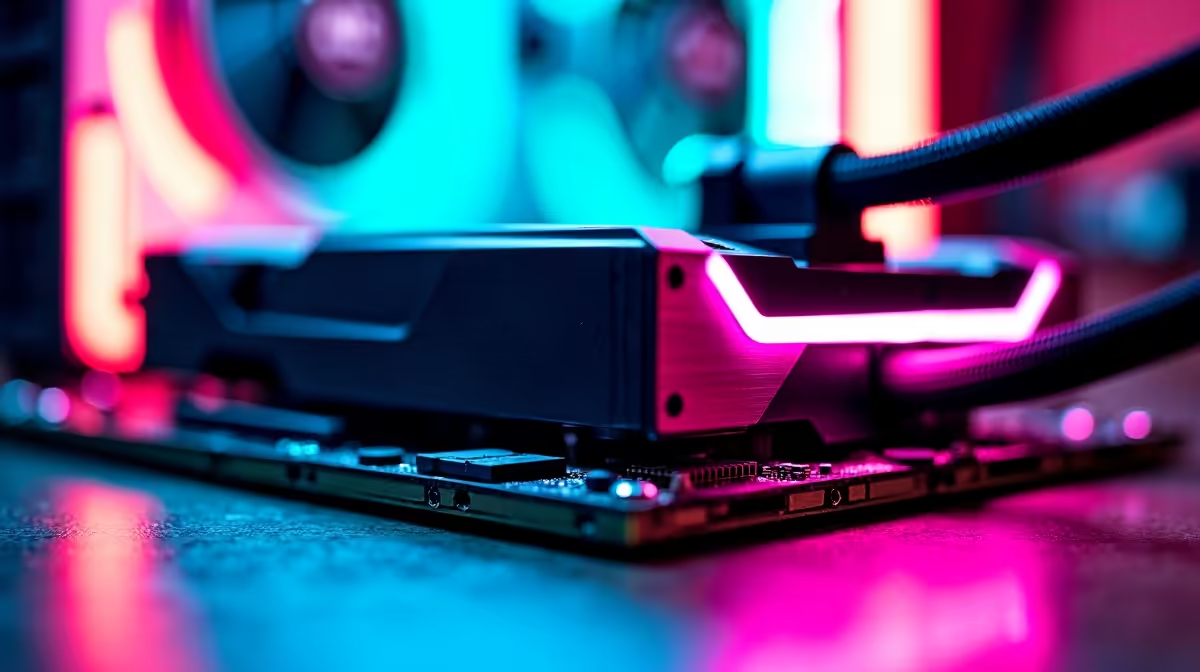
You finally secured the AMD Ryzen 7 7800X3D. It is undeniably the current king of gaming CPUs... but now you are sweating over thermals. South African summers are notoriously harsh on hardware. Because of its unique stacked 3D V-Cache design, this chip handles heat differently than standard processors. So, what cooler do you need for the Ryzen 7 7800X3D to keep frame rates high? Let us find out.
Why the 7800X3D Runs Hotter Than Expected
The Ryzen 7 7800X3D is incredibly power-efficient. It often draws less than 85W during intense gaming sessions in titles like Cyberpunk 2077. However, the extra layer of cache physically sits directly on top of the processor die. This stacked design acts a bit like a thermal blanket. It makes transferring heat away from the cores slightly harder.
If you are browsing through high-performance desktop processors, you must understand that rapid temperature spikes are completely normal here. AMD specifically designed this chip to safely operate up to 89 degrees Celsius. Do not panic if you see your monitoring software hovering in the high 70s under heavy load.
Choosing the Right Cooling Solution ❄️
So, what cooler do you need for the Ryzen 7 7800X3D to prevent thermal throttling? Do you need a massive custom water loop? Absolutely not. A high-quality dual-tower air cooler is more than capable of keeping this gaming beast tamed. Look for coolers with at least six copper heat pipes and dual 120mm fans. They offer fantastic value and will not break the bank. You can easily find these top-tier options when you shop for reliable CPU coolers.
If you prefer the clean aesthetic of liquid cooling, a 240mm or 280mm All-In-One (AIO) liquid cooler is the absolute sweet spot. It provides excellent thermal mass to absorb those sudden temperature spikes we mentioned earlier. We use these exact liquid configurations in our premium pre-built PC deals to ensure peak sustained performance. You do not strictly need a massive 360mm AIO... unless you want to run your system fans at whisper-quiet speeds during those sweaty summer gaming marathons.
Maximising Your ZAR for Ultimate Gaming 🚀
Building a perfectly balanced system means allocating your budget wisely. Spending upwards of R4,000 on an overkill cooler for a chip that sips power is simply unnecessary. You are much better off putting those hard-earned savings towards a more powerful graphics card or faster DDR5 memory. You can see this balanced hardware approach in action by checking out our best gaming PC deals.
Of course... some gamers prefer not to stress over thermal paste, mounting pressure, and custom fan curves at all. If true portability and factory-optimised cooling sound better to your lifestyle, exploring our latest gaming laptops is a fantastic alternative that delivers serious out-of-the-box power.
Undervolting Pro Tip ⚡
Want to drop your temperatures by another 5 to 10 degrees? Head into your motherboard BIOS and enable Precision Boost Overdrive (PBO). Set a negative Curve Optimizer offset of around -20. This safely lowers the voltage, reduces heat output, and actually helps the processor sustain higher boost clocks for better frame rates!
Ready to Build Your Ultimate AMD Rig? Finding the perfect balance of cooling and performance does not have to be a headache. Whether you are upgrading your cooler or building a brand new system from scratch, Evetech has the best components at unbeatable prices in South Africa. Explore our massive range of PC components and start building your dream machine today.











