

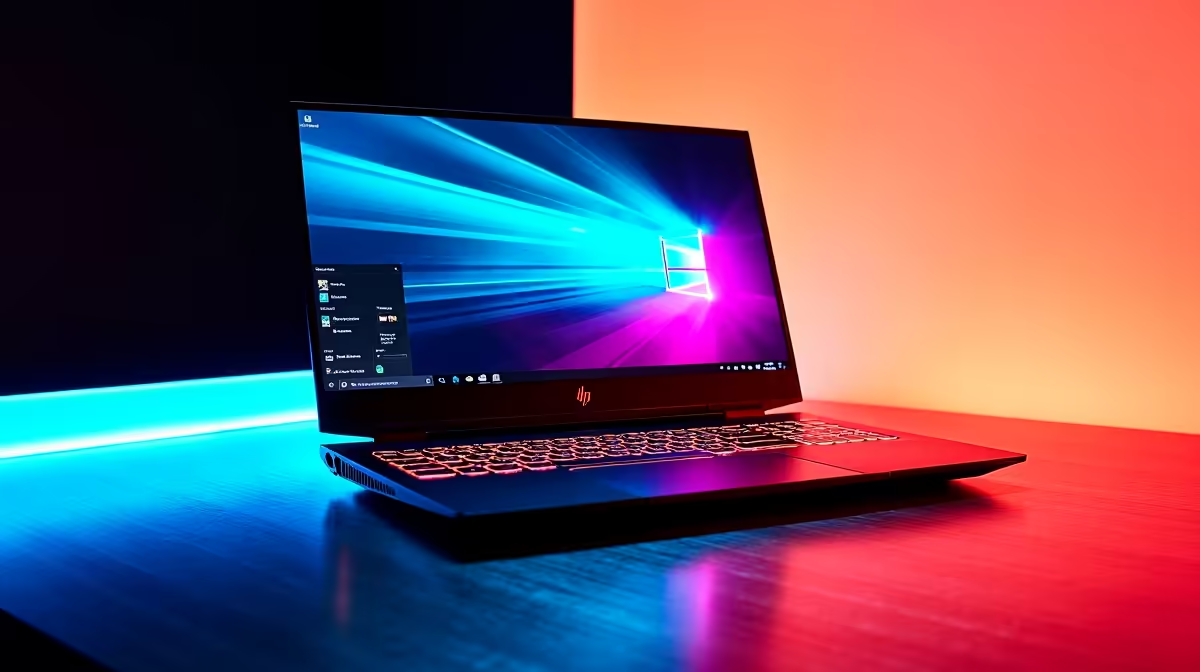
Every South African gamer knows the struggle... balancing a ZAR budget while hunting for a machine that actually delivers smooth gameplay. The HP Victus lineup has become a local favourite for this exact reason. It promises solid performance without breaking the bank. But before you spend your hard-earned Rands, you need hard numbers. Let us look at what FPS can you expect from HP Victus in popular games right now.
The Hardware Behind the Frames 🚀
In South Africa, finding a balance between performance and price is crucial. The Victus range usually packs modern Intel Core or AMD Ryzen processors alongside NVIDIA RTX GPUs. Whether you grab an RTX 3050 or an RTX 4060 model, these machines are built to push pixels efficiently while keeping your budget intact.
If you are browsing through everyday laptops for sale, you will quickly notice that the Victus stands out. It offers dedicated cooling and a display built for actual gaming... rather than just basic office work.
Real-World FPS in Top Games 🎮
So, what FPS can you expect from HP Victus in popular games when you actually load into a competitive match? Here is a realistic breakdown based on standard 1080p settings, which remains the sweet spot for modern mobile gaming.
Competitive Esports
Titles like Valorant and Counter-Strike 2 are highly optimised. On a standard HP Victus, you will easily push past 144 FPS on competitive settings. This means you can fully utilise high refresh rate screens without needing to buy standalone graphics cards to get a competitive edge.
Battle Royales
Dropping into Warzone or Apex Legends is a bit more demanding. With medium settings and DLSS enabled, a mid-range Victus comfortably hovers between 80 and 110 FPS. It is the perfect range for smooth tracking. If you are hunting for value, checking out current tech specials is a smart way to snag a higher-tier GPU for less.
Heavy AAA Titles
Games like Cyberpunk 2077 or Starfield will test any system. At 1080p medium-high settings, expect around 60 FPS. It is highly playable and visually stunning... just remember to turn on NVIDIA DLSS to keep those frames stable during intense action.
Performance Pro Tip ⚡
Always keep your HP Omen Gaming Hub updated. You can use it to switch your laptop into Performance Mode and undervolt your CPU slightly... keeping temperatures down and ensuring your frame rates stay high during long load-shedding sessions on inverter power.
When to Consider a Desktop Alternative
While the Victus offers incredible portability, some gamers crave raw, uncompromised power. If you rarely move your setup and have a dedicated desk space, a desktop might stretch your Rands even further.
Exploring pre-built PC deals gives you access to massive coolers and full-sized GPUs that simply push more frames without thermal throttling. For those who want the absolute pinnacle of performance and future upgradeability, browsing the best gaming PC deals ensures you get a rig capable of 4K gaming and 240Hz esports dominance right out of the box.
Ready to Find Your Perfect Match? The laptop vs desktop debate is complex, but for maximum power, choice, and value in South Africa, Evetech is hard to beat. Explore our massive range of HP Victus laptops and find the perfect machine to conquer your world.











