

Quick Answer
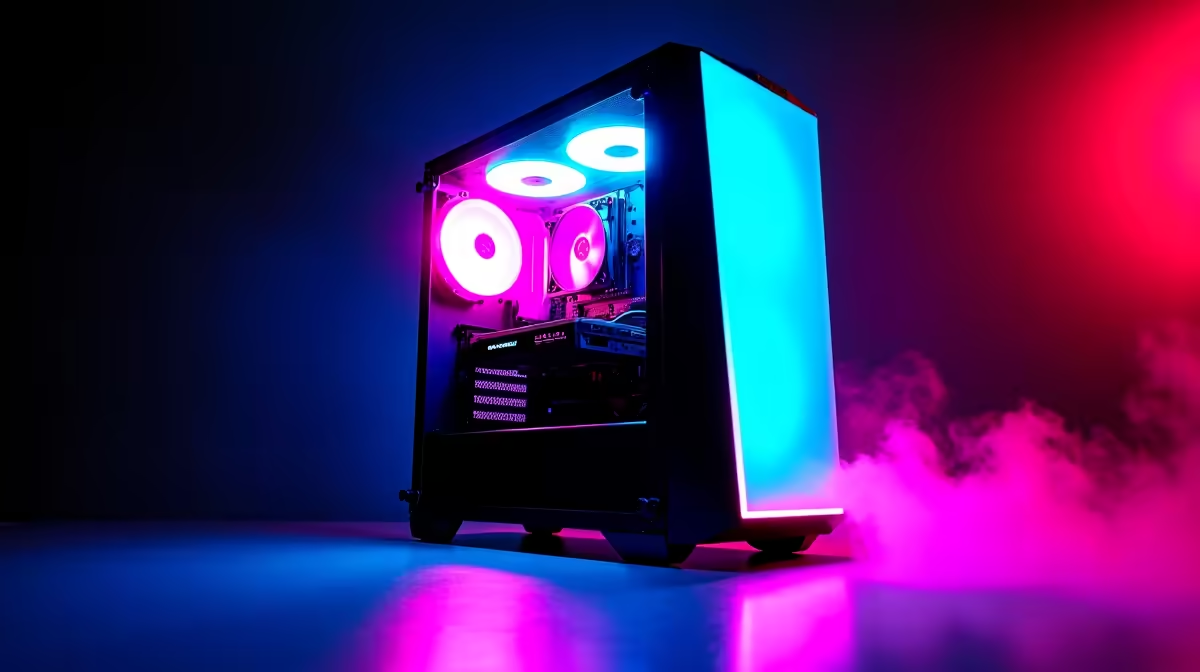
For a 10-year-old in South Africa, a pre-built gaming PC in the R8,000-R12,000 range is the practical sweet spot. It needs to handle popular games like Minecraft, Fortnite, and Roblox without requiring the child to manage complex hardware. Prioritize reliability, upgradeability, and parental control compatibility over bleeding-edge performance specs.
What a 10-Year-Old Actually Needs from a Gaming PC
A child's gaming needs at age 10 are very different from a teenager or adult gamer. The most popular games among this age group, including Minecraft, Roblox, Fortnite, and FIFA, are not graphically demanding. A mid-range gaming PC will run all of these at high settings with smooth frame rates. You do not need to spend R20,000 or more on a flagship build for a child's primary gaming needs.
What matters more at this age is reliability and ease of use. A system that boots quickly, connects to Wi-Fi without fuss, and runs the games a 10-year-old wants to play without requiring driver updates or troubleshooting sessions is worth more than a system with marginally better benchmark numbers. Pre-built gaming PCs from reputable local retailers are typically tested before shipping and include warranty support that self-assembled builds may not.
Parental controls are also a key consideration South African parents should factor in. Windows 11 includes Microsoft Family Safety, which allows time limits, content filters, screen time reporting, and spending controls for Microsoft Store purchases. Setting this up correctly before handing over the PC is an important step that a pre-built Windows system supports out of the box.
Budget and Specifications to Target
For a gaming PC aimed at a 10-year-old in South Africa in 2026, target systems in the R8,000-R12,000 range. At this price point, you should find systems with a dedicated mid-range GPU, at least 16GB of RAM, and an NVMe SSD for fast boot and load times. A 512GB SSD is a reasonable minimum, though 1TB is preferable given how large game installations have become.
A 1080p monitor is perfectly adequate for this age group. High refresh rate panels are a nice bonus but not a priority at 10 years old. A 23-inch to 27-inch 1080p 75Hz or 144Hz monitor in the R1,500-R3,000 range pairs well with the system budget.
For South African families who experience loadshedding, consider whether a laptop might better serve a child's needs. A gaming laptop on battery can continue through a loadshedding session where a desktop PC needs a UPS to do the same. Desktop setups with a UPS are also viable, but add cost to the budget.
Peripherals and Setup Advice
Keep peripherals simple and durable for a 10-year-old. A wired mouse and keyboard are more reliable than wireless for younger children, who may not consistently charge wireless peripherals. A basic gaming mouse with a comfortable grip and a full-size keyboard are sufficient starting points.
A headset with a microphone is important for games like Roblox and Minecraft where communication with friends is part of the social experience. Entry-level gaming headsets in SA start around R400-R800 and are perfectly capable for this use case.
Placement matters. A desk in a common area of the home rather than a child's bedroom makes monitoring screen time easier and is recommended by child psychologists. Ensure the setup includes adequate lighting to reduce eye strain during long sessions.
Frequently Asked Questions
Should I buy a pre-built PC or build one for a 10-year-old?
For most families in SA, a pre-built PC is the better choice. It arrives tested and configured, includes a warranty, and does not require technical assembly knowledge. Building a PC is a great project for teenagers with an interest in hardware, but for a 10-year-old's first gaming setup, reliability and simplicity are more important.
What is the minimum budget for a gaming PC for a child in South Africa?
A capable gaming PC for the games popular with 10-year-olds starts at around R8,000 for the tower. Adding a monitor, keyboard, mouse, and headset brings the total setup cost to approximately R10,000-R14,000 depending on peripheral choices.
How do I set up parental controls on a Windows gaming PC?
Windows 11 includes Microsoft Family Safety, accessible through Settings. Create a child account linked to your Microsoft account, then configure screen time limits, app and game age restrictions, and spending controls through the Family Safety app or web portal. This is the recommended approach for all Windows 10/11 gaming PCs used by children.
Ready to Find Your Perfect Match? Find the right pre-built gaming PC for your child at various price points with local warranty and fast South African delivery. Shop Gaming PC Deals











