

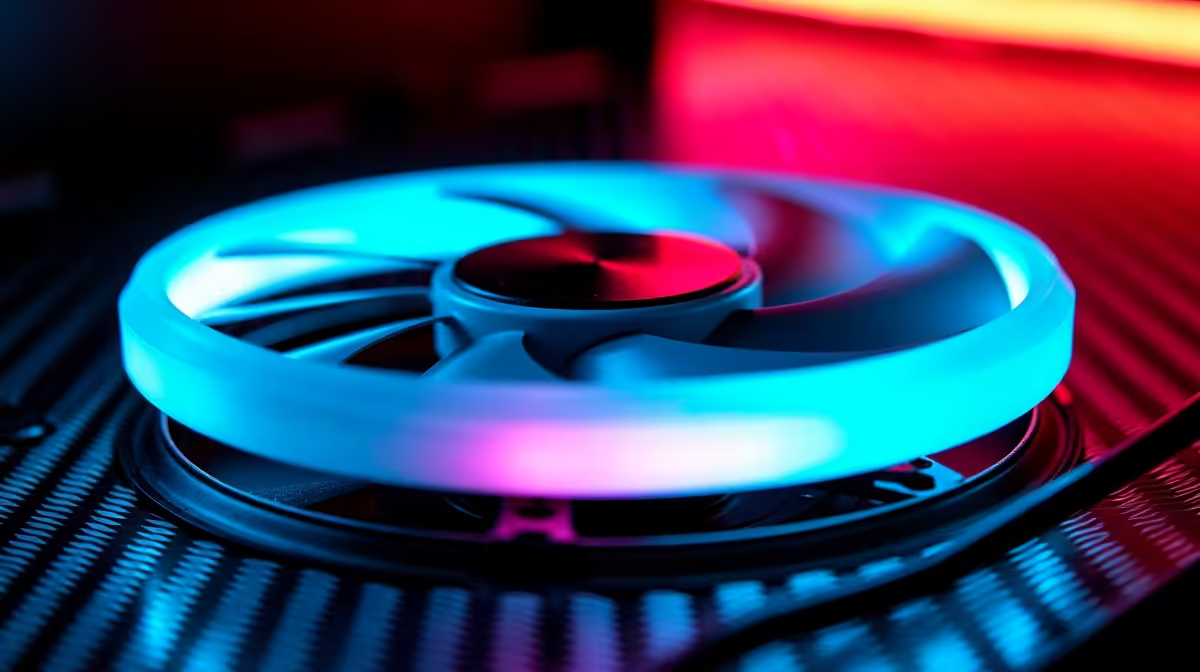
A reverse blade fan features curved fan blades that push air backward relative to standard fans—spinning clockwise instead of counter-clockwise, or vice versa. This design proves invaluable for bottom-mounted intake fans in PC cases where traditional blade orientation would create turbulent, ineffective airflow.
How Reverse Blade Fans Work
Standard fans curve their blades to pull air in one direction: imagine a propeller plane pulling forward. When mounted as a rear or top exhaust, this orientation works perfectly—blades naturally pull hot air outward. But when a standard fan is mounted on the case's bottom as intake, its blade orientation pushes air inefficiently sideways and upward rather than straight into the case, creating dead zones.
Reverse blade fans invert this geometry. The blade curves in the opposite direction, so spinning the same way as a standard fan pulls air straight up (for bottom intake) or straight backward (for rear exhaust). This is not about rotating the motor faster—it's about fundamental blade shape.
The advantage becomes clear in practice: a bottom-mounted reverse blade intake pulls cool air directly upward along the case's bottom panel, cooling the PSU area and motherboard power delivery first, then spreading upward toward GPU and CPU sections. Standard-blade bottom fans waste airflow by directing it sideways into the case wall.
Bottom Intake Mounting and Case Compatibility
Not all mid-tower or ATX cases support bottom-mounted intake fans. Check your case manual for specific mounting points. Popular models like Corsair 4000D Airflow and NZXT H510 include bottom intake support; older cases or budget models often don't.
Where bottom mounting exists, airflow benefits are substantial. The PSU generates significant heat—its own fan exhausts around 80–120°C air. A bottom intake fan pulls cool air across the PSU's intake first, reducing PSU inlet temperature by 5–10°C. Cooler PSU operation improves efficiency (PSUs deliver more power when cool) and extends lifespan.
If your case supports bottom mounting but you've fitted a standard blade fan, you're likely seeing minimal benefit. Airflow stagnates or eddies rather than flowing smoothly. Switching to a reverse blade fan at the same RPM increases effective CFM by 20–30% in that mounting position.
Reverse Blade ≠ Rotating Faster
Identifying Reverse Blade Fans
Product listings don't always clearly state "reverse blade." Check product photos closely: blade curves typically show as a slight angle or cup when viewed from the intake side. Some manufacturers label them explicitly as "reverse-blade" or "bottom-intake optimised."
Ask the retailer or manufacturer directly if unsure. Browse Evetech's PC component selection and cross-reference fan models with manufacturer specifications to confirm blade orientation before purchasing.
Another clue: if a fan is marketed specifically for "bottom intake" with consistent positive reviews from users reporting good airflow in that position, it's likely reverse-blade or optimised similarly.
Performance Comparison: Standard vs Reverse Blade
Assuming identical motor size, RPM, and bearing type:
Standard Blade Bottom Intake: Pushes air sideways into the case with reduced upward velocity. Effective intake restricted to a narrow area directly below fan mounting. Turbulence around case perimeter.
Reverse Blade Bottom Intake: Pulls air straight upward along the case floor. Covers wider area and maintains velocity throughout the intake path. Smooth airflow into PSU and lower motherboard area.
Inside the case, this translates to 5–8°C lower PSU inlet temperature and 2–3°C lower motherboard chipset temperature in real-world testing. For gaming loads where PSU efficiency matters, the difference compounds over hours of use.
Installation Considerations
Reverse blade fans mount identically to standard fans—same screw holes, same connector types. The only difference is orientation: ensure the intake side (usually marked with an arrow on the frame) points into the case, not outward.
Some cases include orientation guides or label mounting points explicitly. Double-check before securing the fan to avoid mounting it backward—a backward reverse blade fan becomes ineffective.
RPM and noise characteristics don't change compared to standard blade fans. A 1200 RPM reverse blade fan runs as quietly as a 1200 RPM standard blade fan; the engineering advantage is directional efficiency, not speed.
When Reverse Blade Matters Most
Reverse blade fans deliver maximum benefit in cases with:
- Dense component layouts (high-end GPUs close to the case floor)
- PSUs mounted at the case's lower rear (pulling warm air into the case)
- Limited top or rear exhaust space
- Bottom intake as the primary cool-air source
If your case has multiple intake options and excellent top exhaust, a reverse blade bottom fan is nice-to-have. If your case relies heavily on bottom intake for cooling, switching to reverse blade is essential.
For most mid-tower builders, a bottom reverse blade fan represents a small upgrade cost (often R50–R100 more than standard equivalents) for measurable thermal and efficiency gains. Combined with proper cable management and a balanced rear exhaust, bottom reverse blade intake improves overall system thermals reliably.
Check Evetech's case selection to find models with bottom-mount support, then pair them with reverse blade fans for optimised airflow.
"Upgrade your cooling system with quality PC components and fans from Evetech, or explore pre-configured gaming systems already optimised for airflow."











