

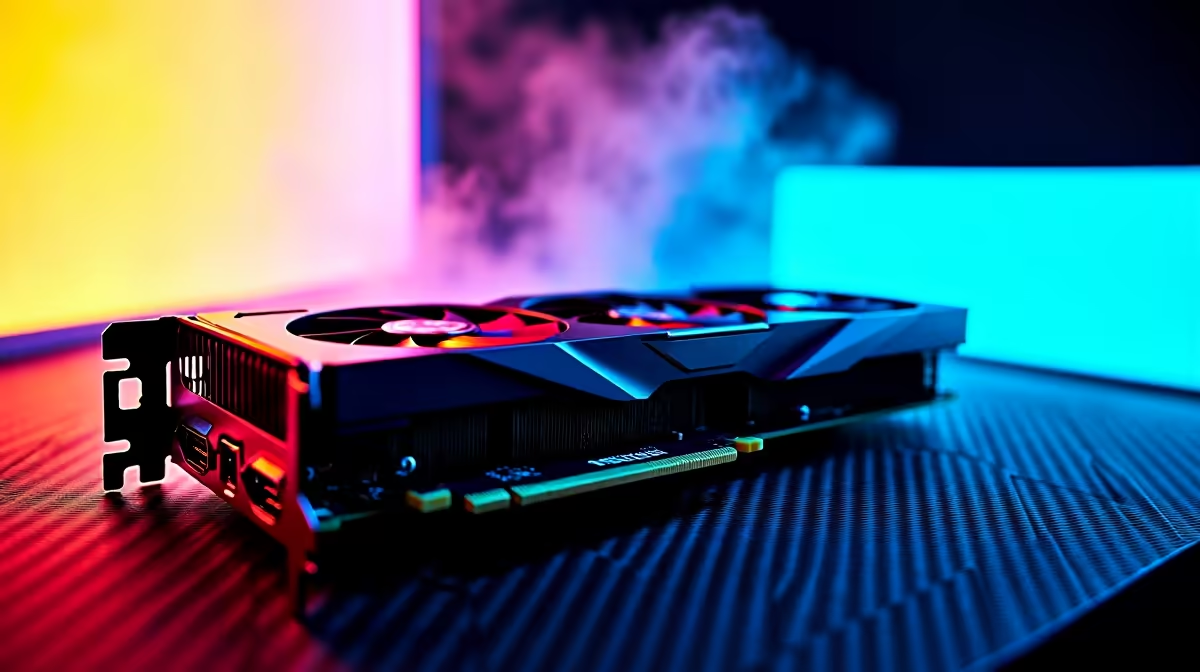
Summer gaming in South Africa is brutal. Ambient room temperatures soar... and your PC quickly turns into a noisy space heater. What if you could drop those temperatures drastically without losing a single frame per second? Welcome to the magic of GPU undervolting. It promises less heat and the exact same performance. Let us explore how tweaking your voltage can save your gaming rig.
The Basics of GPU Undervolting Explained ⚡
Modern graphics processing units are pushed to their absolute limits straight out of the box. Manufacturers apply excess voltage to ensure stability across all silicon qualities. GPU undervolting simply flips the script. You manually lower the voltage supplied to the core while keeping the clock speeds identical. If you are currently shopping for new graphics cards, knowing how to undervolt unlocks incredible long-term value. Your hardware draws significantly less power... which means it generates far less heat under heavy loads.
Beating the South African Heatwave ☀️
Thermal throttling is the absolute enemy of smooth gameplay. When your components get too hot, they automatically slow down to protect themselves. By undervolting, you keep your core temperatures well below the danger zone. This ensures your frame rates remain rock solid during intense multiplayer sessions. If you browse the best gaming PC deals, you will notice premium cooling solutions cost thousands of ZAR. Undervolting is a completely free software trick. It often mimics the thermal results of high-end liquid cooling setups.
Undervolting Pro Tip 🔧
Download MSI Afterburner to start your undervolting journey. Use the curve editor to flatten the voltage curve at your desired boost clock. Test stability with a heavy benchmark like Heaven or 3DMark... and watch those temperatures drop by up to 10 degrees Celsius!
Is Lowering Voltage Actually Safe?
Many gamers confuse this tuning process with aggressive overclocking. Overclocking pushes hardware past its factory-rated limits. GPU undervolting is the exact opposite... it is completely safe and widely recommended by enthusiasts. You are simply optimising the power delivery to the silicon. The absolute worst thing that can happen is a temporary game crash if the voltage drops too low. A quick system reboot fixes everything instantly without any hardware damage. This technique is especially brilliant for compact mobile setups. Anyone using powerful gaming laptops will notice quieter fans and vastly improved battery life immediately.
Less Heat Means More Lifespan 🚀
Excessive heat slowly degrades delicate electronic components over time. Keeping your graphics processor cool extends its operational lifespan dramatically. This means your hard-earned rands go much further before needing an upgrade. Whether you are building a custom rig or exploring our pre-built PC deals, mastering this software skill is essential. You get the exact same performance you paid for... just with whisper-quiet fans and a much cooler gaming room. Keep an eye on our weekly tech specials to find premium hardware that responds beautifully to custom voltage tuning.
Ready to Upgrade Your Gaming Experience? Now that you know how to keep your hardware running cool and fast, it is time to build your dream setup. Explore our incredible PC component specials and find the perfect graphics card to conquer your favourite titles today.











