

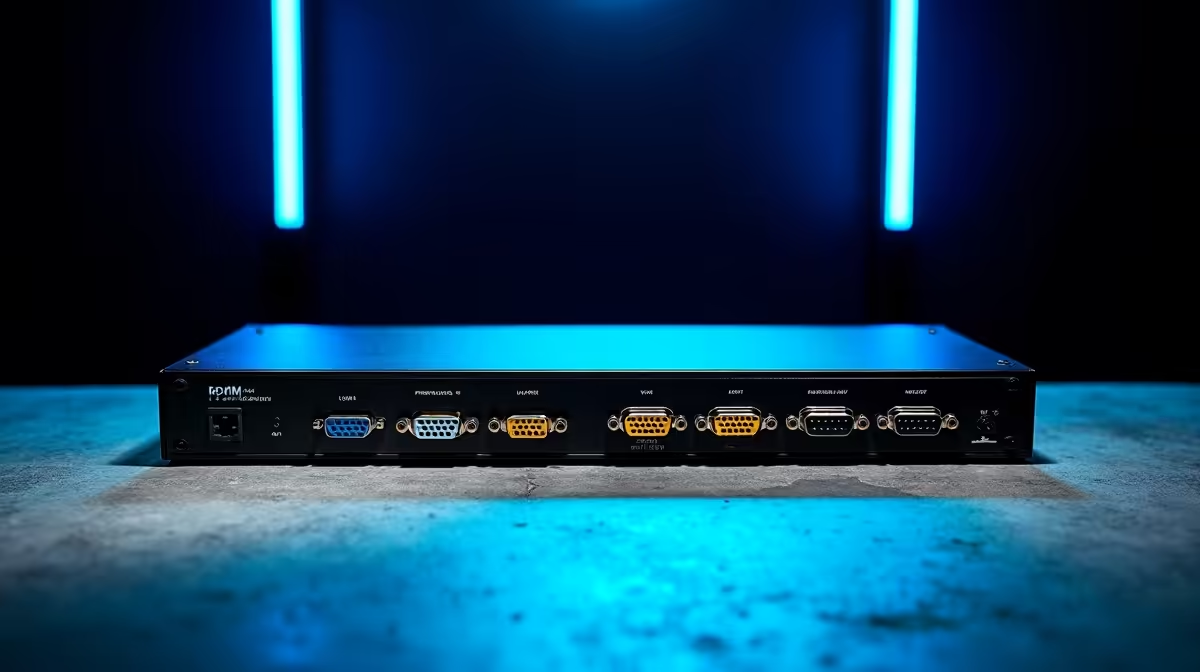
Understanding KVM Switches: One Keyboard and Mouse for Multiple PCs ⚡
Do you juggle between multiple PCs at home or in your gaming setup? Managing separate keyboards and mice can clutter your desk—and your mind. That’s where a KVM switch steps in. A KVM switch lets you control two or more computers using a single keyboard and mouse, simplifying your workflow and boosting your gaming station’s efficiency.
How a KVM Switch Works and Why It’s Handy
KVM stands for Keyboard, Video, and Mouse switch. It connects multiple PCs to a single set of peripherals, allowing you to switch control instantly. Imagine launching your gaming PC, streaming box, and work laptop without swapping devices physically. This switch reduces cable chaos and lets you focus on the action.
For South African gamers, space matters—and a KVM switch frees up your desk from extra peripherals. Plus, switching without unplugging means less wear and fewer accidental disconnections mid-game!
Choosing the Right Keyboard and Mouse for Your KVM Setup 🔧
Your KVM switch experience depends heavily on your peripherals. For smooth control, opt for responsive gaming keyboards and mice. For example, Evetech offers a wide range of gaming keyboards with mechanical switches perfect for quick inputs. Pair that with precise gaming mice featuring adjustable DPI settings to match your playstyle.
Pro tip: Look for peripherals with detachable USB connectors—they’re easier to switch and less likely to cause connection issues when paired with KVM switches.
Ideal KVM Switch Setups for South African Gamers 🚀
Whether your rig includes a powerful desktop or several pre-built gaming PCs, a KVM switch streamlines control. Evetech’s selection of best gaming PC deals and pre-built PC deals can provide you with the hardware you need to pair with a KVM. Combining high-performance machines with a KVM switch means seamless shifting between games, streaming, and work.
If you prefer mobility, many KVM switches also support laptop setups—giving your notebook the same fluid control across multiple screens (check out some notebooks for sale to start the journey).
Set Up Like a Pro
Switch between computers using hotkeys instead of physical buttons. It saves seconds and keeps your focus on the game or work.
Avoiding KVM Pitfalls: What to Consider Before Buying
Not all KVM switches handle high resolutions or gaming peripherals perfectly. Check that the switch supports your monitor’s refresh rate and resolution to avoid lag or flicker. Also, verify compatibility with your keyboard and mouse to prevent input delays.
Remember, investing in solid peripherals and a good KVM switch ensures you don’t trade any gaming performance for convenience.
Simplify Your Setup Today Make your gaming and workstations more efficient with the right peripherals and hardware. Shop now at Evetech for the best deals and gear in South Africa.











