

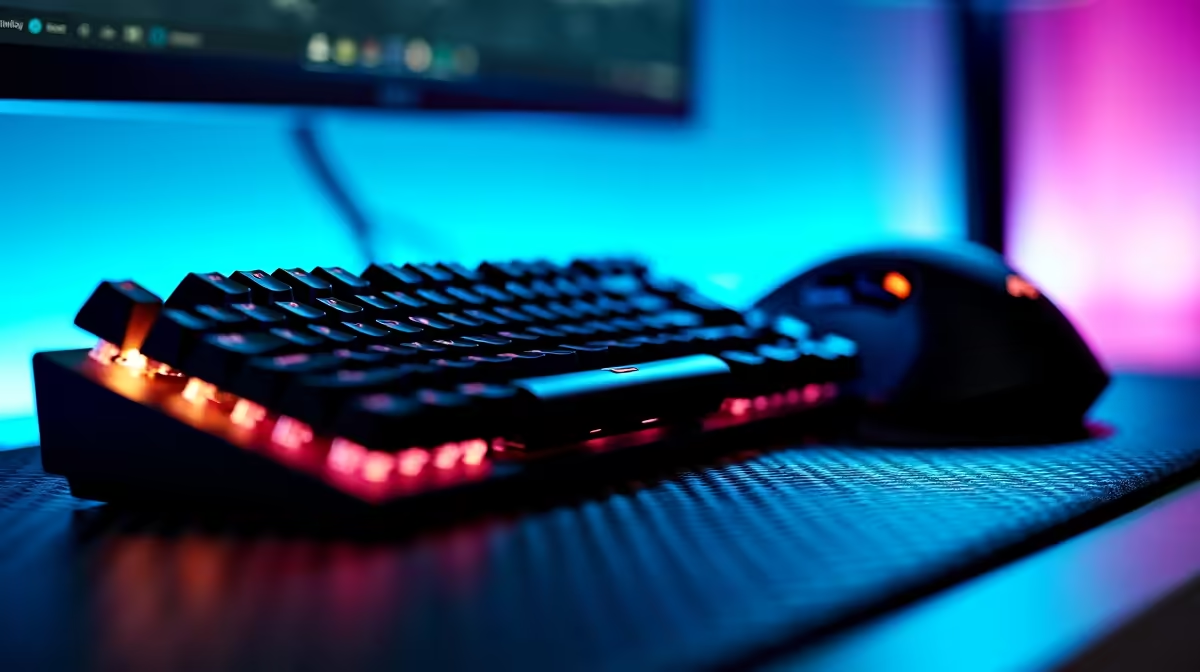
Building your first PC gaming setup in Mzansi is incredibly thrilling. But when you start looking at the hardware, the technical jargon gets confusing fast. If you want to optimise your gameplay, you might be asking: what is the difference between mechanical keyboard and gaming mouse upgrades? Both light up with brilliant RGB colour and can cost anywhere from a few hundred to a few thousand ZAR... but they serve entirely different purposes on your desk.
Understanding the Mechanical Keyboard ⌨️
To grasp what is the difference between mechanical keyboard and gaming mouse hardware, we first need to look at how you type. A standard office keyboard uses a cheap rubber membrane. When you press a key, it feels mushy and requires you to bottom out the keycap to register a stroke.
A mechanical keyboard is totally different. It uses individual, physical mechanical switches under every single key. This gives you instant tactile feedback, much faster response times, and that famously satisfying clicky sound. Switches come in different "colours" like Red for smooth, quiet presses or Blue for loud, typewriter-style clicks. They are also highly durable, often rated for up to 50 million keystrokes, making them a long-term investment for your rig. Whether you are typing a university essay or strafing in a competitive shooter, upgrading your board is essential for comfort and speed. You can explore some of the top gaming keyboards to find the perfect switch type for your playstyle.
The Anatomy of a Gaming Mouse 🖱️
So how does the other half of your setup work? A gaming mouse is engineered purely for precision, tracking, and speed. While your keyboard handles your character movement and abilities, your mouse controls your aim and camera angles.
Standard mice often lose track of fast movements. A true gaming mouse features a high-end optical sensor, adjustable DPI (dots per inch), and extra programmable side buttons for your macros. Many modern options also feature ultra-lightweight designs, reducing wrist fatigue during those marathon weekend gaming sessions. They also report back to your PC up to 1000 times per second. If you want to hit your sniper shots consistently, a proper gaming mouse tracks your rapid hand movements flawlessly without skipping a single pixel on your monitor.
Peripheral Pairing Pro Tip ⚡
Do not crank your mouse DPI to the maximum setting right away. Keep it around 800 to 1200 DPI for better control in shooters. Pair your new mouse with a mechanical keyboard using linear red switches for the absolute fastest reaction times.
Bringing Your Setup Together 🚀
Now that you understand the core differences between these two vital peripherals, you need a rig that can actually push high frame rates. After all, lightning-fast peripherals cannot fix a slow computer.
If you are ready to build a complete battle station, you can grab one of our best gaming PC deals right now. We assemble these systems locally to give you maximum value for every ZAR spent. Prefer something that is ready to plug and play right out of the box? Our pre-built PC deals take the stress out of building and cable management.
Finally, if you need to take your gaming on the go... or just want to survive load shedding with a built-in battery... we also stock a massive range of high-performance laptops. Just plug your new precision mouse and mechanical keyboard into the USB ports, and you are fully equipped to dominate the lobby from anywhere in the country.
Ready to Find Your Perfect Match? The exact gear you choose makes all the difference, but for maximum power, choice, and value in South Africa, Evetech is hard to beat. Explore our massive range of PC specials and find the perfect machine to conquer your world.











