

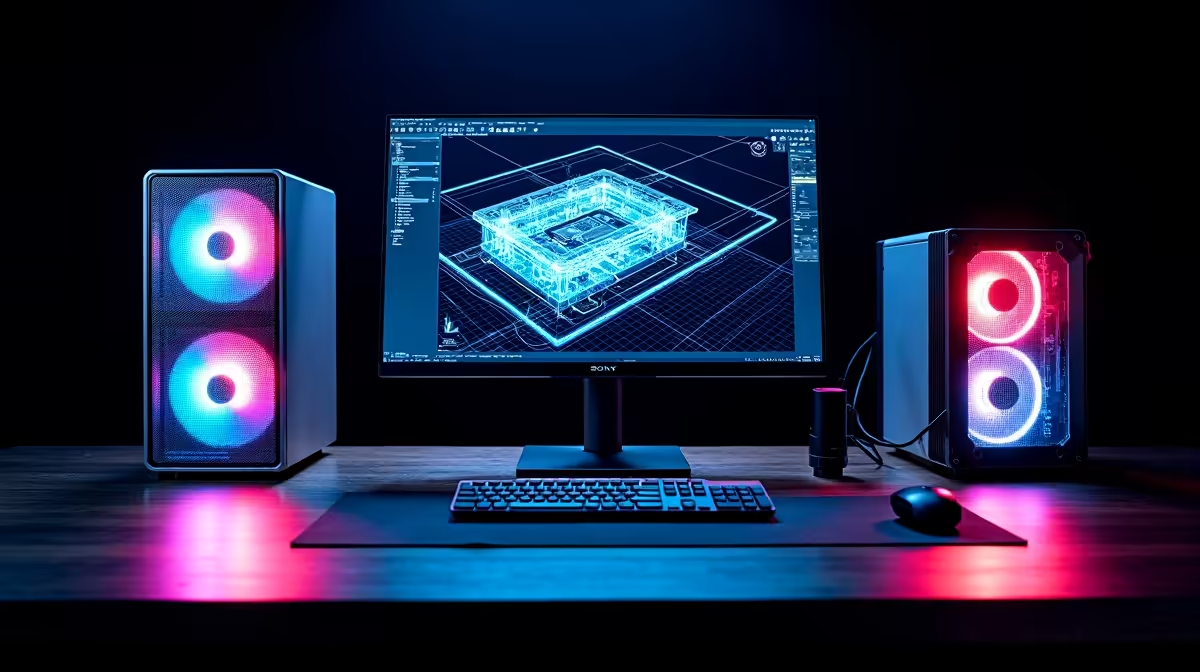
Are you tired of watching your screen freeze while rendering a basic floor plan? As architectural demands grow... your hardware needs to keep up. If you are wondering what PC specs do you need for AutoCAD in 2026, you are not alone. South African designers need reliable machines that balance extreme performance with solid ZAR value. Let us break down the exact hardware you need to stay productive. 🚀
The Core Processor... Your AutoCAD Engine
AutoCAD is notoriously single-threaded. This means it relies heavily on the speed of a single core rather than spreading the workload across many cores. For 2026, look for processors that boost well over 5.0GHz. The latest Intel Core i7 or AMD Ryzen 7 chips are your best bet for seamless drafting.
High clock speeds generate heat... so robust liquid cooling is essential to prevent thermal throttling. If you want a machine built specifically for these high speeds without the hassle of building it yourself, exploring top-tier pre-built PC deals is a remarkably smart move.
Memory and Storage for 2026 Workloads
Gone are the days when 16GB of RAM was enough. By 2026, complex 3D models and massive site plans will eat through memory. You will likely have browser tabs open... alongside PDF viewers and heavy rendering software. You need at least 32GB of DDR5 RAM to keep things running smoothly.
Storage is just as crucial. A fast NVMe SSD ensures your massive DWG files open instantly. If you are a designer on the move, you can find these exact specs in modern high-performance laptops that easily rival desktop power. ✨
AutoCAD Optimisation Tip 🔧
Always install AutoCAD and your active project files on your primary NVMe SSD. Move older, completed projects to a secondary drive to keep your main workspace lightning fast and clutter-free.
Graphics... Finding the Sweet Spot
While the CPU does the heavy lifting, a dedicated GPU is vital for smooth 3D orbiting and rendering. You do not necessarily need the most expensive flagship card. A mid-range NVIDIA RTX 40-series or AMD equivalent will handle complex shading beautifully. Look for at least 8GB of VRAM to ensure textures load without a hitch.
Upgrading your current rig? You can easily browse the latest graphics cards to give your older workstation a massive visual boost without replacing the entire system.
Maximising Your ZAR Budget
Building an AutoCAD workstation in South Africa means balancing raw power with your budget. The Rand can fluctuate... making smart purchasing decisions more important than ever. Interestingly, machines designed for high-end gaming often make the perfect CAD workstations. They already feature the high clock speeds, robust cooling, and premium power supplies you need for heavy workloads. Grabbing one of the best gaming PC deals can save you thousands while delivering premium rendering performance.
Investing in quality components now means you will not need another upgrade until 2030. Always keep an eye out for seasonal price drops. Upgrading your office setup does not have to break the bank if you shop smart. Checking out weekly computer specials is the best way to stretch your Rands further... ensuring you get maximum performance for your hard-earned money. ⚡
Ready to Build Your 2026 Workstation? Finding the right hardware for professional design work is crucial for your productivity. Whether you need a mobile powerhouse or a desktop beast, Evetech offers the best value in South Africa. Explore our massive range of workstation deals and find the perfect machine to conquer your next project.











