

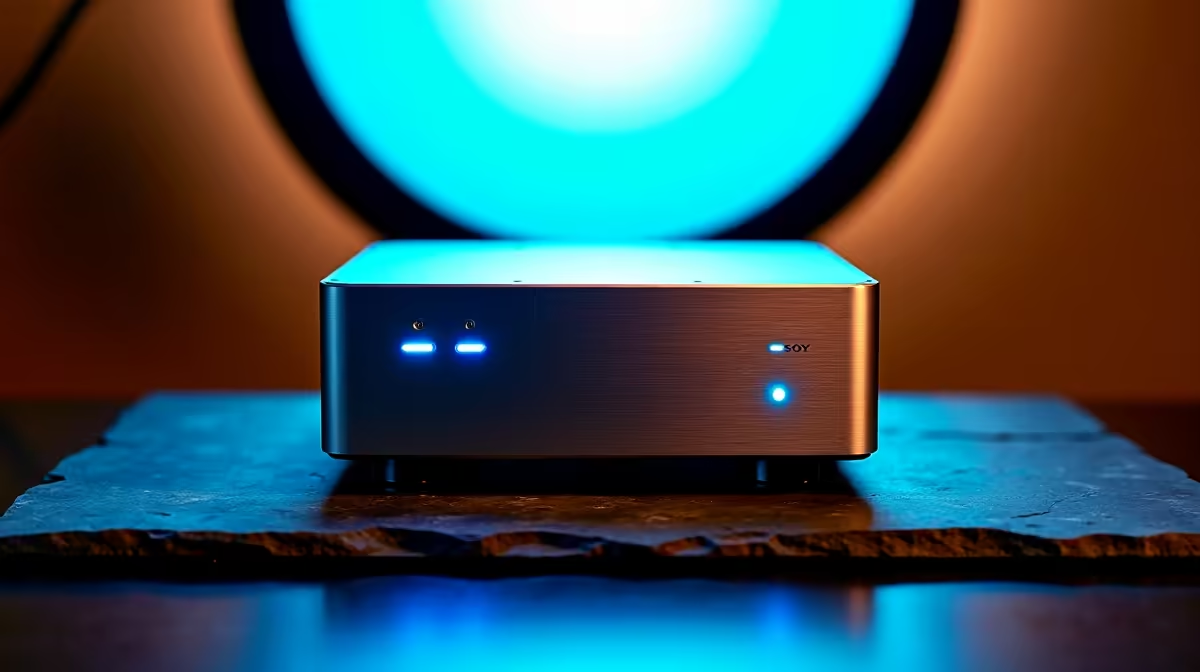
Mini-ITX cases for music production are a popular choice for producers who want a capable build in a compact footprint, but size constraints create real trade-offs for audio workstations. Getting the case sizing right from the start saves you from cramped builds, thermal issues, and component compatibility headaches.
Quick Answer
What size mini-ITX case do you need for music production? For music production, choose a mini-ITX case with at least 330mm GPU clearance, enough drive bays for two or three storage drives, and good airflow design. Avoid ultra-compact cases (under 8L) unless your build is extremely light - the thermal and expansion limitations hurt audio workstation longevity.
🔧 Why Case Size Matters for Audio Workstations
Music production PCs have specific requirements that differ from gaming builds:
Drive bay requirements: Audio projects accumulate fast. Sample libraries (Kontakt, Spitfire Audio, East West) can occupy 500GB to 2TB each. You’ll want at least two NVMe M.2 slots or a combination of M.2 and 2.5-inch SATA bays for a dedicated sample drive. Ultra-compact cases often provide only one M.2 slot - not enough.
Cooling: Audio production is a sustained workload. DAWs like Ableton Live, FL Studio, and Logic Pro (on compatible hardware) push CPUs hard during mixing sessions with heavy plugin loads. Adequate cooling prevents thermal throttling, which causes audio dropouts and glitchy plugin performance. You need a case that accommodates a quality air cooler (at least 150mm height) or a 240mm AIO.
PCIe slots: Dedicated audio interfaces that connect via PCIe (like certain RME or Universal Audio cards) require a full-size PCIe slot. Many ultra-compact ITX cases have no accessible PCIe slots or only accommodate low-profile cards. If you use a USB audio interface, this is less of a concern.
GPU size: Music production doesn’t require a powerful GPU, but a mid-range GPU keeps display rendering off your CPU and allows you to run multiple monitors. Cases under 10L often have restrictive GPU length limits (200mm or less) that rule out modern cards.
📊 Mini-ITX Case Size Categories for Music Production
| Case Volume | Example Fit | Recommendation for Audio |
|---|---|---|
| Under 8L (ultra-compact) | 1x M.2, limited cooling | Not recommended |
| 8–15L (small form factor) | 2x M.2, 120–240mm AIO possible | Suitable with careful planning |
| 15–25L (mid-compact ITX) | 2x M.2 + SATA, 240mm AIO, full GPU | Ideal for most audio workstations |
| Over 25L (large ITX) | Near-ATX expandability | Excellent, consider micro-ATX instead |
For most music producers, a case in the 15–25L range hits the sweet spot: compact enough to fit on a studio desk without dominating the space, but spacious enough for adequate cooling, multiple storage drives, and a dedicated GPU.
❓ Frequently Asked Questions
Can I use a mini-ITX build for professional music production? Yes. Many professional producers use mini-ITX workstations successfully. The key is selecting a case with enough thermal headroom and storage expansion for your specific workflow. A well-cooled 8-core Ryzen or Intel CPU in a 15–20L case handles most professional DAW workloads without compromise.
Do I need a dedicated GPU for music production? Not for the audio work itself - but a GPU offloads display rendering from your CPU and supports multi-monitor setups, which most producers use. A mid-range GPU in your mini-ITX case is worthwhile even if it’s not doing heavy compute work.
How important is case noise for a music studio setup? Very important. Recording in the same room as your PC means fan noise can bleed into microphone recordings. Look for cases that support low-noise fans and have some acoustic dampening. Semi-passive coolers that stop fans under light load are ideal for quiet recording environments.
Evetech stocks All PC Cases and Graphics Card Deals — shop online with fast delivery across South Africa.
Ready to Find Your Perfect Match? Shop at Evetech











