

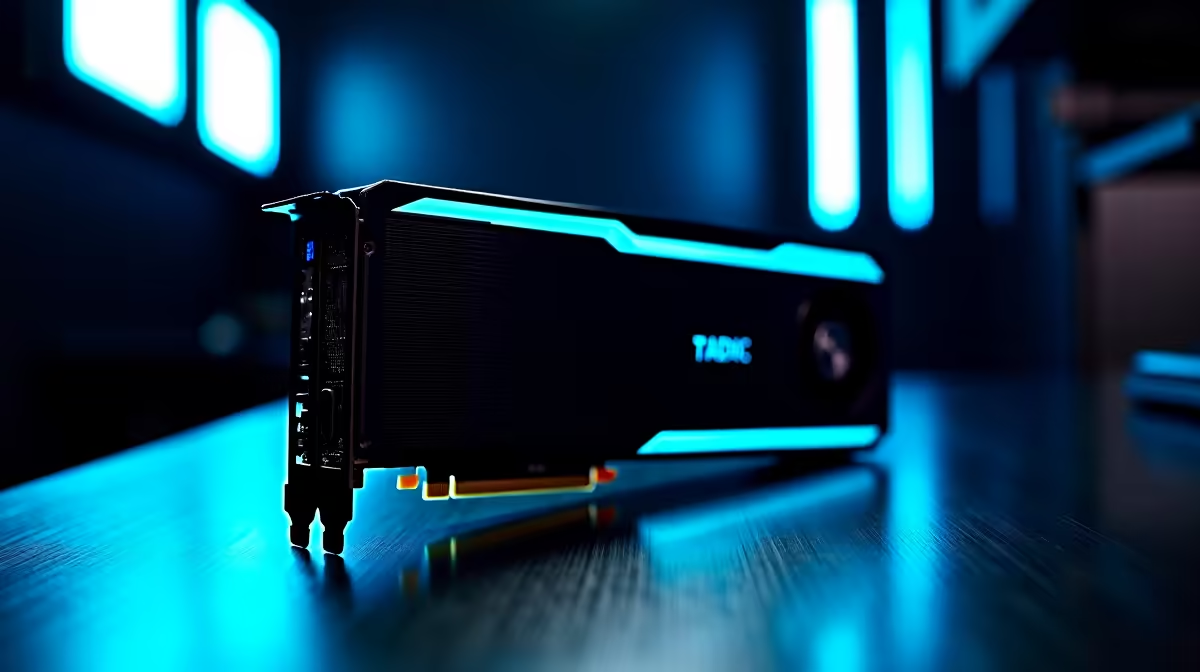
Are you a South African digital artist staring at Blender... wondering what size RTX 5070 do you actually need for 3D rendering? You are not alone. With tight client deadlines, buying the wrong GPU hurts. Whether you build complex architectural visualisations or character animations, getting the right VRAM capacity is crucial. Physical card dimensions also impact your ZAR investment. Let us break down the exact specs you need.
The VRAM Debate: How Much Memory is Enough? 🚀
When we talk about GPU size, Video RAM (VRAM) is your primary concern. 3D rendering engines like V-Ray, Octane, and Redshift devour memory. If your scene exceeds your VRAM limit, your system crashes... or slows to a painful crawl.
For basic models and product renders, a standard 12GB variant might suffice. But if you are texturing high-poly environments with 4K assets, you will want more overhead. To explore your upgrade options, you can browse our latest graphics cards to see what fits your specific workflow.
Physical Size and Case Clearance 🔧
Next up is the physical footprint. The newer RTX coolers are incredibly robust. A massive triple-fan RTX 5070 might not fit inside an older mid-tower case. You absolutely need to measure your chassis clearance before clicking buy.
A card that chokes against your side panel will overheat and throttle your render speeds. If you prefer avoiding the DIY hassle completely, you can always grab one of our custom gaming PCs. They are expertly assembled to ensure perfect component clearance and optimal airflow for those long rendering sessions.
Portability vs Desktop Power
Sometimes you need to render on the move. Freelancers hopping between Cape Town coffee shops and Johannesburg studios might not want a massive desktop tying them down.
While a desktop GPU always offers a raw thermal advantage, modern portable workstations close the performance gap. If mobility is your top priority, checking out our high-performance laptops is a smart move. They pack serious rendering muscle into a sleek, portable form factor.
Building the Ultimate Rendering Rig ✨
Pairing your new GPU with the right CPU and RAM is just as vital. System bottlenecks will ruin your render times regardless of your graphics card.
You need a workstation that balances compute power with graphical grunt. Our pre-built computers are engineered specifically for these heavy workloads. You save valuable time... and completely avoid the stress of matching compatible parts yourself.
Rendering Pro Tip ⚡
When rendering massive scenes in Blender or Maya, optimise your textures before hitting render. Downscaling background assets to 2K or 1K can save gigabytes of VRAM. This ensures your GPU stays within its memory limits and prevents out-of-memory crashes.
Maximising Your ZAR Value
Upgrading your professional workstation shouldn't empty your bank account. Tech hardware prices fluctuate, but smart buyers know exactly where to look.
By keeping a close eye on our weekly tech specials, you can stretch your budget much further. Finding the perfect RTX 5070 size for 3D rendering becomes much easier when you score a solid discount on your essential components.
Ready to Accelerate Your Renders? Time is money in the 3D world. Don't let slow render times hold back your creativity. Explore our massive range of PC components and systems at Evetech to find the exact hardware you need to bring your imagination to life.











