

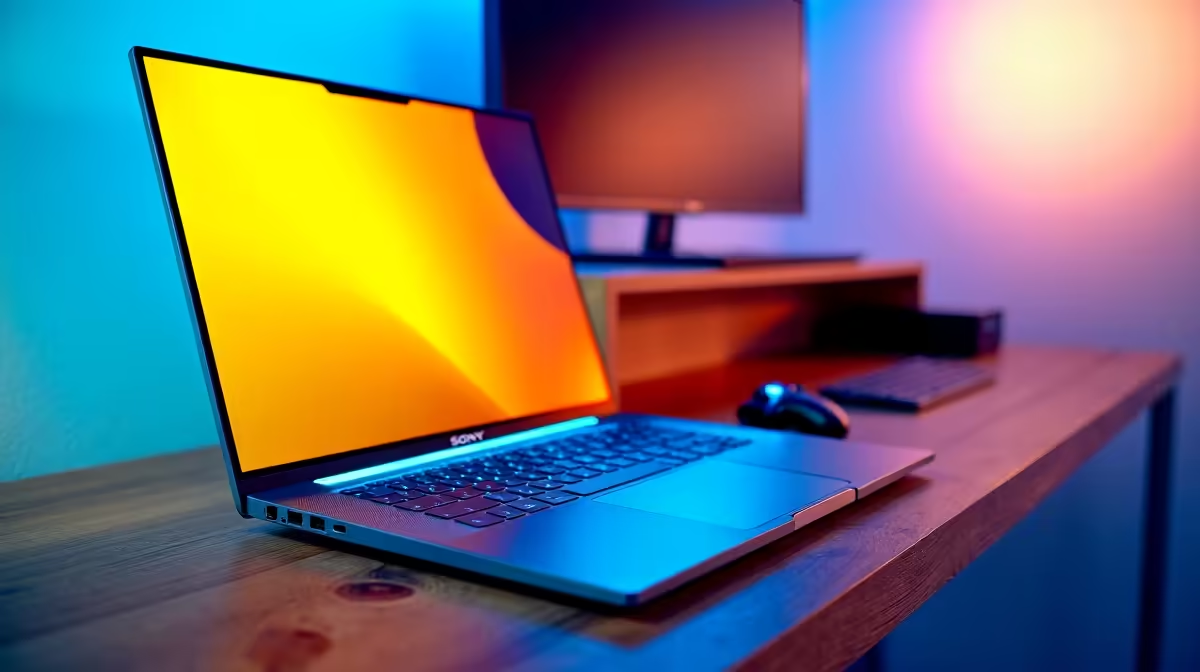
Load shedding kicking in just as your Twitch stream peaks? We have all been there. Taking your broadcast mobile is the ultimate flex for South African creators... but finding the right gear is tricky. If you are wondering what size ultrabook do you actually need for streaming, you are not alone. Let us break down the perfect display size to balance OBS, chat, and portability without breaking the bank.
The 13-Inch and 14-Inch Ultra-Portable Route 🚀
When you are constantly on the move between coffee shops or dodging power cuts, a smaller footprint is fantastic. A 13-inch or 14-inch machine fits into almost any backpack. If you are browsing versatile notebooks for sale, these compact models are usually the most affordable.
However... there is a catch. Streaming requires serious screen real estate. Trying to squeeze OBS Studio, your stream chat, and Spotify onto a tiny 13-inch display will leave you squinting. These smaller sizes work best if you use a capture card to stream console gameplay rather than gaming directly on the laptop.
The 15-Inch to 16-Inch Streaming Sweet Spot ✨
For most content creators, the 15-inch or 16-inch category offers the perfect middle ground. You get a display large enough to comfortably split your screen between your broadcasting software and your live chat. Plus, these slightly larger chassis often feature better cooling systems to handle extended broadcasting sessions.
Streamer Display Tip ⚡
If you are streaming from a single screen, use the built-in Windows Snap feature. Pin OBS to one half of your display and your browser window with chat to the other. It keeps your workflow clean without needing a second monitor.
If you are hunting for value, keeping an eye on weekly tech specials can help you snag a 15-inch model at a great ZAR price point. Just remember that ultrabooks are designed for efficiency. If you want to stream heavy AAA titles at ultra settings, you will eventually hit a performance wall compared to machines with standalone graphics cards.
When You Need Maximum Power 🔧
What if you want a massive 17-inch screen? At that size, you are stepping out of the ultrabook category and into heavy desktop-replacement territory. They are bulky, heavy, and drain batteries fast.
For creators who need raw rendering power and massive displays, a dual-PC setup is often the smartest route. You can use a lightweight 14-inch ultrabook to handle the encoding while playing your games on a dedicated rig. Exploring premium gaming PC deals is a great way to build your main battle station. Alternatively, you can look into custom pre-built PCs to act as the heavy lifter in your studio.
Ultimately, the size of your streaming laptop depends entirely on your setup. If it is your only machine, go for a 15-inch model. If it is just a dedicated streaming PC alongside a desktop, a 13-inch or 14-inch ultrabook is all you really need.
Ready to Build Your Streaming Empire? Finding the right balance between portability and screen space is crucial for any creator. Whether you need a compact ultrabook for on-the-go broadcasting or a heavy-duty rig for your studio, we have you covered. Explore our massive range of laptop specials and find the perfect machine to conquer your world.











