

Quick Answer
For R12,000 in South Africa in 2026, you can build or buy a workstation PC capable of handling 3D rendering, video editing, data analysis, and software development. Expect a Ryzen 5 or Core i5 processor, 32 GB DDR4 or DDR5 RAM, a 512 GB to 1 TB NVMe SSD, and a capable GPU depending on your workstation use case.
R12,000 is a serious workstation budget in South Africa in 2026. It sits above the entry-level consumer tier and within reach of genuine professional-grade components. Here is what you can realistically expect at this price point and how to maximise value for your specific workload.
What R12,000 Gets You in a Workstation PC in 2026
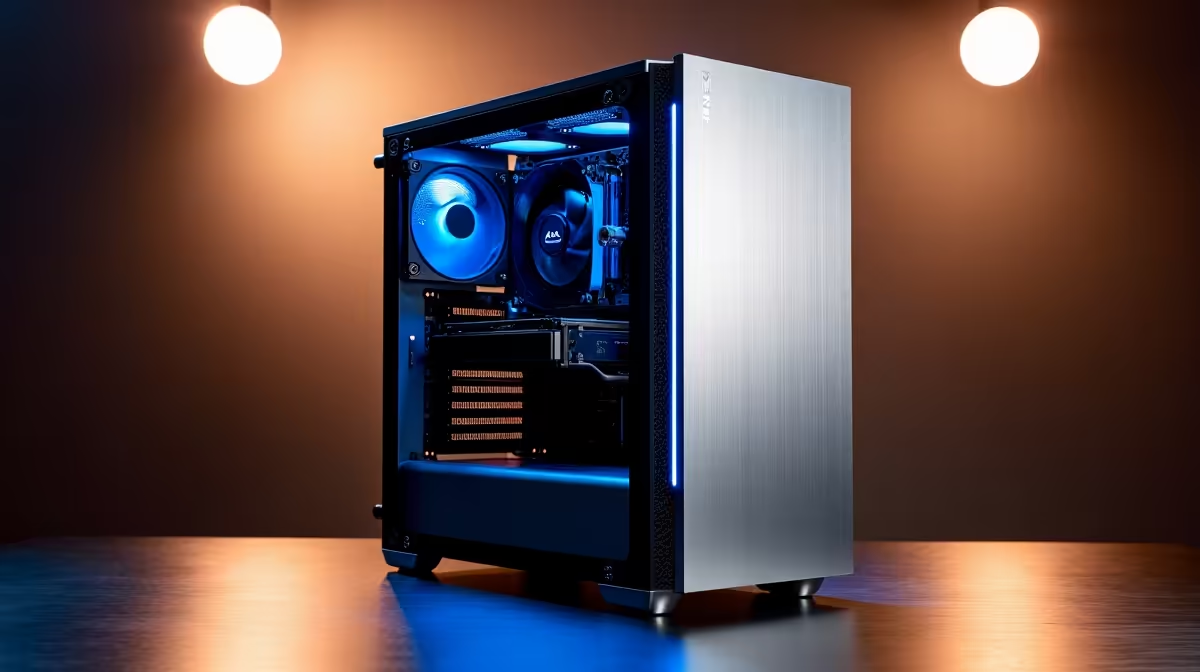
At R12,000, a purpose-built workstation can include a 6-core to 8-core processor (AMD Ryzen 5 7600 or Intel Core i5-13600K class), 32 GB of DDR5 RAM, a 1 TB NVMe Gen4 SSD, a B650 or Z790 motherboard, a 650W 80+ Gold PSU, and a mid-tower case with adequate airflow. GPU allocation depends on your workload. Video editors and 3D artists should prioritise GPU, allocating R3,000 to R5,000 for a discrete graphics card. Data analysts and software developers can run efficiently on integrated graphics and allocate more budget to RAM (64 GB) and storage. Pre-built workstations at R12,000 from reputable South African retailers are available but typically include less RAM and smaller storage than a custom build at the same price.
Workload-Specific Recommendations
For video editing (DaVinci Resolve, Premiere Pro): prioritise GPU with at least 8 GB VRAM, 32 GB RAM, and a fast NVMe SSD for cache. For 3D rendering (Blender, Cinema 4D): a stronger GPU or higher core count CPU depending on whether you render on GPU or CPU. Blender''s Cycles renderer on a mid-range NVIDIA GPU at R12,000 total budget will outperform CPU rendering significantly. For software development and data science: 32 GB RAM, fast SSD, and multi-core CPU matter most. GPU is secondary unless you are training machine learning models. For CAD (AutoCAD, SolidWorks): a certified workstation GPU is ideal, but consumer NVIDIA cards work for most non-enterprise CAD tasks at this budget.
Should You Buy Pre-Built or Build Custom at R12,000?
At R12,000, the custom build advantage is meaningful. A custom build lets you choose components optimised for your workload, typically delivering 20-30% better performance-per-rand than a pre-built at the same price. The trade-off is assembly time and the absence of a single-vendor warranty. Pre-built workstations from reputable South African retailers offer convenience and integrated support, which matters if downtime is costly.
Frequently Asked Questions
Q: Can a R12,000 workstation PC handle 4K video editing in South Africa in 2026? A: Yes, with the right GPU. A R12,000 workstation with 32 GB RAM and a GPU with 8 GB or more VRAM will handle 4K editing in DaVinci Resolve at proxy or optimised media workflows. Full native 4K real-time playback demands a higher GPU budget.
Q: Is 32 GB RAM enough for professional workstation use at R12,000? A: 32 GB is sufficient for most professional workloads including video editing, 3D modelling, and software development. RAM-intensive tasks like large dataset analysis or high-resolution 3D scene rendering benefit from 64 GB, which is achievable at R12,000 by reducing GPU spend.
Q: What is the most important component to prioritise in a R12,000 workstation? A: It depends on your workload. Video and 3D work: GPU first. Data science and development: RAM and CPU. Storage-intensive workflows: invest in a fast, large NVMe SSD.
Ready to Find Your Perfect Match? Build or buy your next workstation PC at Evetech - South Africa''s destination for professional computing.











