

Quick Answer
For R15,000 in South Africa in 2026, you can build a capable workstation PC suited to content creation, software development, 3D rendering, or professional productivity. At this budget, expect a multi-core processor in the AMD Ryzen 7 or Intel Core i5/i7 range, 32GB of DDR5 RAM, a fast NVMe SSD, and integrated or entry-level discrete graphics depending on your workload.
What R15,000 Gets You in 2026
R15,000 is a meaningful workstation budget in the South African market. Unlike gaming PCs where a large portion of the budget goes toward a GPU, workstation builds prioritize CPU core count, RAM capacity, and fast storage. At R15,000 you can realistically target an AMD Ryzen 7 7700X or Intel Core i7-13700F, 32GB of DDR5 RAM, a 1TB NVMe PCIe Gen 4 SSD, a quality B650 or B760 motherboard, a modular PSU in the 650W to 750W range, and a mid-tower case with good thermals. This configuration handles video editing in DaVinci Resolve at 1080p and 1440p, software development environments with multiple containers running simultaneously, architectural visualization renders in reasonable timeframes, and demanding spreadsheet or data analysis workflows that stress RAM capacity.
Recommended Configuration Breakdown
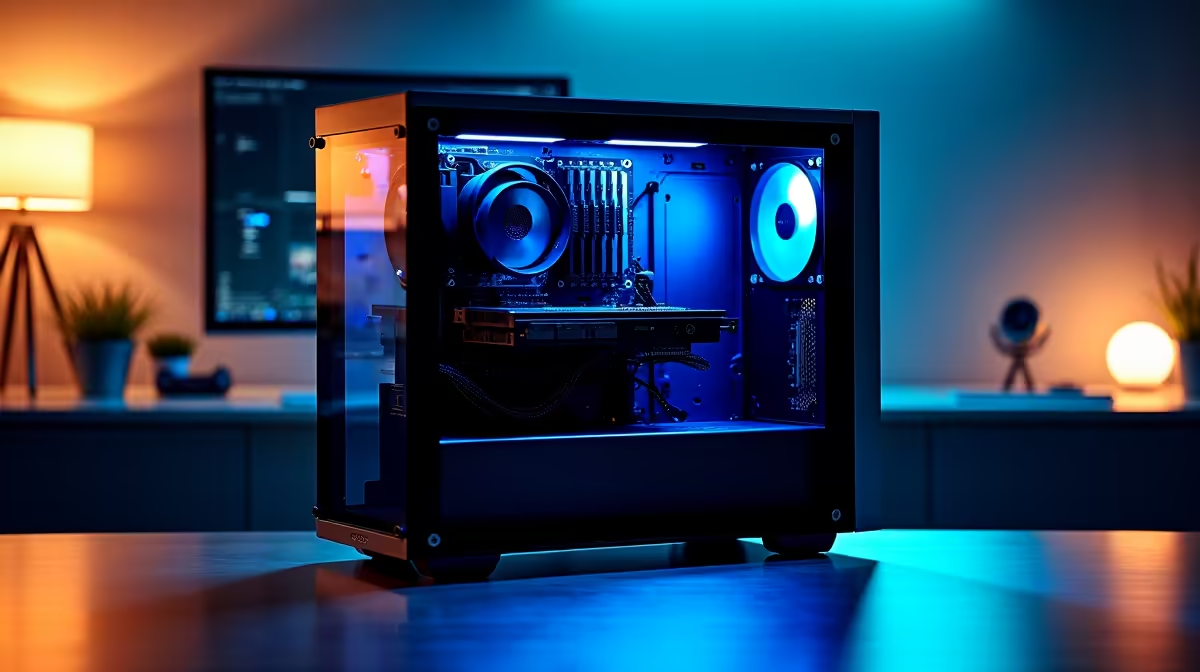
A strong R15,000 workstation build in 2026 looks like this. For the CPU, the AMD Ryzen 7 7700X offers eight cores and sixteen threads with strong single-core performance for applications that do not scale linearly across all cores. Alternatively, the Intel Core i5-13600K offers 14 cores in a hybrid design that excels at mixed workloads. For RAM, 32GB of DDR5-6000 in a dual-channel kit is the sweet spot, offering significant capacity for large project files and multitasking. For storage, a 1TB PCIe Gen 4 NVMe SSD provides the fast read and write speeds that professional software benefits from, particularly for scratch disk and cache operations. Graphics can be handled by the integrated Radeon graphics in Ryzen 7000-series processors for most professional applications, or you can allocate a portion of the budget toward an entry discrete GPU if your workload is GPU-accelerated.
Professional Use Case Fit
This budget tier suits the following professional profiles well. Content creators producing YouTube videos, podcast graphics, or social media assets in Adobe Premiere or DaVinci Resolve will find the Ryzen 7 7700X and 32GB RAM configuration handles most projects without frustrating render times. Software developers running VS Code, Docker, and multiple browser windows simultaneously will appreciate the memory headroom and fast NVMe storage. Architects and designers using AutoCAD, SketchUp, or Revit benefit from the strong single-core performance and can add a workstation GPU later if 3D viewport performance becomes a bottleneck. South African freelancers and small business owners working from home or load-shedding-friendly setups will find this desktop workstation outperforms comparably priced laptops significantly in raw throughput.
What You Will Need to Add Separately
The R15,000 budget covers the tower only. A monitor, keyboard, mouse, and UPS for loadshedding protection are additional costs. For a complete workstation setup, budget an additional R3,000 to R5,000 for peripherals and a basic UPS that protects the system during power cuts. A 1080p IPS monitor in the R2,000 to R3,000 range is sufficient for most professional work, though creative professionals working with colour grading should consider allocating more for a colour-accurate panel.
Frequently Asked Questions
Is R15,000 enough for a workstation that handles video editing? Yes. A Ryzen 7 7700X with 32GB DDR5 and a 1TB NVMe SSD handles 1080p and most 1440p video editing in DaVinci Resolve and Adobe Premiere without significant bottlenecks. For 4K editing with heavy effects, adding a dedicated GPU improves render times considerably.
Should I choose AMD or Intel for a R15,000 workstation? Both platforms are excellent at this budget. AMD Ryzen 7000-series offers slightly better multi-threaded performance per rand in 2026, while Intel''s hybrid cores excel in single-threaded applications. Choose based on your specific software workload.
How much RAM do I need for a professional workstation? 32GB is the recommended minimum for professional workloads in 2026. 16GB is adequate for lighter tasks but will limit multitasking in memory-intensive applications like video editing or 3D rendering. Budget for 32GB from the start.
Can I upgrade a R15,000 workstation later? Yes. Choosing a quality B650 or B760 motherboard with upgrade headroom means you can add a discrete GPU, upgrade to 64GB RAM, or add a second NVMe drive later without replacing the entire system.
Ready to Find Your Perfect Match? Explore workstation and high-performance PC options at Evetech











