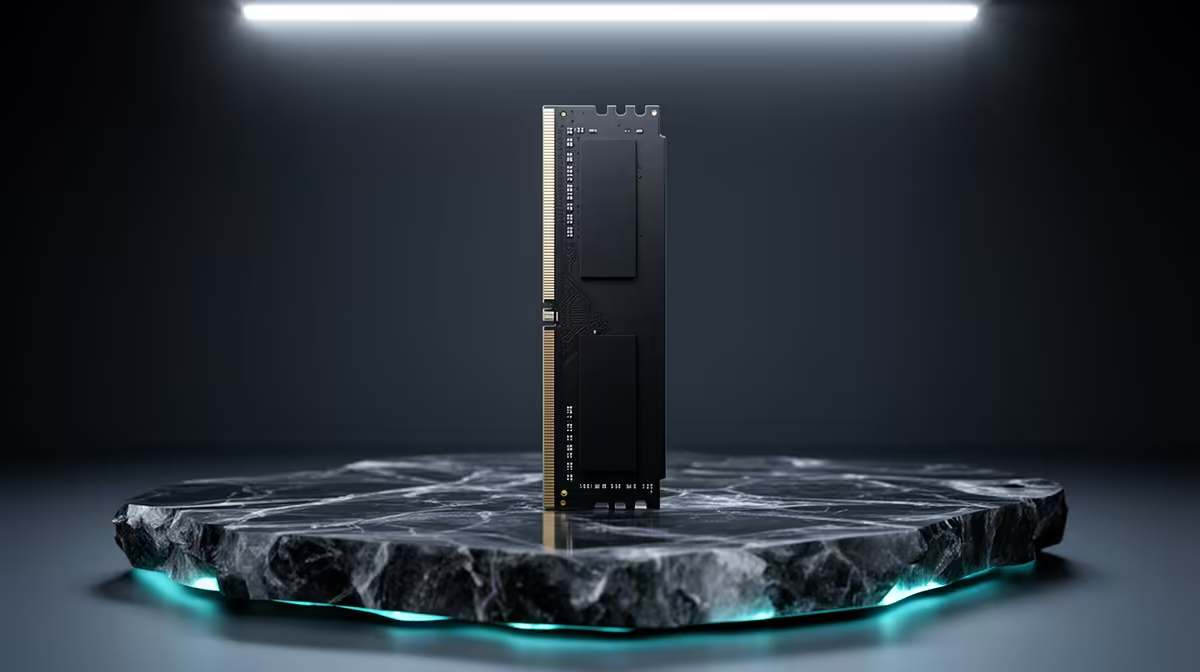
On AM5, nudging from DDR5-6000 to 6400 rarely pays off, since the controller likes 6000 best. Chase tight timings, not a bigger number.
Quick Answer
For AM5 gaming, DDR5-6400 gains a frame or two at best and risks dropping the controller off its efficient 1:1 ratio. A DDR5-6000 CL30 kit at R1,400 to R2,400 is the smarter SA buy, with the saving better spent on the GPU.
Why 6000 Is The Sweet Spot
On AM5, DDR5-6000 keeps memory and controller at a 1:1 ratio with low latency, which is where games respond best. Pushing to 6400 risks dropping that ratio, which can cancel the speed gain.
The Real-World Gap
In actual games the difference between 6000 and 6400 is usually a frame or two, well inside the margin of error. The headline bandwidth number does not translate into a felt improvement for most players.
Timings Versus Speed
Latency often matters more than raw speed for AM5 gaming, so a CL30 kit at 6000 can beat a looser kit at 6400. Read the timings, not just the speed rating, before you buy.
Where To Spend Instead
The small premium for 6400 buys little; a tighter-timing 6000 CL30 kit or extra GPU budget does more. SA gamers get better value sticking with proven 6000 kits.
Stability On AM5
DDR5-6000 kits are widely validated on AM5 boards and just work, while 6400 may need extra BIOS tuning to stay stable. For a hassle-free build, 6000 is the safer pick.
FAQ
Do timings matter more than speed on AM5?
Often yes. A CL30 kit at 6000 can outperform a looser kit at 6400 in games, so read the timings rather than just the speed number.
Is DDR5-6400 worth it over DDR5-6000 for gaming?
Barely. The real-world gain is a frame or two, and on AM5 the higher speed can drop the controller out of its efficient 1:1 mode, erasing the benefit. A 6000 CL30 kit is the better value.
Where should I spend instead of 6400?
On tighter 6000 timings or extra GPU budget. The small 6400 premium buys little felt performance, so SA gamers get more from a CL30 6000 kit or a stronger graphics card.
Buyer Tip
Confirm your platform's supported memory speed in the motherboard manual, then buy a kit on the QVL so it runs at rated speed without tweaking.