

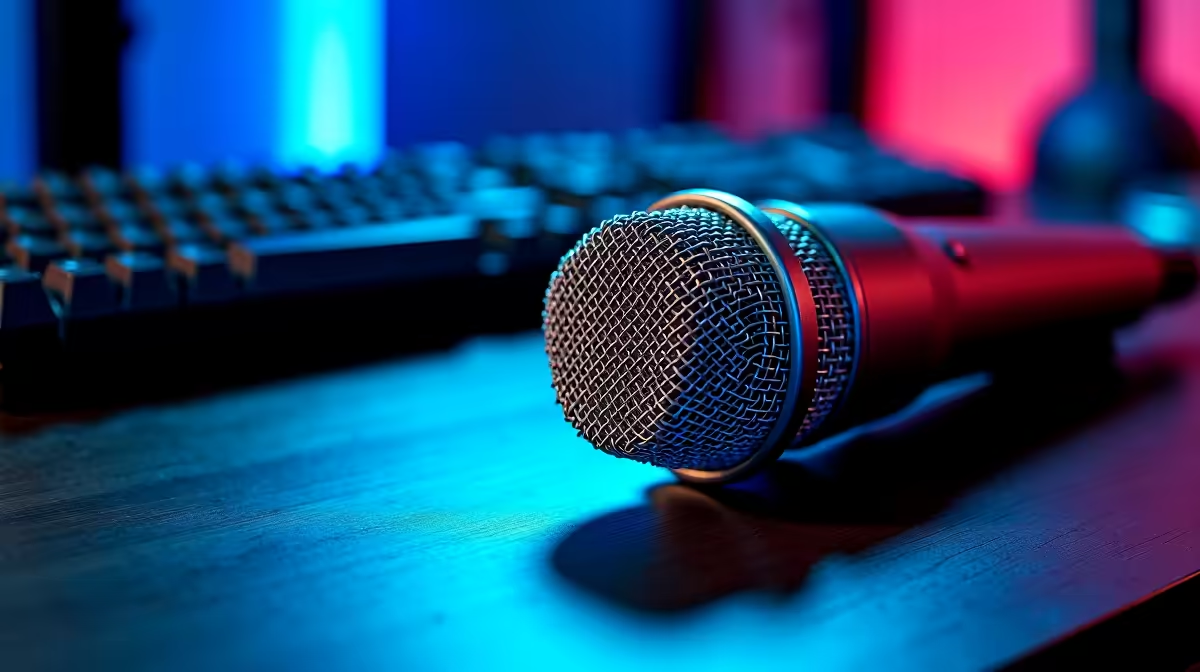
You finally have the perfect overlay, your lighting is dialled in, and you just clutched an impossible 1v3 in Warzone. But when you check the VOD, your voice sounds like you are broadcasting from inside a tin can during a highveld thunderstorm. If your microphone for streaming is underperforming, you are certainly not alone. South African streamers face unique challenges... from ambient background noise to frustrating hardware bottlenecks. Let us fix that audio and get your stream sounding crisp.
The Reality of Streaming Audio in SA
Before you throw your expensive gear out the window, remember that optimising an audio setup takes patience. A dedicated microphone for streaming is incredibly sensitive by design. It picks up absolutely everything... including the loud hadedas outside, your mechanical keyboard clacking, and your noisy PC fans working in overdrive.
Sometimes the issue is not the mic itself, but rather the hardware processing your voice. If your CPU is completely maxed out while rendering a game, your audio might stutter or desync. This is exactly why many local creators look for the best gaming PC deals to ensure their rig can comfortably handle both high-end gaming and flawless OBS encoding simultaneously.
Quick Fixes to Try Today 🔧
First, check your audio gain settings. Many beginners mistakenly crank their gain to maximum, which causes terrible distortion and peaking. Turn the gain down and simply move the microphone closer to your mouth. Next, inspect your cables. A slightly damaged USB connection or a loosely fitted XLR cable can introduce a constant, annoying static hum.
If you are using a mobile streaming setup or broadcasting from a local coffee shop during loadshedding, relying on built-in audio is a mistake. Even when browsing through premium laptops for sale in South Africa, you will quickly find that external audio gear is always recommended for professional content creation. Built-in chassis mics simply cannot isolate your voice properly.
Audio Pro Tip ⚡
In OBS Studio, add a Noise Gate and Noise Suppression filter (like RNNoise) to your microphone source. It uses minimal CPU and magically erases background hums, keyboard clicks, and standard room echo without degrading your voice quality.
When Is It Time to Upgrade? 🚀
Sometimes, basic software tweaks are just not enough. If you are currently relying on a cheap webcam mic, your stream quality will inevitably suffer. You might want to explore dedicated audio solutions or high-quality gaming headsets that feature broadcast-grade boom mics for better isolation.
For those building a dual-PC streaming setup to completely isolate their audio from their gameplay, checking out reliable pre-built PC deals is a highly strategic move. Offloading your stream encoding to a secondary machine ensures your microphone for streaming never drops out due to sudden system lag.
Finally, keep a close eye on your budget. Upgrading your broadcasting setup does not have to cost thousands of ZAR. You can often find incredible discounts on standalone mics, boom arms, and acoustic panels by keeping tabs on our latest specials.
Ready to Sound Like a Pro? Crystal-clear audio is the secret to growing your channel. Whether you need a studio-grade microphone for streaming, a better headset, or a rig that can handle heavy broadcasting software, Evetech has you covered. Explore our streaming gear and PC specials today and give your audience the quality they deserve.











