

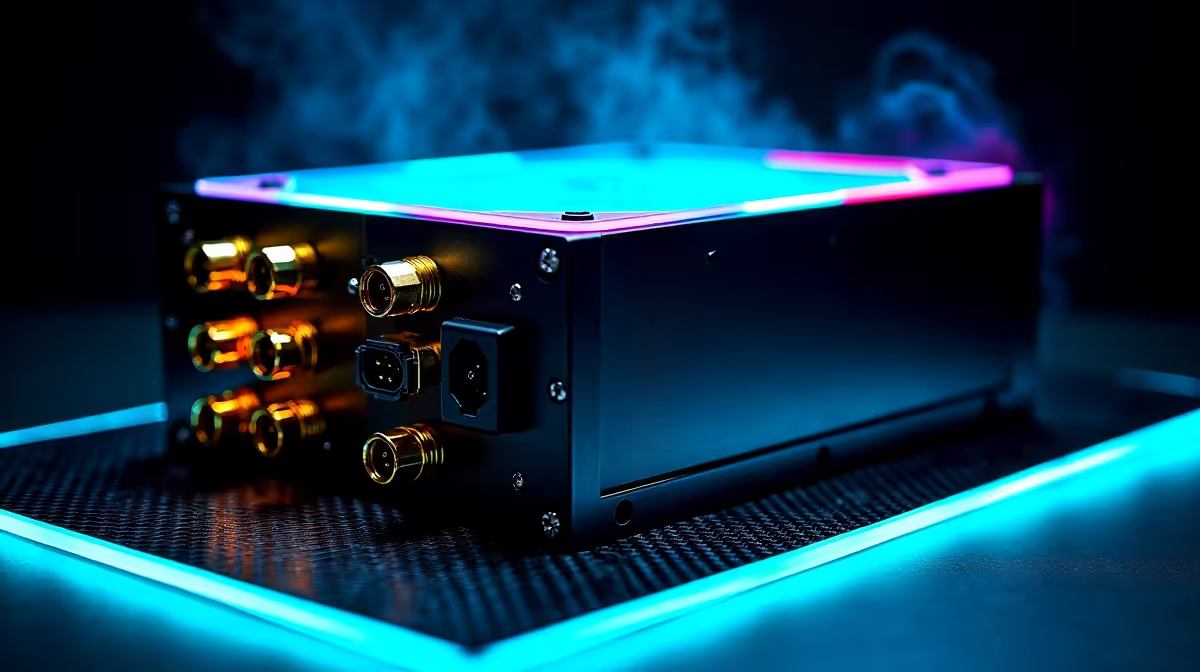
Finding that one cable from your PSU is dead while everything else works is a specific and solvable problem - but it’s important to diagnose correctly before assuming the worst. A dead PSU cable can be caused by a faulty cable itself, a bad connector on the PSU, or in some cases, a component drawing more power than that cable can deliver. Understanding why it’s dead determines the right fix.
Quick Answer
Why is one cable on my PSU dead? Most commonly, the specific cable or connector on that rail has failed, the connector isn’t fully seated on the PSU’s modular port, or a component connected to that cable is drawing excessive current and triggering the rail’s overcurrent protection. Test with a different cable before assuming PSU failure.
🔧 Diagnosing Which Part Has Failed
Before opening your case, clarify exactly what “dead” means for your cable:
- No power at all to the connected component - the device doesn’t spin up, light up, or show any sign of power
- Intermittent power - the device works sometimes but drops out
- Component powers on but behaves incorrectly - may indicate low voltage rather than no voltage
Step 1: Check the modular connection (if applicable) On modular and semi-modular PSUs, cables plug into the PSU body itself. A partially seated modular connector is the most common cause of a “dead” cable. Power off, disconnect from mains, and firmly reseat the cable at both the PSU end and the component end.
Step 2: Test with a different cable If you have a spare PSU cable of the same type, swap it in. If the component now works, the original cable is faulty - replacement cables are inexpensive. If the problem follows the component (not the cable), the component itself may be the issue.
Step 3: Try the component on a different port/cable For SATA-powered devices, try connecting to a different SATA power cable from the same PSU. If that cable works, the original SATA power cable or its connector is dead.
📊 Common Scenarios and Fixes
Dead SATA power connector: The most common single-cable failure. SATA power connectors have relatively fragile pins and the L-shaped connector can crack if cables are routed under tension. Replace the SATA power cable from the PSU - most retailers stock replacements.
Dead PCIe power cable (GPU not powering): If your GPU’s PCIe power cable is dead, the GPU will not initialise. Ensure the connector is fully clicked into the GPU - the connector should snap in with a slight resistance. If reseating doesn’t help, try the secondary PCIe cable if your PSU has one, or a PCIe adapter from SATA/Molex if your GPU supports it as a temporary test.
Dead 4-pin Molex: Less common in modern builds, but fans and some accessories still use Molex. A single dead Molex connector usually indicates a failed solder joint inside the PSU on that specific rail tap. If reseating doesn’t work and the PSU is still under warranty, claim the warranty.
Overcurrent protection triggered: If a hard drive or fan is drawing more current than the cable’s rail can deliver - possible with multiple high-power devices daisy-chained on one SATA cable - the PSU’s overcurrent protection may shut that rail down. Redistribute devices across different cables from the PSU.
💡 When to Replace vs. Repair
Do not attempt to repair PSU internals - capacitors in PSUs store lethal charge even when unplugged. Replacement cables for the external side (modular cables, SATA extensions) are safe to swap yourself.
If the PSU is still within its warranty period (most quality units carry 3–5 year warranties), claim the warranty rather than purchasing replacement parts. A PSU with a faulty internal rail may have other developing issues and is not worth repairing.
If the PSU is out of warranty and has multiple failing cables or connectors, budget for a full PSU replacement rather than individual cable fixes. Power supply health affects every component in your system.
❓ Frequently Asked Questions
Is it safe to use a PSU with one dead cable? If the rest of the PSU operates normally and passes voltage checks, it is generally safe to continue using it for essential components while you source a replacement cable. Do not continue using the PSU if it shows multiple failures, makes unusual sounds, or if components are behaving erratically.
Can I use a cable from a different PSU brand? No - this is dangerous. Modular PSU cables are not universal. The pin assignments on modular connectors vary between manufacturers and even between models from the same brand. Using a mismatched cable can short components or damage the PSU. Only use cables designed for your specific PSU model.
How do I test if my PSU cables are outputting correct voltage? A basic multimeter set to DC voltage can test PSU output. With the PSU powered on and connected to the system, probe the cable connectors against a ground pin. A healthy 12V rail should read 11.4V–12.6V. A healthy 5V rail: 4.75V–5.25V. Readings outside these ranges indicate a faulty PSU.
Evetech stocks All Power Supplies and Graphics Card Deals — shop online with fast delivery across South Africa.
Ready to Find Your Perfect Match? Shop at Evetech











