

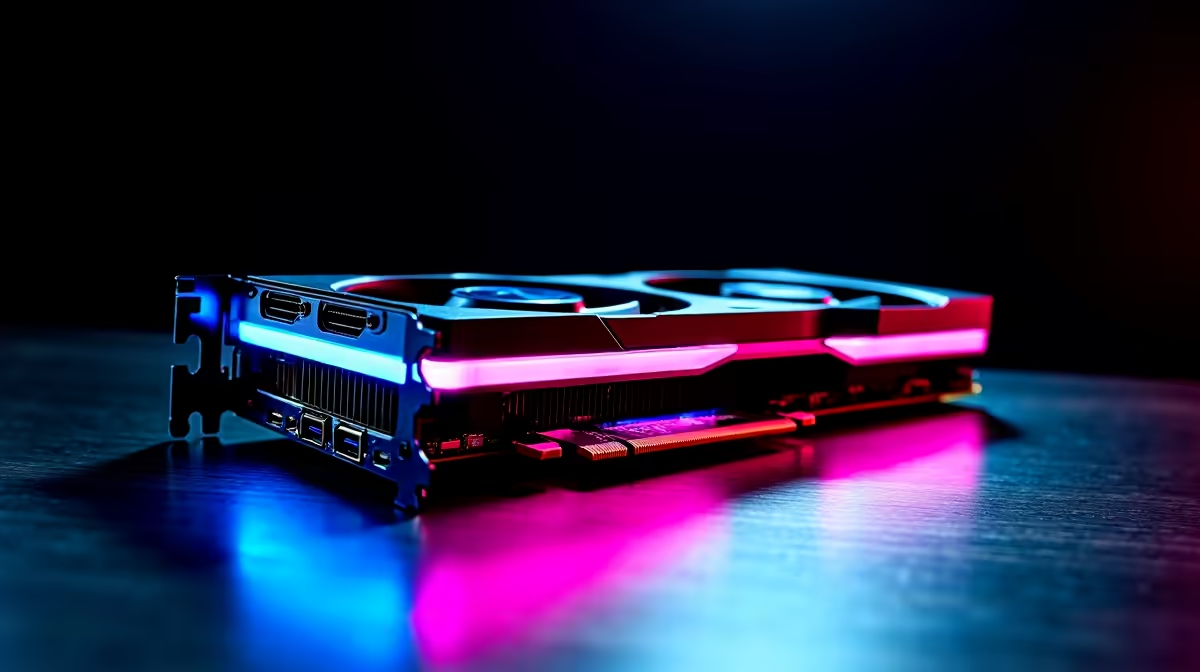
Is Your RTX 4060 Underperforming? Here’s What to Check First ⚡
If you’ve grabbed an RTX 4060 but your gaming rig isn’t hitting those smooth, high-FPS marks, you’re not alone. South African gamers often wrestle with unexpected dips in performance despite the card’s strong specs. From bottleneck issues to driver hiccups, understanding why your RTX 4060 underperforms is critical. Let’s explore practical fixes that’ll get your RTX card punching at its weight again, without breaking the budget.
Common Causes of RTX 4060 Underperformance in SA
Driver Updates and Software Tweaks
First up, ensure your Nvidia drivers are up to date. Outdated or corrupted drivers can limit GPU performance drastically. Visit the official Nvidia site or use GeForce Experience to keep your RTX 4060 tuned. Also, check your power settings — Windows sometimes throttles GPU power to save energy. Switch to “High Performance” mode in your power plan, especially while gaming.
Bottlenecks: CPU and RAM Limits
An RTX 4060 won’t shine if paired with an older or less capable CPU. South African gamers on mid-range CPUs might see their system choke on demanding titles. Check CPU usage during gaming — consistently maxed-out CPU means a bottleneck. Upgrading your RAM or ensuring it runs at optimal speed can also help balance the system.
For those looking to upgrade their rig or build a balanced gaming PC, Evetech’s pre-built PC deals offer configurations tailored to your card for smooth performance.
Thermal Throttling and Cooling Issues 🔧
Heat kills performance. If your RTX 4060 hits high temperatures, it will throttle back to prevent damage. South Africa’s warmer climate means adequate airflow and cooling solutions are crucial. Clean dust from your case, fresh thermal paste on CPU if old, and ensure fans spin correctly.
Easy Cooling Win
Lower your case fan curve by 5 % to shave off 2 °C… quieter rig, same FPS. This subtle tweak helps keep temps down without extra noise.
How to Optimise Settings for the Best RTX 4060 Performance
Adjusting In-Game Graphics and Nvidia Control Panel Settings
Sometimes, it’s about tweaking settings. Enabling DLSS (Deep Learning Super Sampling) in supported games can boost FPS without major quality loss. Turning off unnecessary background apps frees up GPU and CPU resources. Check Nvidia Control Panel and set the preferred graphics processor to your RTX 4060.
Monitor Your Frame Rate and GPU Usage
Use tools like MSI Afterburner or Nvidia’s own performance overlay to watch GPU load and clock speeds in real-time. If your card isn’t hitting expected clock speeds, it might be throttling or capped by software.
If you’re considering upgrading components or simply after a fresh outfit for your gaming setup, check out Evetech’s extensive range of graphics cards in South Africa to find your ideal match.
Exploring Laptop Constraints with RTX 4060
Laptop versions of the RTX 4060 sometimes run slower than desktop variants due to power and thermal limits. Gamers using notebooks should verify they’re connected to power, have maximum performance mode enabled, and keep drivers updated.
South African gamers wanting portable power can browse the latest notebooks available at Evetech perfectly suited to RTX 4060-level gaming.
Budget-Friendly Solutions for SA Gamers
Look Out for Deals and Special Offers
Cost is always a consideration locally. Evetech’s regular specials page is a treasure trove for gamers wanting to upgrade without overspending. Combining component upgrades with savvy purchases can rescue your RTX 4060’s game-ready potential.
Need a whole new system? Don’t miss out on the best gaming PC deals. They strike the right balance between cost and power, optimised for cards like the RTX 4060.
Boost Your Gaming Experience Today Don’t settle for underperformance — Shop now at Evetech for carefully selected graphics cards and gaming PCs that unlock your RTX 4060’s true potential.











