

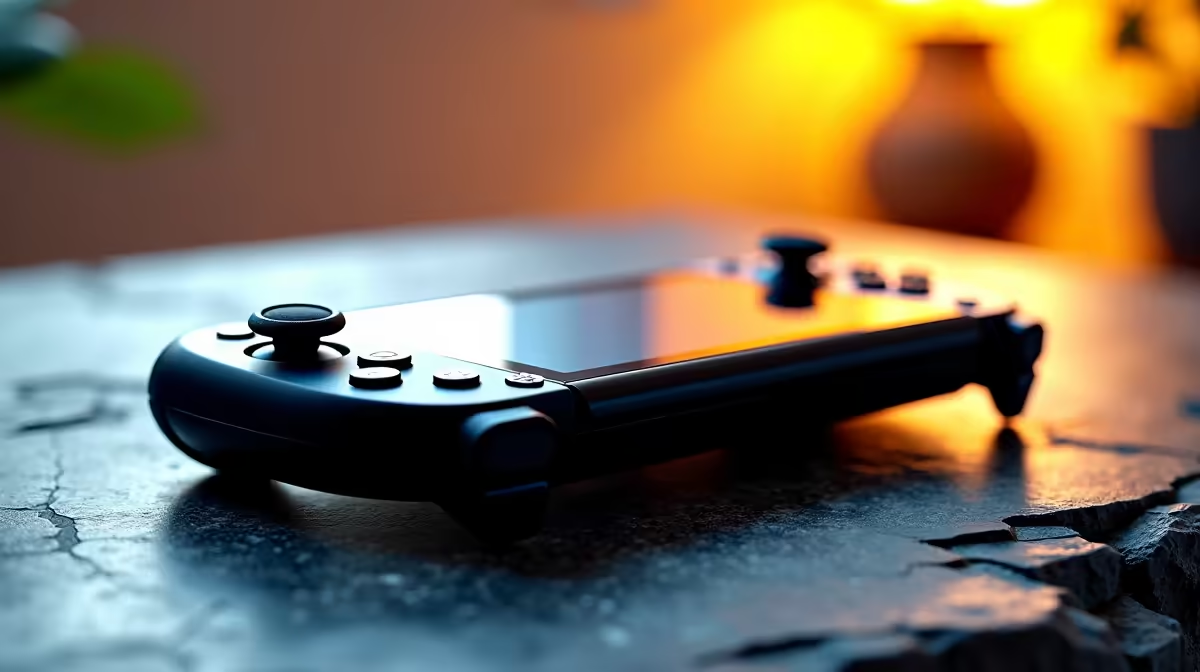
Summer in South Africa is brutal. When the ambient temperature spikes, your favourite handheld console feels the burn. If you are sitting there wondering, "why is my Steam Deck overheating?", you are not alone. That tiny fan spinning like a jet engine is a cry for help. Let us fix those thermal issues before your gaming session melts away... and get you back to playing comfortably.
The Main Reasons Why Your Steam Deck Is Overheating 🔥
Handhelds pack massive power into a tiny chassis. Unlike the spacious airflow cases you will find in our pre-built PC deals, the Deck relies on a single small fan and a compact heatsink. When dust builds up or you accidentally block the back vents with your fingers, internal temperatures skyrocket rapidly.
Our local weather adds another severe layer of stress. Playing a demanding AAA game in a 32-degree room will naturally push the custom APU to its absolute thermal limit. When the chip hits around 100 degrees Celsius, it starts thermal throttling. This drops your frame rates to unrecognisable levels to prevent hardware damage. If it reaches 105 degrees, the system will shut down completely to protect itself.
SA Troubleshooting Guide for Better Cooling 🔧
You do not need to be a certified technician to optimise your console. Start with the absolute basics. Ensure you are holding the device without covering the rear intake vents. If you play in bed, avoid resting the console directly on blankets. A quick blast of compressed air into the top exhaust can work wonders for clearing out stubborn dust buildup.
If hardware tweaks do not help, it is time to adjust your software settings. You cannot expect desktop-level cooling from a handheld device. If you want to push maximum settings at high resolutions, you should probably look at our best gaming PC deals instead. On a portable console, capping your frame rate to 40fps or lowering the in-game resolution significantly reduces the workload on the processor.
Battery & Heat Pro Tip ⚡
Lower your Thermal Design Power (TDP) limit in the quick access menu. Dropping the TDP from 15W to 10W for older games drastically lowers temperatures while extending your battery life during loadshedding.
Knowing When to Upgrade Your Gaming Setup ❄️
Sometimes a portable console just cannot handle modern titles without running uncomfortably hot. If you find yourself constantly fighting thermal limits, you might need a different form factor. Gamers who travel frequently but need superior cooling should explore our massive range of laptops. Modern notebooks offer much larger heatsinks, liquid metal thermal compounds, and dual-fan setups.
Alternatively, you might want to keep the handheld strictly for indie games and build a proper rig for the heavy lifting. You can buy graphics cards that feature massive triple-fan coolers. These components are designed to handle the South African heat with absolute ease. Building a desktop gives you total control over your thermal performance.
Upgrading your gaming lifestyle does not have to drain your wallet. You can easily stretch your ZAR further by keeping a close eye on our daily tech specials. Whether you need a laptop cooling pad, a new chassis fan, or a whole new rig, better temperatures always mean better frame rates.
Ready to Beat the Heat? Handhelds are great... but nothing beats the thermal performance of a dedicated gaming rig. Explore our incredible desktop specials and find a machine that stays ice-cold during the most intense South African summers.











