

Why Your VA Monitor Runs Hot in SA Summers and How to Cool It Down ⚡
South Africa’s summer heat can put more pressure on your tech than you realise, especially your VA monitor. If you’ve noticed your VA panel running hot this season, you’re not alone. High temperatures combined with intense brightness and prolonged gaming sessions often cause these monitors to heat up more than usual. Understanding why this happens can help you keep your setup cool and extend your monitor’s lifespan.
What Causes VA Monitor Heat in South African Summers?
VA (Vertical Alignment) monitors are popular for their deep blacks and strong contrast. However, they generate heat due to the LCD backlight and electronics inside the panel. Summer temperatures in South Africa, often climbing above 30°C, add to this heat load. Unlike IPS panels, VA monitors tend to work harder to maintain their contrast, increasing power consumption and heat output.
Prolonged Brightness & Usage
Extended intense gaming or work sessions with high brightness settings push your monitor to heat up faster. SA’s sunny environment might also encourage cranking up the brightness to combat glare — another contributor to rising temperatures.
Limited Airflow and Enclosed Spaces
Placing the monitor in tight or poorly ventilated spots traps heat. Combine this with high ambient temperatures and you’ve got a warming setup.
How to Keep Your VA Monitor Cool this Summer 🔧
Small adjustments can make a big difference in monitoring temperature. Here’s how to optimise cooling without sacrificing your gaming experience:
1. Position Your Monitor Wisely
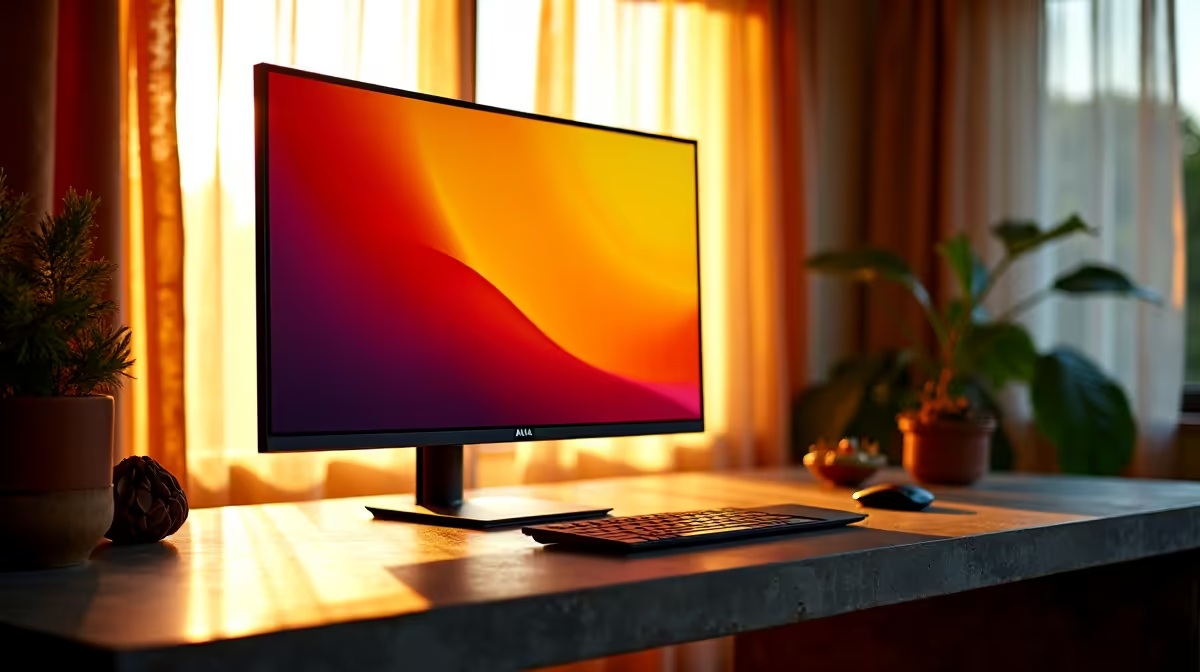
Avoid direct sunlight on your screen—even indirect sunlight can heat up the casing faster. Set up near windows with blinds or curtains to reduce heat exposure.
2. Moderate Brightness Settings
Try lowering brightness by 10-15% to reduce heat output and eye strain. Many VA monitors have presets that balance vivid images with cooler operation.
3. Boost Room Ventilation
A desktop fan or aircon can improve airflow, helping dissipate heat around your gaming station. It’s a cheap fix to prevent overheating.
4. Invest in Quality Components for Overall Thermal Management
Pairing your monitor with efficient gaming rigs can prevent excess heat. Explore affordable best gaming PC deals in South Africa that prioritise thermal performance alongside power.
5. Monitor Internal Temperatures with Software
Some monitors come with companion apps to track internal temps or fan speeds. Keeping tabs can alert you before heat causes damage.
Reduce VA Monitor Heat
Lower your screen brightness by 10% and position your monitor away from direct sunlight to drop heat output noticeably. Better airflow means cooler gaming sessions.
Choosing a New Monitor? Consider Heat Management 🖥️
If your current VA monitor struggles with heat during SA summers, it might be time to upgrade. Look for models built with enhanced ventilation or efficient LED backlights. Evetech’s collection has plenty of options tailored for South Africa’s climate and gaming preferences — check out the wide range of monitors for sale that prioritise thermal design and performance.
You could also explore complete systems combining efficient monitors with powerful CPUs. Browse pre-built PC deals to optimise your entire setup for heat management and speed.
For those who game on the go, consider high-performance gaming laptops available locally that also focus on balanced cooling and smooth visuals.
Finally, don’t miss out on seasonal Evetech specials where you can snag excellent prices on GPUs and monitors designed for superior heat handling.
Beat the Heat with Cooler Tech Ready to upgrade your setup and keep your VA monitor cool this summer? Shop now at Evetech for performance that leaves lag in the dust.











