

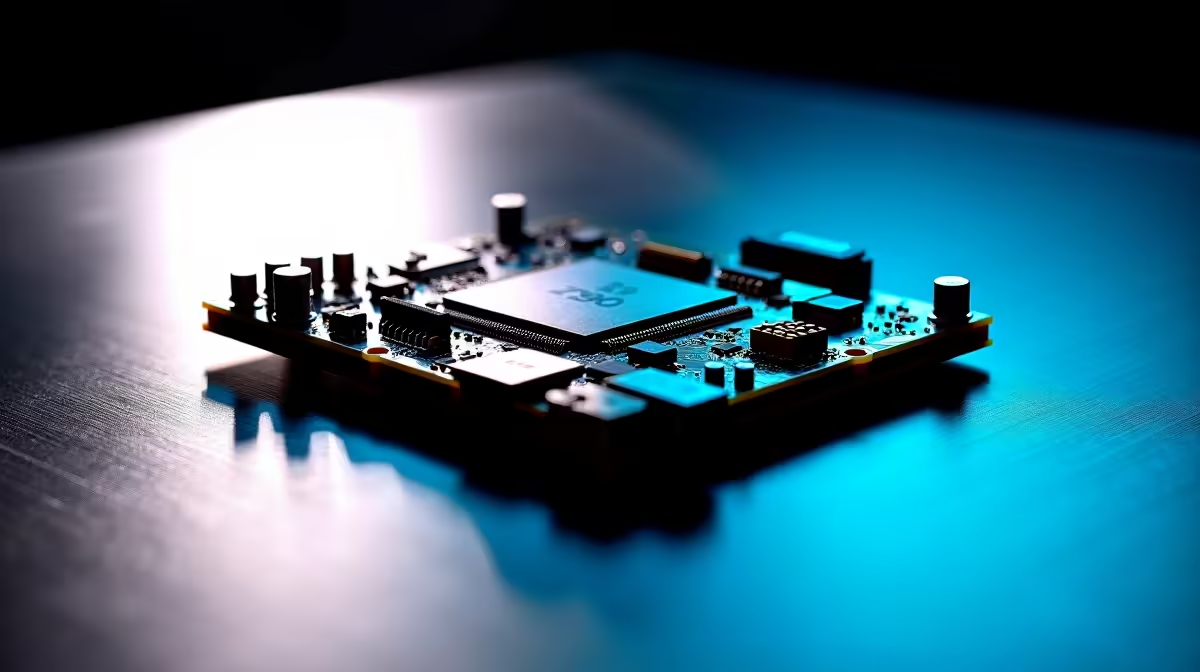
Why Your Z790 Motherboard Might Be Underperforming in South Africa ⚡
So you’ve invested in a Z790 motherboard, expecting smooth performance for your gaming rig or workstation. Yet, your system feels sluggish, bottlenecked, or just not hitting its potential. Many South African gamers and PC builders face this frustration. The good news? Common fixes often restore full power. Let’s dive into why your Z790 motherboard might be underperforming and how to optimise it locally 🔧.
Understanding Z790 Motherboard Performance Issues
The Intel Z790 chipset is designed for high-end gaming and productivity. Still, performance can dip due to several factors:
BIOS and Firmware Updates Matter
Your motherboard’s BIOS controls hardware interactions. Running outdated BIOS can cause compatibility issues or limit CPU and RAM capabilities. South African users often miss these updates, especially after installing newer CPUs or memory kits.
Always check the official Evetech motherboard pages for your model’s latest BIOS. Updating firmware often unlocks improved stability and better memory compatibility, crucial for squeezing every frame out of your PC.
RAM Configuration and Compatibility
One overlooked aspect of Z790 boards is RAM setup. Make sure your DDR5 RAM is running at its rated speed in the BIOS. Many users find their RAM stuck at generic speeds (like 2133MHz) instead of rated speeds like 5600MHz.
This can happen if XMP profiles are disabled or if the RAM is not fully compatible with the Z790 board. Evetech offers a comprehensive range of compatible motherboards and RAM modules here to match performance expectations.
Power Delivery and Cooling 🔥
Z790 boards support high power draw from the latest CPUs. Without adequate power phases or cooling, your CPU may throttle. Check your motherboard’s VRM cooling and ensure your case airflow is optimal. Using high-quality power supplies and cooling solutions from local deals like those on Evetech’s specials page can prevent premature throttling.
Quick Pro Tip
Enable XMP profiles in your BIOS and double-check that your PSU can supply enough stable power to the Z790 board. This alone boosts performance by up to 15% in some setups. }}
BIOS and Software Tweaks for South African Gamers
South African ISPs and network setups mean latency and online performance are vital. Sometimes, motherboard settings can influence network behaviour:
- Disable unnecessary onboard devices you don’t use, like extra SATA or LAN ports, to free system resources.
- Update chipset drivers from the motherboard manufacturer to optimise Windows performance.
- Use software tools bundled with your Z790 board for fan curve customisation, balancing noise and cooling.
For those building from scratch or looking for pre-tested rigs, browse Evetech’s curated best gaming PC deals or pre-built PCs designed for optimal Z790 performance.
Final Thoughts on Z790 Motherboard Performance
Performance struggles with the Z790 motherboard are rarely hardware defects. Most are fixable with BIOS updates, RAM tuning, and power/cooling checks. South African gamers gain the most by sourcing compatible components locally and staying current on updates.
If you’re still facing issues after these steps, consider consulting forums or local tech experts who know South African network and hardware quirks firsthand. For laptop users or those needing portable power, Evetech’s selection of notebooks for sale in South Africa offers reliable alternatives.
Get the Most From Your Motherboard Today Don’t let your Z790 motherboard hold back your rig’s full potential. Explore our extensive range of motherboards and PC deals at Evetech—Shop now at Evetech for performance that leaves lag in the dust.











