

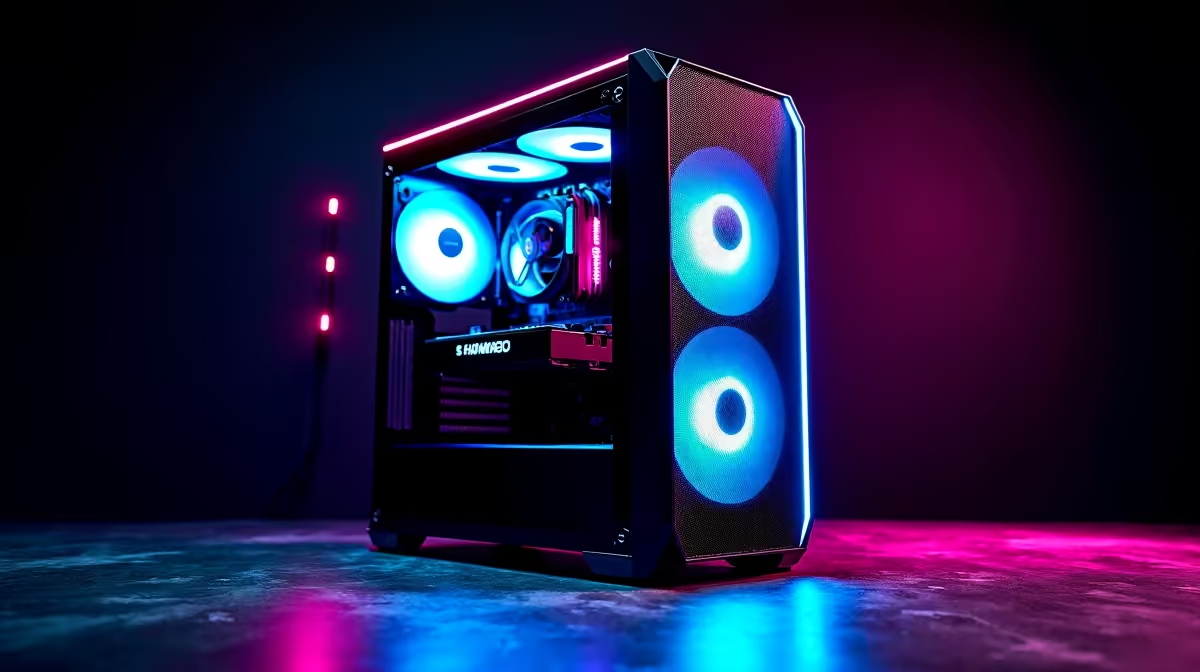
You are holding the perfect angle on Bind... suddenly your screen freezes. Next thing you know, you are staring at the spectator screen. If you are constantly asking yourself why is Valorant so laggy, you are not alone. South African gamers finally got local servers... but rubberbanding and frame drops still ruin the climb to Radiant. Let us break down the complete fix guide to get your game running smoothly.
Diagnosing Why Valorant Is So Laggy
Understanding the root cause saves you time. Press 'Esc' in-game, head to the Video settings tab, and turn on the text graphs. You want to monitor Client FPS, Network Round Trip Time, and Packet Loss. If your ping is spiking above 40ms on the local Cape Town server, your internet is the clear culprit. If your frames are dropping below 60 FPS during chaotic gunfights, your hardware desperately needs attention.
How To Fix Valorant Network Lag ⚡
Wi-Fi is the ultimate enemy of competitive tactical shooters. It is prone to interference from walls and other devices. Always use a high-quality Ethernet cable. If your router is stuck in another room, consider investing in a powerline adapter. This uses your home electrical wiring to simulate a wired connection. Also, ensure Windows is not secretly downloading large updates in the background. If you are still lagging, try restarting your fibre ONT box to clear any temporary routing errors.
Optimise Windows for Peak Performance ✨
Sometimes your hardware is perfectly fine... but your operating system is holding you back. Background applications often hog valuable system resources. Press Ctrl+Shift+Esc to open your Task Manager. Close any unnecessary apps like web browsers or heavy overlays before you launch the Riot Client.
You should also enable Game Mode in your Windows settings. Simply search for 'Game Mode' in your start menu and toggle it on. This handy feature tells your PC to prioritise your game over useless background tasks. Another common culprit is outdated drivers. GPU manufacturers frequently release updates that specifically optimise performance for competitive shooters.
Network Buffering Trick 🚀
If you experience packet loss, open your Valorant General settings and find the 'Network Buffering' option. Change it from Minimum to Moderate. This slightly increases input delay but massively reduces annoying teleporting and hit-reg issues on unstable local connections.
Stop Frame Drops and Hardware Stutters 🔧
Valorant is famously CPU-intensive... meaning your processor does most of the heavy lifting. However, a weak graphics card will still bottleneck your entire system and cause awful screen tearing. If you are playing on an older rig, turning your graphics settings down to 'Low' is your first step. Still struggling to hit consistent frames? It might be time to browse the latest graphics cards to give your system a much-needed boost.
Sometimes starting fresh makes the most financial sense. If you want a reliable plug-and-play solution, our pre-built PC deals offer incredible value in ZAR. Alternatively, if you need portability for local LANs or load-shedding setups, checking out high-performance gaming laptops is a very smart move.
For those looking to absolutely maximise their budget, you can always hunt for the best gaming PC deals available right now. Keep a close eye on our weekly tech specials to score premium hardware without breaking the bank.
Ready to Dominate the Leaderboards? Lag shouldn't be the reason you lose your rank. Whether you need a simple GPU upgrade or a brand-new competitive rig, Evetech has the hardware to push your frames to the max. Explore our massive range of gaming specials and find the perfect machine to conquer your world.











