

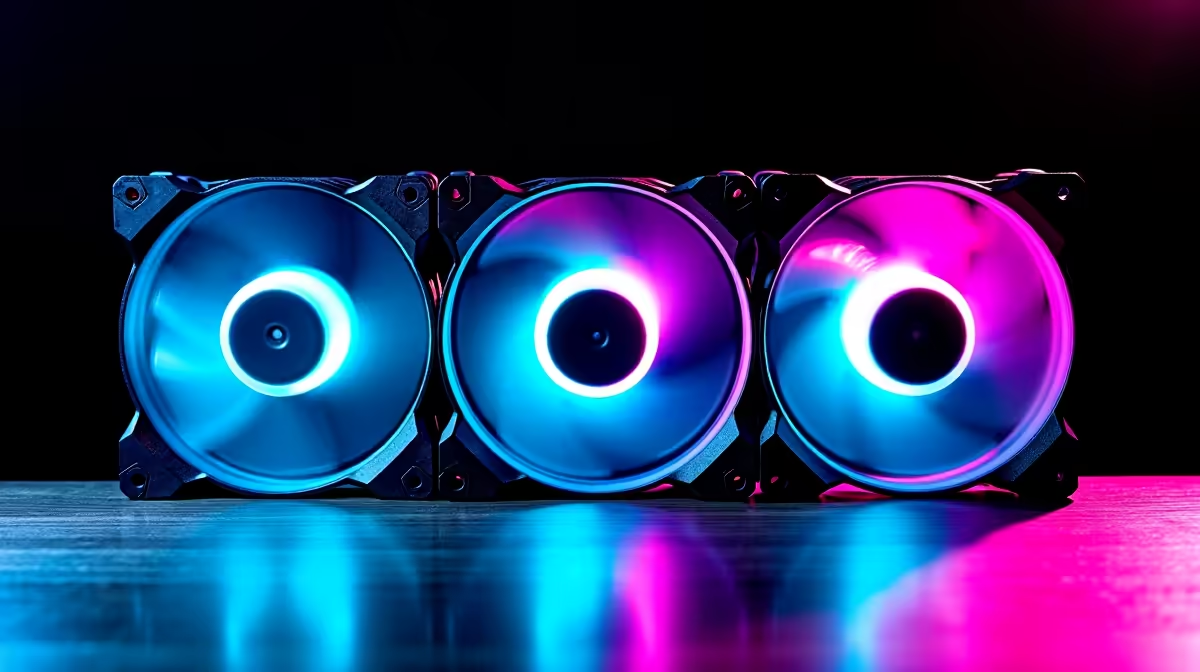
Understanding Why Your PC Fans Are Loud: The Basics of dBA Ratings
If your gaming setup sounds like a jet engine preparing for takeoff, you’re not alone. Loud PC fans can kill immersion and turn any gaming spree into a headache-inducing session. But here’s the good news: understanding the noise levels using dBA ratings can help you pinpoint the root cause and fix it for a quieter rig. 🎧 Whether you’re battling heat spikes or noisy stock fans, mastering dBA (decibels A-weighted) ratings is key to reducing fan noise without sacrificing performance.
How dBA Ratings Reveal Your PC’s Noise Levels
dBA measures the loudness perceived by the human ear. Your PC fans’ speed and type directly influence these decibel levels. Generally, anything above 40 dBA starts to get noticeably loud in a quiet room. High-performing fans spin faster, pushing air but generating more noise. Understanding your fan’s dBA rating helps gauge whether your noise is normal or a sign of inefficiency or dust buildup inside your rig.
The easiest way to lower noise? Upgrade to fans with lower dBA ratings or optimise your cooling setup. This is where knowing the specs before buying pays off. Take a look at quality PC cases designed to enhance airflow while cutting down on noise at Evetech’s PC cases collection. The right case can absorb and redirect sound, greatly reducing that buzzing noise.
Pro Tips to Quiet Down Your Noisy PC Fans ⚡
1. Swap Stock Coolers for Low-Noise CPU Coolers
Most stock CPU coolers prioritise cooling over noise control. Picking a quiet aftermarket cooler with a low dBA rating makes a huge difference. For example, air coolers with fluid dynamic bearings spin smoothly with minimal sound. Explore some great options at Evetech’s CPU coolers aisle for affordable and silent upgrades.
2. Check Your Fan Curves and BIOS Settings
Adjusting your fan curves lets you reduce spinning speed at lower temperatures. This tweak lowers noise but still keeps temps safe. Most modern motherboards allow fine-tuning in BIOS or through software. If you want the best control for custom fan curves, browse Evetech’s extensive motherboards range that support these features.
Your Fan Curve Matters
Lower your fan curve by just 10% during light workloads to reduce noise without overheating. The cooler your PC runs, the more silent your gaming sessions get.
3. Keep Components and Fans Dust-Free
Dust buildup is a silent noise booster. It clogs fan blades and forces them to work harder. Cleaning your PC components regularly means fans spin effortlessly at lower speeds, keeping noise down. Don’t overlook the importance of dust filters and good airflow, which you can find combined in Evetech’s PC components selection.
Final Thoughts on Managing Fan Noise Using dBA Ratings
Understanding dBA ratings grounds your decisions in fact, not just guesswork. Whether it's upgrading your CPU cooler or switching to a better PC case, reducing noise is all about balancing airflow, temperature, and RPMs. A quiet PC puts you in control—immersion up, distractions down.
Ready for a Quieter Rig? Reduce your PC fan noise and boost your gaming comfort with top-tier components. Shop now at Evetech for performance that leaves lag in the dust.











