

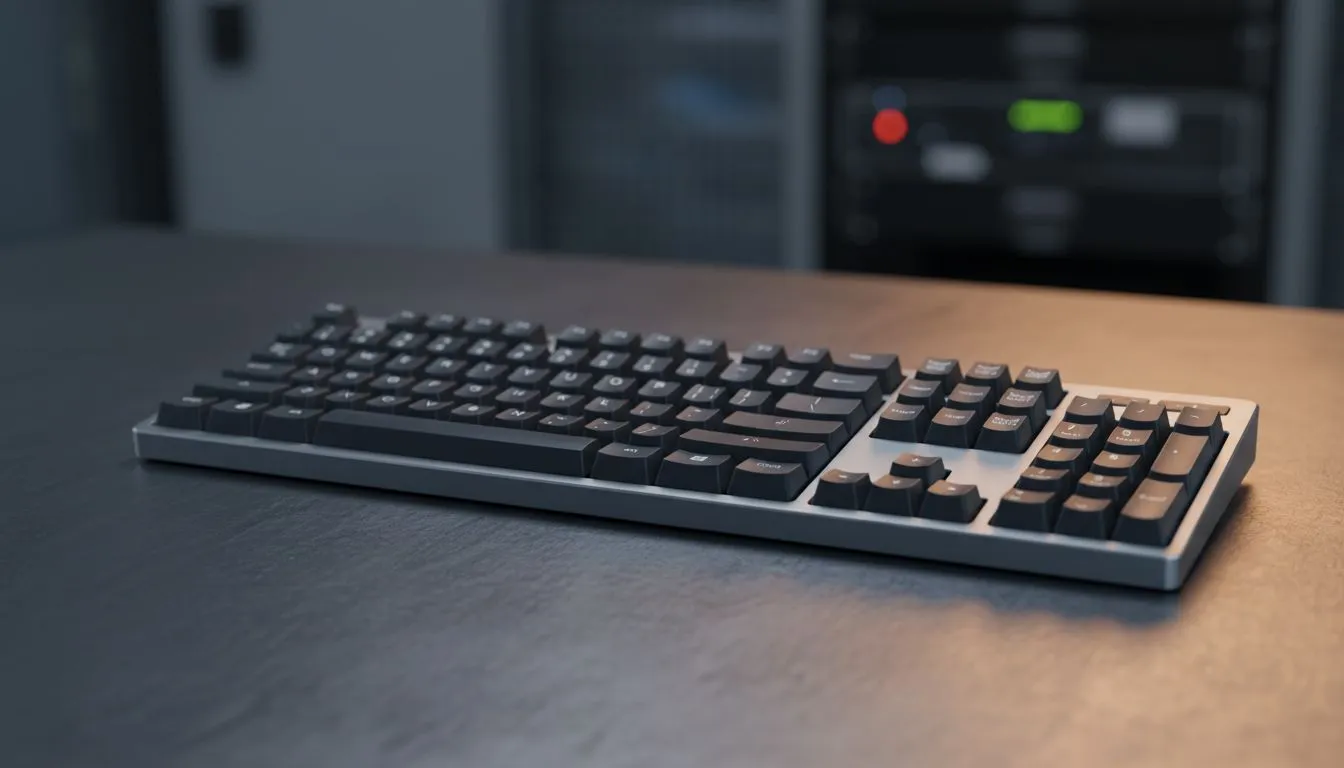
Master Your Workflow with Windows 11 Keyboard Shortcuts for Microsoft 365 Users
Navigating your professional workspace shouldn't feel like a difficult boss fight. Whether you are crunching numbers in Excel or drafting emails in Outlook, mastering Windows 11 Keyboard Shortcuts for Microsoft 365 Users is the fastest way to reclaim your time. In South Africa, where productivity often meets a high-pressure environment, having these commands at your fingertips ensures you spend less time clicking and more time winning.
Essential Navigation for the Modern Professional
Windows 11 introduced a refined interface that rewards those who know the right combinations. If you are currently using the cheapest gaming keyboard in South Africa, you already have the mechanical advantage needed for rapid input. Start with Win + Z to open the Snap Layouts menu. This allows you to snap your Word documents and Teams windows into a perfect grid instantly.
For those who prefer a clutter-free desk, a Wireless setup offers the freedom to move while maintaining total control. Try using Win + N to quickly check your notifications or Win + A to toggle your quick settings... perfect for muting your mic during a surprise load-shedding update.
Deep Integration with Microsoft 365
The true power of Windows 11 Keyboard Shortcuts for Microsoft 365 Users lies in the "Office Key" combination. By pressing Ctrl + Shift + Alt + Win, you can launch the Microsoft 365 app hub directly. If you are typing long reports in Word, use Win + H to activate voice typing... it is surprisingly accurate for South African accents and saves your fingers from fatigue.
Productivity Pro Tip ⚡
On Windows, use the PowerToys FancyZones utility to create custom snap layouts for your windows. It's a lifesaver for managing multiple apps on an ultrawide monitor, letting you organise your timeline, preview window, and asset folders perfectly for video editing.
The Right Hardware for the Job
While shortcuts save time, the hardware you use determines your comfort. If you are a fan of premium build quality, Glorious Keyboards offer the tactile feedback that makes rapid-fire shortcutting feel incredibly satisfying. Alternatively, a Wired connection remains the gold standard for zero-latency input during both work and late-night gaming sessions.
For the enthusiast who wants customisable RGB and macro support, a Razer Gaming Keyboard allows you to map complex Microsoft 365 functions to a single key press. Imagine launching your most-used Excel macros with just one tap... that is the level of efficiency every South African professional deserves.
Ready to Find Your Perfect Match? The Mac vs Windows debate is complex, but for maximum power, choice, and value in South Africa, Windows is hard to beat. Explore our massive range of laptop specials and find the perfect machine to conquer your world.











