

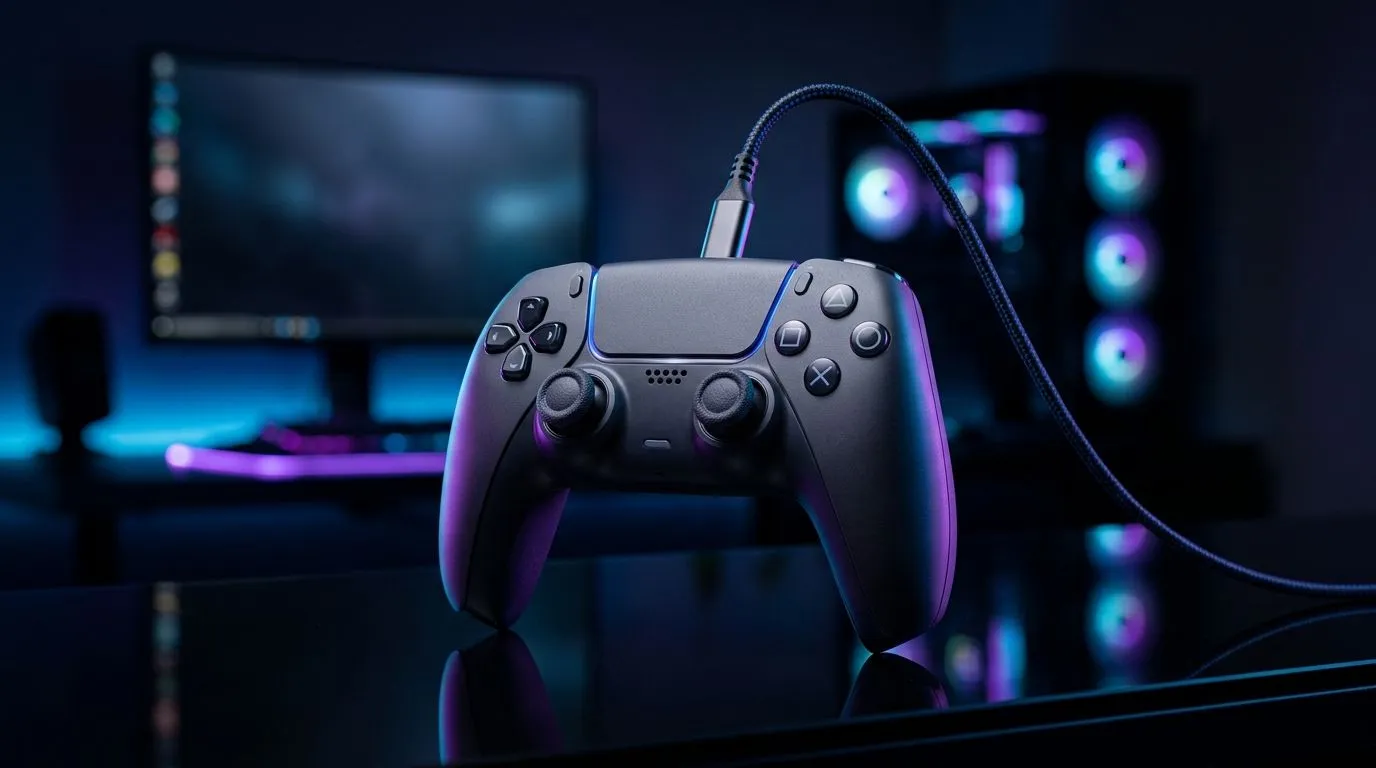
Can You Use a Wireless Gaming Controller While Charging? (In Practice, Yes)
So you’re in the middle of ranked… the battery icon is screaming… and you’re thinking, “Can I charge and still aim like a pro?” The short answer is: can you use a wireless gaming controller while charging? Yes, most of the time. But it depends on how the controller connects (Bluetooth vs 2.4GHz dongle), the charging method, and whether the cable causes signal interference. Let’s make it painless. ⚡
Can You Use a Wireless Gaming Controller While Charging? The Real-World Factors
Many modern wireless controllers support “play while charging”. Still, a few things can trip you up:
Connection type matters (Bluetooth vs 2.4GHz)
Bluetooth controllers typically work while charging, but some users notice slight latency changes if the USB port, hub, or cable is noisy. 2.4GHz dongles are usually more stable, but you’re still dealing with power draw and device behaviour during charging.
Cable quality can affect stability
A low-quality charging cable might work for power, but it can also introduce connection hiccups. If you see disconnects or input lag, try:
- a different USB port (preferably direct on the PC/console)
- a known-good cable (one that supports data reliably)
- avoiding front-panel USB ports on older cases
Battery and charging behaviour differs by controller
Some controllers switch modes or limit features when charging. That’s not “bad design” so much as power management. If you’ve ever heard “it works… until it doesn’t”, this is why.
Can You Use a Wireless Gaming Controller While Charging? How to Get the Best Feel
Before you test in a raid, do a quick stability check:
Quick tests you can do in 5 minutes 🔧
- Charge from 0–20% while playing a low-stakes mode.
- Watch for stutters, dropped inputs, or controller disconnect prompts.
- If possible, compare performance over Bluetooth vs a dongle.
If your goal is long sessions, it helps to choose a controller built for wired + wireless flexibility. For example, Evetech lists controller options here that are popular with PC players: Browse gaming controllers at Evetech
And if you’re specifically after Razer gear, you can narrow it down fast: Shop Razer controllers
For a concrete pick to consider, Evetech also has the Razer Wolverine V3 Tournament Edition (8K) here: Check the Razer Wolverine V3 Tournament Edition 8K deal 🚀
Productivity Pro Tip ⚡
Windows players can reduce “mystery lag” by disabling USB power saving. Open Device Manager → Universal Serial Bus controllers → USB Root Hub → Power Management, then uncheck “Allow the computer to turn off this device to save power”. It can help when a controller’s wireless receiver is plugged into a flaky hub.
Can You Use a Wireless Gaming Controller While Charging? Avoid Common Mistakes
- Don’t assume all USB ports are equal. Front panels and hubs can behave differently under load.
- Don’t use sketchy cables for charging. If the controller disconnects, cable quality is a prime suspect.
- Don’t ignore firmware updates. Controller firmware can improve charging and wireless stability. (Check the manufacturer support page for your exact model.)
A micro-story from the local couch-to-PC grind
I’ve seen this in SA households: someone charges the controller on a dodgy power strip, the dongle starts dropping packets, and suddenly the “Bluetooth lag” myth takes over. Swapped cable, moved to a direct USB port, and the problem disappeared. Boring fixes… but they work. ✨
Can You Use a Wireless Gaming Controller While Charging? Bottom Line
Yes, you can generally use a wireless gaming controller while charging. Your best results come from stable USB ports, solid cables, and a controller that’s designed for continuous play. If you’re shopping for your next upgrade, pick something that matches your connection style and your session length.
Ready to Find Your Perfect Match? The Mac vs Windows debate is complex, but for maximum power, choice, and value in South Africa, Windows is hard to beat. Explore our massive range of laptop specials and find the perfect machine to conquer your world.











