

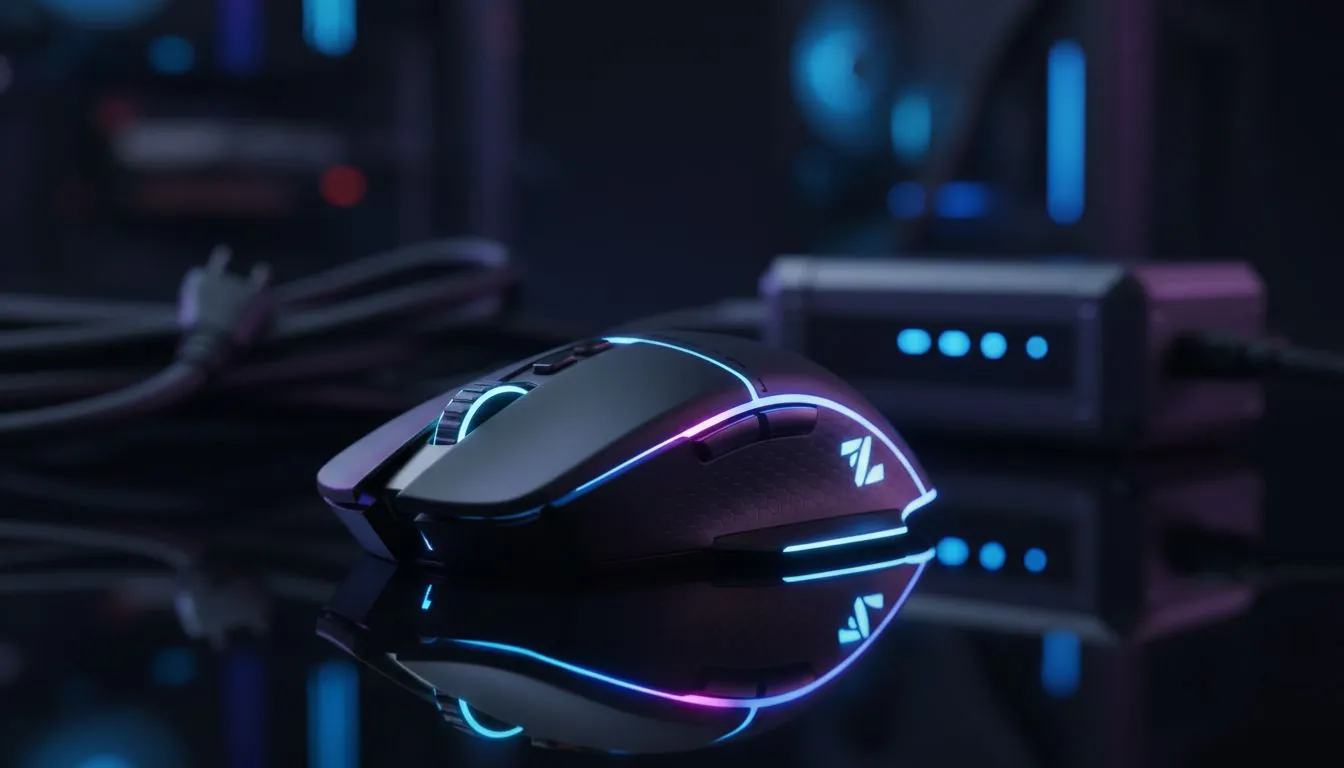
Wireless gaming mouse setup during loadshedding — keep playing ⚡
South African gamers: when the lights go, your aim shouldn't. A smart wireless gaming mouse setup for loadshedding keeps you in the match, without surprise lag or dead batteries. Read quick, action-ready steps to configure a reliable wireless mouse rig that survives short outages, saves ZAR, and gets you back to top-fragging faster. 🎮
Wireless gaming mouse setup: choose the right mouse
Start with a wireless mouse built for low-latency play and solid battery life. Evetech lists a wide gaming mice collection so you can compare sensor tech, DPI, and ergonomics. Look for mice with reliable 2.4GHz dongles or Bluetooth modes that switch cleanly; those give you the best chance of staying connected through power blips.
If you’re hunting bargains, check Evetech’s best gaming mouse deals to find models on special in ZAR. A mid-range wireless mouse can often handle serious play without costing as much as a top-tier RGB flagship.
Wireless gaming mouse setup: hardware essentials and settings 🔧
Plug in the USB receiver to a powered hub or UPS (if you have one). Tweak Windows mouse settings: polling rate, pointer precision, and power plan so the OS won’t throttle the dongle. For more direct buying options, browse to buy wireless mice for models with on-board profiles and quick-charge features.
Consider a hybrid plan: keep a quality wired mouse on standby for longer outages or tournament play — see wired options at Evetech’s wired alternatives. Wired mice eliminate battery risk and can be plugged into a UPS or portable battery pack during extended loadshedding.
Battery Tip ⚡
Carry a slim USB power bank and a USB-A to USB-C cable. If your wireless mouse supports wired charging, a 10 000 mAh bank powers your mouse plus a headset charge, giving you uninterrupted play during a 2–4 hour outage.
Wireless gaming mouse setup: accessories, backups and habits ✨
Stock a small kit: spare dongle storage, charging cable, and a compact power bank. Evetech’s page for mouse accessories has pads, spare feet, and charging cables that fit most gaming mice. Train quick-swap muscle memory so you can plug in a wired mouse or swap batteries in under a minute.
Micro-story: I once switched to a wired backup mid-match within 30 seconds — no alt-tabbing, no rage. Practice makes the handover invisible to teammates.
Wireless gaming mouse setup: last checks before game night
Charge devices to 100% before typical loadshedding windows. Keep firmware updated for dongle stability. Label spare cables so you grab the right one in the dark. Small prep avoids big frustration.
Ready to Find Your Perfect Match? The Mac vs Windows debate is complex, but for maximum power, choice, and value in South Africa, Windows is hard to beat. Explore our massive range of laptop specials and find the perfect machine to conquer your world.











