Quick Answer
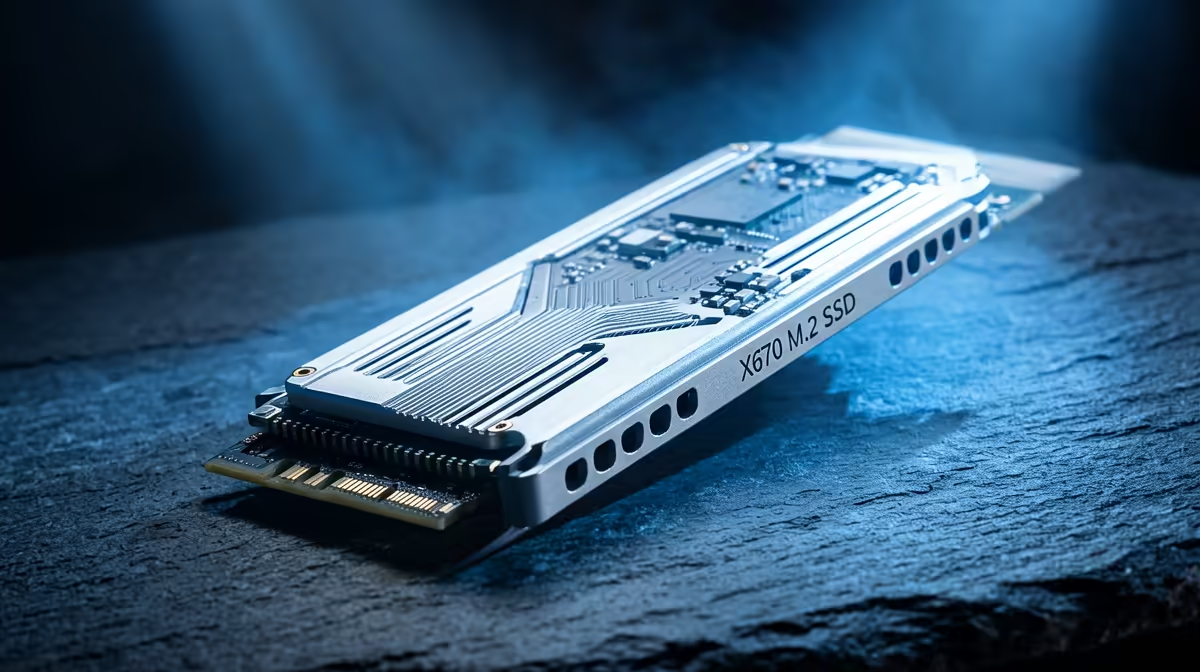
PCIe 5.0 x4 to M.2 adapter cards work on X670 boards by installing in the primary PCIe x16 slot and using PCIe bifurcation. This delivers Gen 5 NVMe speeds (14,000 MB/s) on boards without a native PCIe 5.0 M.2 slot. Adapter cards cost R500–R900 at Evetech; the Gen 5 NVMe drive is separate (R1,200–R3,200 for 1–2 TB). Bifurcation support must be confirmed in your X670 board's BIOS before purchasing.
PCIe 5.0 Adapter Cards on X670: Requirements
To use a PCIe 5.0 M.2 adapter on X670:
- PCIe bifurcation support: Your X670 BIOS must allow the primary x16 slot to bifurcate (e.g., x8+x8 or x8+x4+x4). Check your board's BIOS > PCIe Configuration for this option.
- Available PCIe slot: Most SA builders use the primary x16 for the GPU. An x4 adapter in a secondary PCIe slot (if PCIe 5.0 x4 capable) is the better option — no GPU slot impact.
- Board thermal clearance: Gen 5 NVMe drives on adapter cards run hot (70–80°C under load) and need airflow. Ensure the adapter card has its own M.2 heatsink.
Speed Numbers for SA Builders
| Configuration |
Sequential Read |
Est. ZAR |
| X670 M.2_1 + Gen 4 NVMe (WD SN850X 1 TB) |
7,300 MB/s |
~R900–R1,100 |
| X670 PCIe 5.0 adapter + Gen 5 NVMe (Crucial T705 1 TB) |
14,500 MB/s |
~R500 + R1,200–R1,800 |
| X670 PCIe 5.0 adapter + Gen 5 NVMe (Crucial T705 2 TB) |
14,500 MB/s |
~R500 + R2,500–R3,200 |
The Gen 5 adapter option nearly doubles sequential throughput over the Gen 4 internal slot — relevant for creators and heavy file-transfer users, marginal for gaming.
FAQ
Does using a PCIe 5.0 adapter card for Gen 5 NVMe slow the GPU on an X670 build?
If you bifurcate the primary x16 slot (x8 GPU + x4 adapter + x4 NVMe), the GPU runs at x8 — a 0–3% gaming fps impact. Alternatively, use a secondary PCIe x4 slot if your X670 board has one — the adapter uses x4 lanes without affecting the GPU x16 slot.
Which X670 boards support PCIe bifurcation for M.2 adapter cards in SA?
Most mid-range to premium X670 boards support it — check for "PCIe Bifurcation" under Advanced > PCIe Settings in BIOS. MSI MAG X670E Tomahawk, ASUS TUF Gaming X670E-Plus Wifi, and Gigabyte X670E Aorus Elite all support bifurcation. Confirm before purchasing the adapter.
Is a PCIe 5.0 adapter card worth the effort for a gaming-only X670 build?
For gaming only: no. The sequential speed jump from 7,000 MB/s (Gen 4) to 14,000 MB/s (Gen 5) does not translate to measurable fps or game-loading improvements in practice. For content creation (video editing, Blender renders), the adapter + Gen 5 NVMe is a meaningful upgrade worth R700–R1,500 total.
a PCIe 5.0 M.2 adapter, update your X670 BIOS to the latest version — AGESA firmware updates improved bifurcation stability on X670 boards significantly, and an outdated BIOS may not properly support the PCIe x4+x4 configuration the adapter requires.