

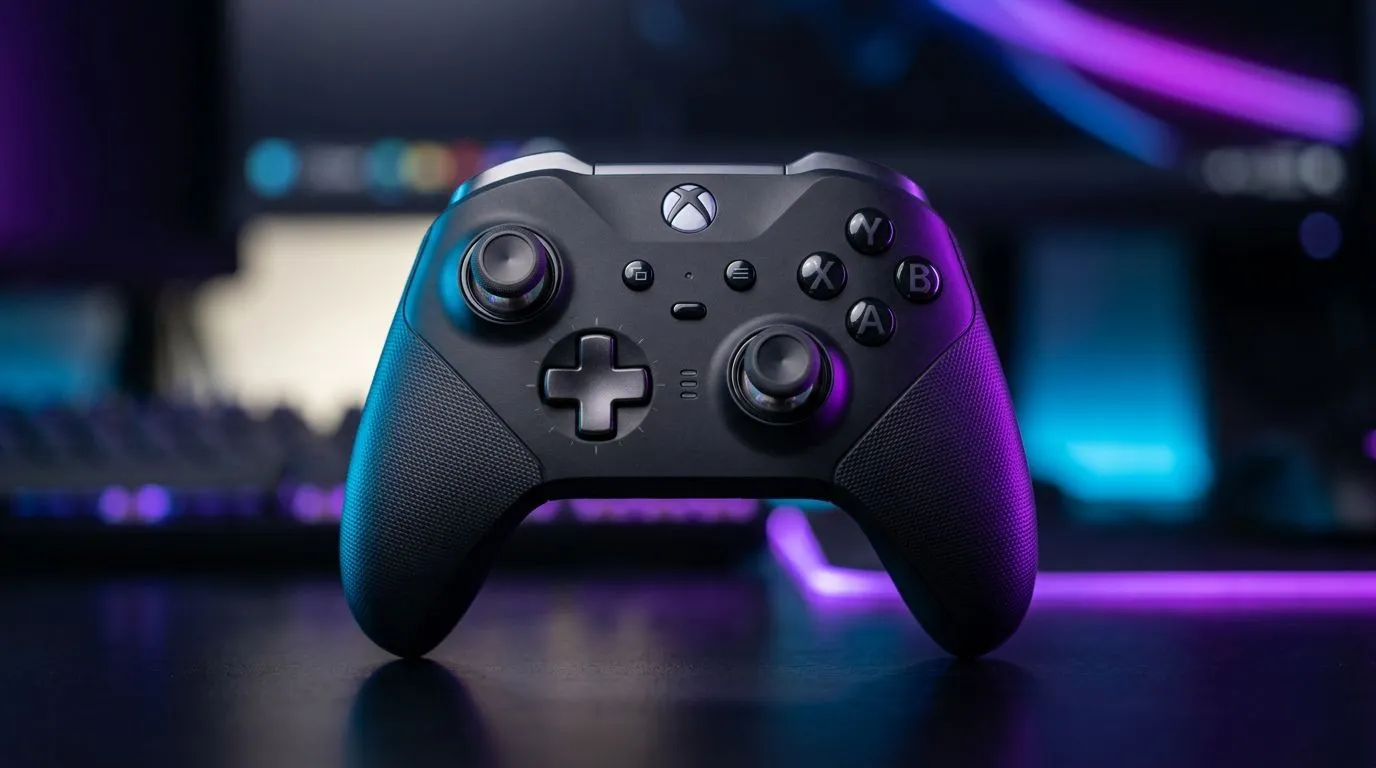
Can You Use an Xbox Licensed Controller on PC and Mobile? (Short Answer)
If you’ve got a spare Xbox controller lying around, don’t let it collect dust. In SA, where budget matters and game libraries sprawl across devices, it’s handy to know whether your controller will actually work on PC and mobile. 🎮
The good news… yes, in most cases you can use an Xbox licensed controller on PC and often on mobile too. But the “how” depends on how your controller connects and what your phone supports.
Can You Use an Xbox Licensed Controller on PC and Mobile? on Windows (Where It’s Easiest) ✅
On PC, Xbox licensed controllers are among the most plug-and-play options. Windows generally supports Xbox controllers through built-in drivers, especially for wired USB and official wireless Xbox controllers.
What to expect when pairing
- Wired (USB): Usually detected instantly.
- Wireless (Bluetooth / Xbox Wireless): Works great when supported, but may require pairing in Windows settings.
If you’re building or upgrading a setup for smoother aim and fewer headaches, Evetech’s controller buying guides are a solid starting point for matching controller type to your needs. You can also browse options here: browse gaming controllers on Evetech.
Why this matters for SA gamers: less time troubleshooting means more time in ranked… and fewer controller re-installs before the weekend ladder.
Quick troubleshooting if your controller “does nothing”
Try this order:
- Unplug/plug the USB cable (or remove and re-pair Bluetooth).
- Restart the game, not only the controller app.
- Check in Windows game controller settings to confirm it’s recognised.
Productivity Pro Tip ⚡
On Windows, keep your controller mapping tidy by using in-game controller settings first, then only switch to global settings if the game supports custom profiles. This avoids double-mapping buttons when you change between shooters, racers, and sports titles.
Can You Use an Xbox Licensed Controller on PC and Mobile? on Android/iOS (The Real-World Limits) 📱
Mobile support is where things get more varied. “Xbox licensed” helps, but your phone’s Bluetooth stack and the specific game’s controller support decide whether it’s seamless.
What usually works
- Bluetooth gamepad support with popular games that list “controller compatible” gameplay.
- Wired USB can work on some Android devices with the right adapter, but it’s not consistent across every phone model.
What might not work
- Older phones or games without proper controller input mapping.
- Firmware quirks or unsupported wireless modes.
If you’re choosing a controller for mobile + PC, consider whether you want a controller designed for wider compatibility rather than “just Xbox-first” features. Evetech lists a range of controllers for exactly this kind of multi-device lifestyle, and you can compare by brand too. For example: explore controller options by Raze on Evetech.
Can You Use an Xbox Licensed Controller on PC and Mobile? Choosing the Right Controller (Value in ZAR) 💸
If you’re buying new, don’t only chase compatibility. Think about:
- Connection method: Bluetooth vs wireless dongle vs wired.
- Latency feel: especially in shooters and rhythm games.
- Ergonomics: long sessions matter.
For players who want a more tournament-focused experience, Evetech also carries higher-end controller options like the Razer Wolverine V3 Tournament Edition 8K at Evetech. Even if you’re asking about Xbox controllers today, comparing features and connection styles helps you buy once and stay happy.
A quick SA buyer mindset
If you’re paying in ZAR, it’s smart to treat your controller like an investment. Spend a bit more for reliable wireless and cleaner input mapping. It often saves money later when you decide to play on more devices than you planned.
Can You Use an Xbox Licensed Controller on PC and Mobile? Final Check Before You Buy 🎮✨
Before you commit (or get frustrated mid-game), verify two things:
- Your controller connection type (USB, Bluetooth, or Xbox wireless).
- Your target mobile game’s controller support.
And if you want the safest path in SA, choose controllers that Evetech sells with compatibility in mind, then match them to your platform.
Ready to Find Your Perfect Match? The Mac vs Windows debate is complex, but for maximum power, choice, and value in South Africa, Windows is hard to beat. Explore our massive range of laptop specials and find the perfect machine to conquer your world.











