Quick Answer
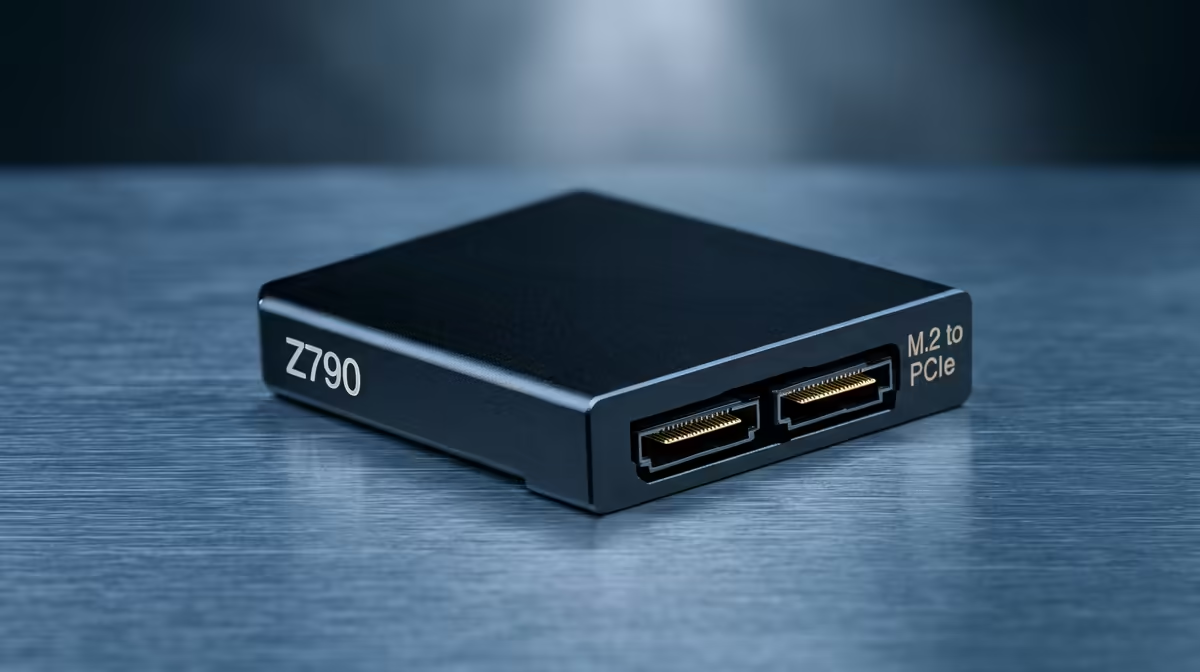
A PCIe-to-M.2 adapter card on Z790 adds NVMe slots when all native M.2 sockets are full. Most Z790 boards offer three to five native M.2 slots, so adapters are rarely needed for gaming builds. When you do need one, a PCIe 4.0 x4 adapter in a chipset-attached slot delivers 7,000 MB/s reads — adequate for game library storage — and costs around R400–R900 at Evetech.
When Z790 Builders Actually Need an Adapter
Z790 boards like the ASUS ROG Maximus Z790 Hero and MSI MEG Z790 ACE ship with four to five native M.2 slots. A typical gaming build fills two (OS and game library) — leaving two or three slots empty. Adapters become relevant only in storage-intensive scenarios: a home server build needing five or more NVMe drives, a video editing rig with separate working, render cache, and archive drives, or a Proxmox virtualisation setup using multiple isolated NVMe volumes.
For these use cases, a single-NVMe adapter card occupying a PCIe x4 slot costs R400–R700. A dual-NVMe adapter card requiring a bifurcated x8 slot costs R800–R1,200. Ensure your Z790 board's BIOS supports bifurcation before purchasing a multi-NVMe adapter.
Speed Expectations from Z790 PCIe Adapter Slots
Z790's PCIe x4 slots connected to the chipset deliver PCIe 4.0 x4 bandwidth (~7,000 MB/s) — the same as a chipset-attached native M.2 slot. An adapter in one of these slots behaves identically to M.2_3 or M.2_4 in terms of throughput. The primary x16 slot is GPU-occupied in almost all builds, so adapter cards rarely access CPU-direct PCIe bandwidth on Z790.
If the adapter requires a PCIe 5.0 slot — as some Gen 5 NVMe adapters do — note that Z790's GPU slot is PCIe 5.0 x16, but bifurcating it to accommodate an adapter reduces GPU bandwidth. For gaming builds, keep the GPU at full x16; use chipset PCIe 4.0 slots for adapters.
SA Build Scenarios and Adapter Value
For SA gaming builds, the most cost-effective storage expansion on Z790 is not an adapter — it is using the board's unused native M.2 slots. A 4TB Gen 4 NVMe in M.2_3 (~R3,200 at Evetech) costs far less than a premium adapter card plus a separate NVMe. Adapters add value primarily when all native slots are occupied or when a specific PCIe slot placement is required for airflow or cabling reasons.
FAQ
Do PCIe-to-M.2 adapter cards slow down NVMe performance on Z790?
Only if they sit in a PCIe slot with insufficient lanes. A x4 adapter in a chipset PCIe 4.0 x4 slot delivers 7,000 MB/s — the same as a native chipset M.2 slot. Ensure the adapter does not accidentally occupy a x1 or x2 slot, which would cap throughput at 1,750–3,500 MB/s.
Does a PCIe-to-M.2 adapter affect Z790 GPU performance?
Not if the adapter is in a chipset-attached slot rather than the primary GPU x16 slot. Z790's chipset PCIe 4.0 slots are independent of GPU lanes. Only bifurcating the primary x16 GPU slot to accommodate an adapter affects GPU bandwidth — avoid this on gaming builds.
Which Z790 boards support the most native M.2 slots without needing an adapter?
The ASUS ROG Maximus Z790 Extreme (five M.2 slots) and MSI MEG Z790 ACE (five M.2 slots) lead the field. Most mid-range Z790 boards offer three to four M.2 slots — sufficient for all but the most storage-heavy builds without needing an adapter.
a PCIe-to-M.2 adapter for Z790, count the unused native M.2 slots on your board — most mid-range Z790 boards have three or four slots, and the empty ones are cheaper and faster to populate than adding an adapter card.