

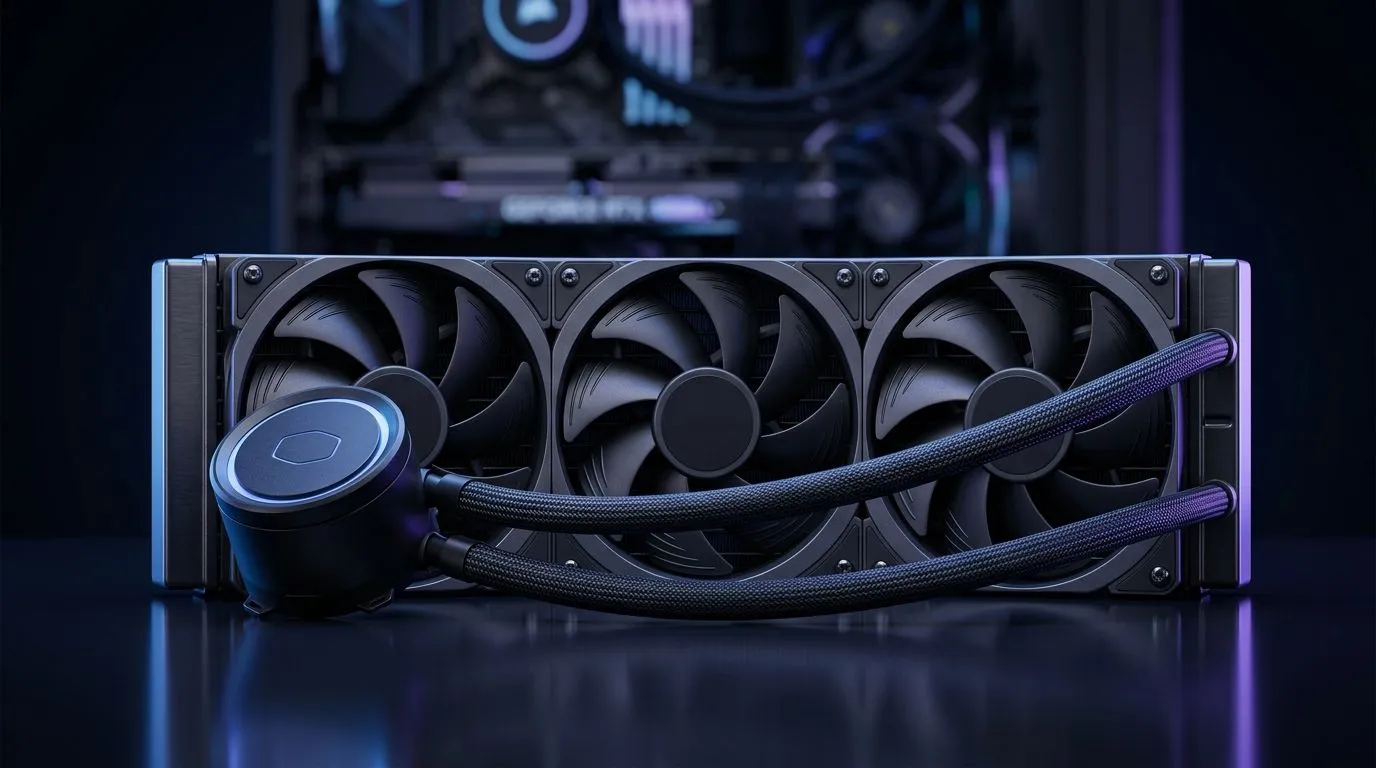
Zero RPM Fan Mode on AIO: Why silent desktops matter
Thinking about a whisper‑quiet rig for late‑night raids or podcasting? Zero RPM Fan Mode on AIO Cooler: Silent Desktop Setup Guide walks you through why stopping fans sometimes is smart, and how to do it safely. Keep ambient noise under 30 dB, preserve airflow when needed, and enjoy uninterrupted focus without buying a new case. 🔧
Zero RPM Fan Mode on AIO: How the mode works and risks
This mode lets AIO fans stop spinning below a temperature threshold. Pumps still circulate coolant, so your CPU stays safe while fans stay idle. Check your cooler's specs on the Evetech AIO listings to confirm pump RPM and thermal limits. For a quick browse, see Evetech's CPU cooler category for all air and liquid options. https://www.evetech.co.za/PC-Components/cpu-coolers-84
Zero RPM Fan Mode on AIO: Step‑by‑step setup for South African builds
Start in BIOS or your motherboard utility. Look for fan curves and set a low‑temp stop point, usually 30–40°C. If you use vendor software, reference the AIO manufacturer page for model‑specific guidance. Prefer Corsair tools? Check their AIOs at Evetech. https://www.evetech.co.za/PC-Components/cpu-coolers-84?attributes-coolertype=Liquid+Cooler+%28AIO%29&brands=CORSAIR Pair fan curves with pump settings to avoid thermal spikes. If you favour affordable options, Deepcool has solid models—see their 240mm and 360mm choices. https://www.evetech.co.za/PC-Components/cpu-coolers-84?attributes-coolertype=Liquid+Cooler+%28AIO%29&brands=Deepcool Want specific radiator sizes? Evetech lists 360mm radiators for high‑TDP builds. https://www.evetech.co.za/PC-Components/cpu-coolers-84?attributes-coolertype=Liquid+Cooler+%28AIO%29&attributes-coolingsize=360mm+Radiator
Cooling Tip ⚡
Keep one fan set to a gentle idle curve even in zero RPM mode. It prevents dust hotspots on the radiator and provides immediate airflow if temps spike during sudden loads.
Zero RPM Fan Mode on AIO: Choosing the right AIO for silence
Look for AIOs with high‑efficiency pumps and low‑noise fans. Evetech's liquid cooler listings help compare features and pricing in ZAR. Browse 240mm radiators for compact builds or 360mm for better thermal headroom. https://www.evetech.co.za/PC-Components/cpu-coolers-84?attributes-coolertype=Liquid+Cooler+%28AIO%29&attributes-coolingsize=240mm+Radiator Also consider fan bearings and PWM control. Magnetic levitation or fluid dynamic bearings usually give quieter idle noise and longer life. Small tests in the motherboard utility can show how fast temps climb when fans stop.
Want a shortlist? Use Evetech's AIO filter https://www.evetech.co.za/PC-Components/cpu-coolers-84?attributes-coolertype=Liquid+Cooler+%28AIO%29 to narrow choices by radiator size, fan count and brand. Try 240mm AIOs for small ATX or mATX cases, 360mm units for overclocked chips, and pick PWM fans with good static pressure for dense radiators. Remember to match the pump header to a continuous power source and label fan cables when installing. Test with a CPU stress app and watch the delta between idle and load. If temperatures rise dangerously, reverse the curve. This simple checklist saves time and keeps your desktop whisper‑quiet. Consider aftermarket fans for ultra‑low noise results and longevity.
Zero RPM Fan Mode on AIO: Final checklist before you go quiet ✨
- Confirm pump is continuous.
- Set fan stop at a safe temp.
- Monitor temps under gaming load for an hour.
- Keep vents clear and clean dust every 3 months. If unsure, pick an AIO that lists clear specs on the retailer page and match it to your case airflow.
Ready to Find Your Perfect Match? The Mac vs Windows debate is complex, but for maximum power, choice, and value in South Africa, Windows is hard to beat. Explore our massive range of laptop specials and find the perfect machine to conquer your world.











