

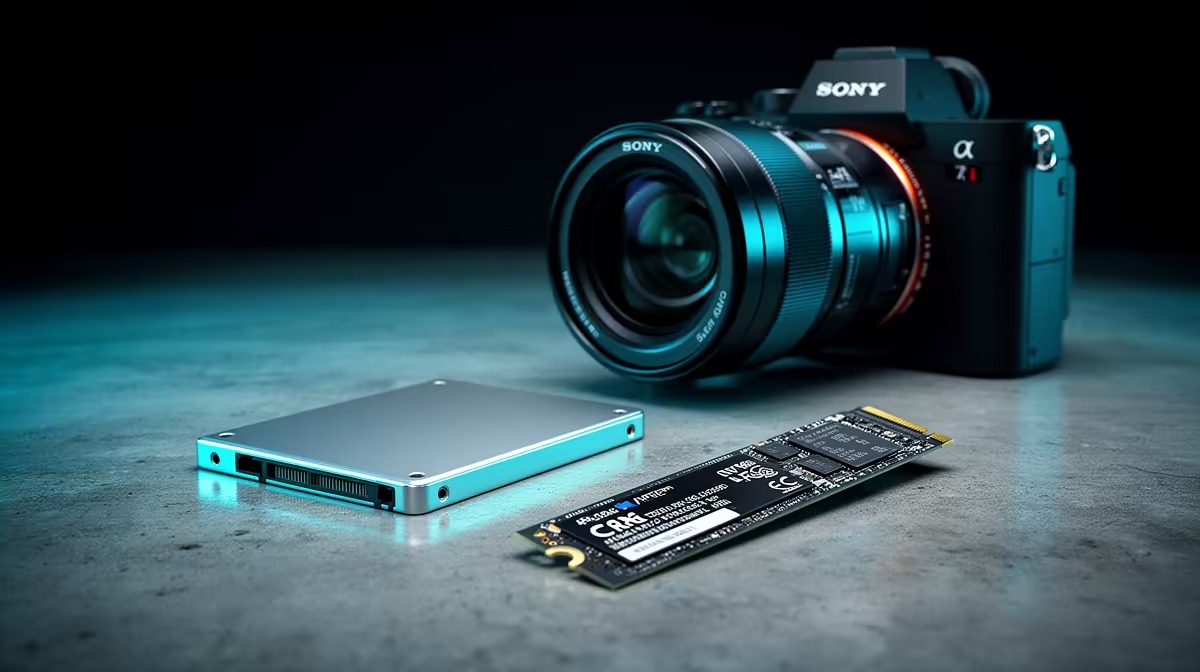
2.5-Inch SSD vs M.2 SSD: Form Factor Differences Explained for SA gamers 🔧
If your PC or console-spirit gaming rig feels sluggish, storage is often the fastest fix. But choosing between a 2.5-Inch SSD vs M.2 SSD setup can get confusing fast… especially when you’re comparing “physical size” and “performance” like they’re the same thing. Let’s make it simple, so you buy the right drive the first time and avoid wasting money. 🚀
2.5-Inch SSD vs M.2 SSD: What “form factor” actually means ✨
Form factor is the physical shape of the SSD. It determines:
- how it connects to the motherboard
- whether you need an adapter or spare slot
- what fits in your case (and sometimes your laptop)
2.5-inch SSD: the classic SATA-ready option
A 2.5-inch SSD is the familiar “laptop drive” size. It usually connects over SATA (Serial ATA). That’s common, dependable, and great for upgrades in older desktops with spare 2.5-inch bays. In plain terms… if your system has a 2.5-inch mount and SATA support, you’re in business.
You can browse suitable 2.5-inch options from Evetech here: shop 2.5-inch SSDs at Evetech
M.2 SSD: the smaller card that plugs into the motherboard
An M.2 SSD is a thin stick-style drive that mounts directly to the motherboard via an M.2 slot. Many M.2 drives are faster than older SATA SSDs because they can use NVMe. The exact speed depends on the model and your motherboard’s support.
If you want to target specific brands and M.2 models, Evetech makes it easy:
2.5-Inch SSD vs M.2 SSD: Connection & performance explained (without the hype) ⚡
Here’s the real deciding factor: interface, not marketing.
SATA vs NVMe (why it matters)
- 2.5-inch SSD: most commonly SATA, which is great for everyday gaming load times.
- M.2 SSD: can be NVMe, which typically offers higher speeds and better responsiveness.
But speeds only help if your system can actually use them. Before you buy, check:
- does your motherboard have an M.2 slot?
- does it support the size you’re buying (like 2280)?
- does it support the interface generation your drive uses?
Evetech lists drive compatibility details by interface, so you can filter intelligently: shop SSDs by interface generation details
2.5-Inch SSD vs M.2 SSD: Picking the right drive for your build (SA real-world guide) 🎮
Think about your setup like this:
- Older desktop with limited upgrade space? A 2.5-inch SSD is often the easiest win. No motherboard slot hunting.
- Modern motherboard with an M.2 slot? M.2 is usually cleaner, faster, and uses less space.
- You’re doing a full gaming PC storage upgrade? Consider a combo: M.2 for OS and key games, plus a 2.5-inch SSD for bulk storage.
Also… don’t forget your “hidden bottleneck”:
- If your RAM is low or your CPU is struggling, storage gains won’t feel as dramatic.
Productivity Pro Tip ⚡
On Windows, use the built-in Device Manager and Storage settings to confirm your drive shows up with the expected capacity after installation. Then run a quick benchmark (like CrystalDiskMark) to ensure the SSD is performing normally, not stuck in a slower mode.
2.5-Inch SSD vs M.2 SSD: Final checklist before you click buy ✅
Before checkout, confirm:
- Correct size (2.5-inch bay vs M.2 2280)
- Correct interface support (SATA vs NVMe)
- Your motherboard supports the SSD’s interface generation
- You’ve got the right mounting hardware or slot clearance
Then… you’ll get smoother installs, quicker level loads, and fewer “why is it slow?” moments.
Ready to Find Your Perfect Match? The Mac vs Windows debate is complex, but for maximum power, choice, and value in South Africa, Windows is hard to beat. Explore our massive range of laptop specials and find the perfect machine to conquer your world.











