

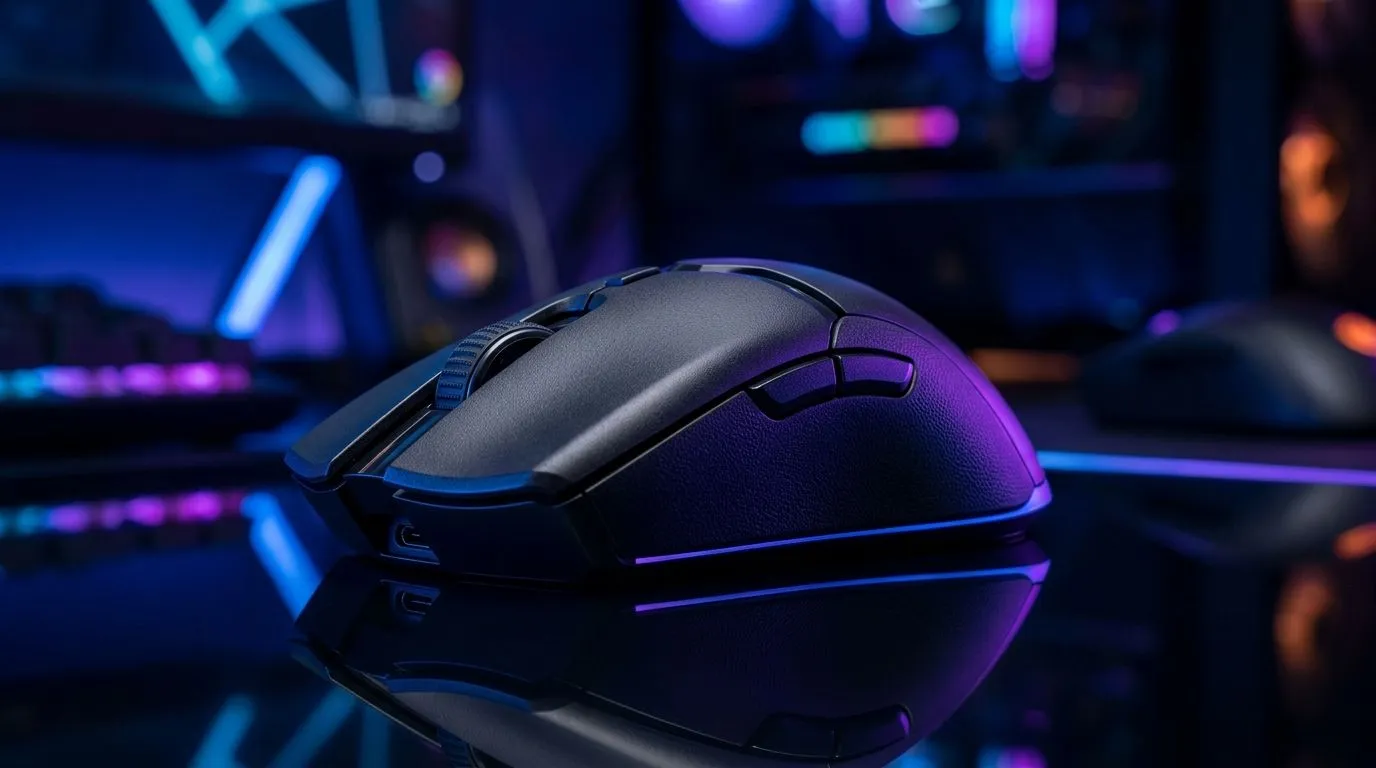
26K DPI Sensor vs Mouse Shape: The real choice for SA gamers
You can chase 26K DPI numbers all day… but your aim won’t improve if the mouse shape fights your hand. In South Africa, we’re often balancing FPS dreams with practical budgets, long gaming sessions, and the reality of sweaty mouse pads on summer nights. 🎮
So what matters more: a high DPI sensor or a shape that fits how you grip? Let’s break it down in a way that helps you buy once, play longer, and climb ranks faster.
Why “26K DPI” is exciting… and limited 🔍
DPI (dots per inch) controls pointer sensitivity. A higher DPI means the sensor can measure smaller movements more precisely. But DPI is only half the story.
What actually affects performance more often:
- Sensor quality and tracking consistency (how well it stays accurate during flicks)
- Lift-off distance and glide control (how it behaves when you reposition)
- Polling rate (how often updates are sent to your PC)
- Your in-game sensitivity and mousepad surface
Evetech lists gaming mice and accessories so you can match a sensor class to your setup, whether you’re shopping wired stability or wireless freedom. For wired options, browse: wired gaming mice.
For accessories (like skates and pads), start here: mouse accessories.
Mouse shape: the hidden advantage for aim consistency ✨
Shape affects comfort, control, and fatigue. When your palm, claw, or fingertip grip sits naturally, you micro-adjust without tension. Over 1–3 hour sessions, that matters.
Think about your worst aim moments:
- Is your wrist lifting awkwardly?
- Does your ring finger hang off the side?
- Do you squeeze to keep control?
These are grip-shape problems, not DPI problems. If a sensor can track well but your hand position drifts, your crosshair will too.
Grip types and what to look for
- Palm grip: often prefers a fuller back and stable side contours
- Claw grip: likes a lower front height with comfortable button placement
- Fingertip grip: needs a lightweight feel and predictable mouse skates
If you’re upgrading for comfort and precision, compare models in Evetech’s gaming mouse category: gaming mouse options.
Picking the right setup for your games (and your PC) ⚡
In shooters like CS2 and Valorant, aim comes from muscle memory. Most players do better when their sensitivity stays consistent, not when DPI whiplashes.
Practical approach:
- Set a DPI you can keep for weeks (many players run 800–1600 for consistency).
- Adjust in-game sensitivity to match your desk space.
- Choose a mouse shape that keeps your wrist relaxed.
If you prefer flexibility on the couch or desk, wireless can work well now, but you still need a shape that fits. Start comparing wireless choices here: wireless gaming mice.
Productivity Pro Tip 🔧
On PC, use your mouse software (or in-game settings) to lock a single DPI profile for competitive modes. Then test 10 minutes of flicks and tracking on your regular mousepad. Comfort first, consistency second, and only then start fine-tuning.
The “26K DPI” decision rule for SA buyers 🚀
Ask yourself two questions before you buy:
- Will I still like this mouse after an hour of relaxed gripping?
- Do I have a stable, low-friction surface (and clean skates)?
High DPI helps, but the real-world winners are usually the ones that feel right. If you can get a comfortable mouse at a great price, you’ll play more… and practice beats raw spec sheets.
For shoppers hunting deals in ZAR, Evetech’s gaming mouse specials are a good starting point: best gaming mouse deals. Check current pricing, then match the model to your grip style.
CALLTOACTION
Ready to Find Your Perfect Match? The Mac vs Windows debate is complex, but for maximum power, choice, and value in South Africa, Windows is hard to beat. Explore our massive range of laptop specials and find the perfect machine to conquer your world.











