

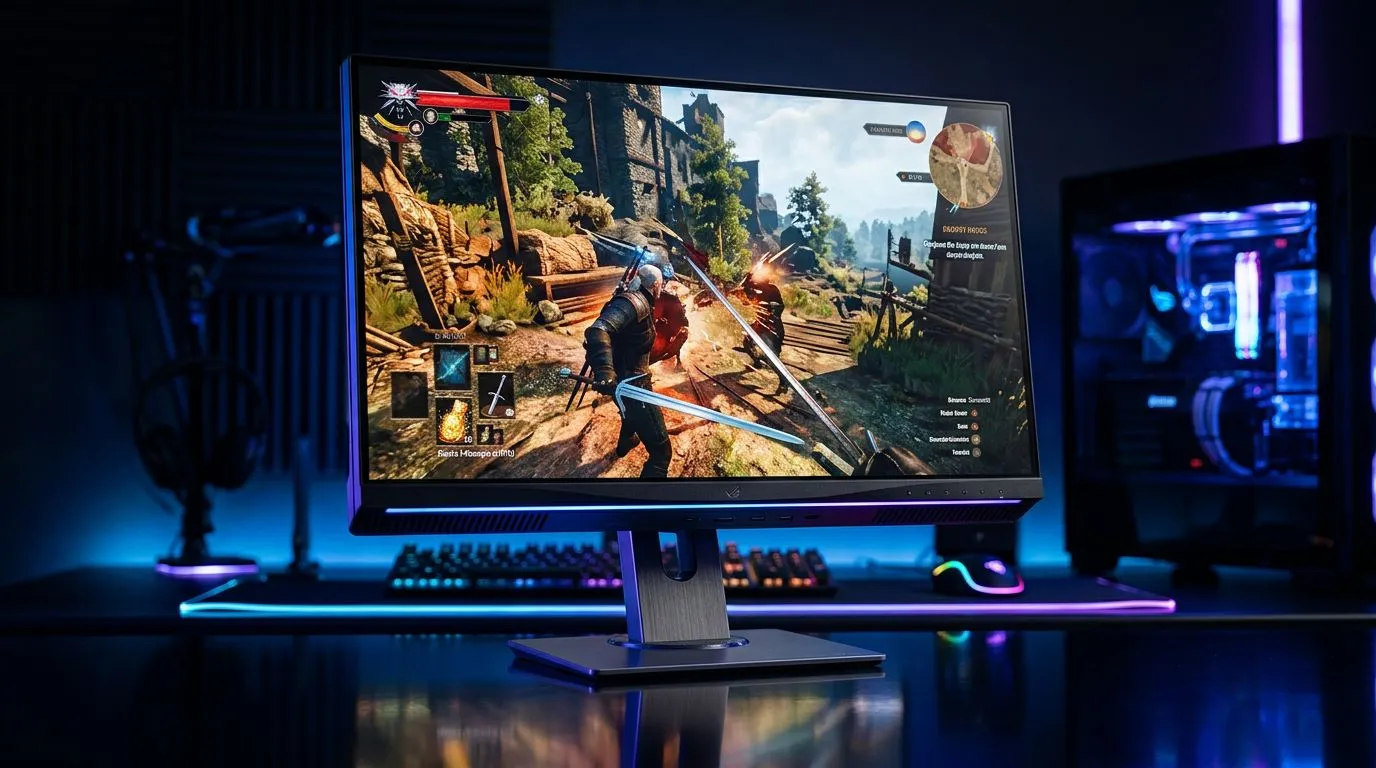
Quick Verdict for South African Gamers: 4K 120Hz vs 60Hz Monitors… is it worth it?
If you’ve ever queued into a match, then felt your aim “lag behind” what your eyes see, you already understand the appeal of higher refresh rates. For South African gamers gaming on PS5, Xbox Series X|S, and capable PCs, the jump from 60Hz to 120Hz can feel instantly smoother… but only when your hardware can keep up. 🚀
The question isn’t just “more is better”. It’s “will 4K 120Hz vs 60Hz Monitors upgrade actually improve your real gameplay in your setup?”. Let’s break it down clearly, with real buying considerations.
What 4K 120Hz Really Changes (and When 60Hz Still Makes Sense)
A monitor’s refresh rate is how many times per second the screen updates. Higher refresh rates can make motion look smoother and reduce perceived input delay.
But here’s the catch: at 4K resolution, pushing high frame rates is harder. Many games and console modes target 60fps at 4K using dynamic scaling and settings adjustments. On PC, you may hit higher FPS, but you’ll often trade visuals to sustain it.
So the honest rule of thumb:
- 60Hz: great for stable gaming and story-heavy titles, especially at 4K.
- 120Hz: best for competitive play and fast action when you can realistically get higher FPS.
The “Console vs PC” Reality Check
If you’re on consoles, check whether your games offer 120Hz output modes and whether they run at (or near) 4K. If the 120Hz mode drops you to 1080p or uses heavy scaling, you’ll still benefit from smoothness, but not from “true” 4K sharpness. On PC, you’re more in control: you can balance DLSS/FSR, settings, and frame targets.
Frame Rate Matching: The Upgrade Path That Saves Money 🔧
Buying a 4K 120Hz monitor without a plan is how budgets get wrecked. Your money should follow your FPS.
A smart upgrade path looks like this:
- Aim for 60fps first at your target resolution with comfortable settings.
- If you’re regularly above 100fps in competitive titles, then 120Hz becomes meaningful.
- If your FPS is consistently closer to 60, you might be better off spending on a stronger GPU or settings tune before paying for peak refresh.
Resolution vs Refresh: Which One Improves Your Feel?
Most players notice smoothness more than micro-detail. If you have to choose, higher refresh usually helps your “tracking and reaction” first. But if you’re currently on a lower-resolution display, upgrading resolution can be the bigger leap for clarity.
Buying Smarter: Where to Shop for 4K 120Hz vs 60Hz Monitors in South Africa ✨
If you want to compare options without wasting hours, use category pages to filter by panel type, refresh rate, and size. Start with Evetech’s monitor listings:
- Check the latest best PC monitor deals here: PC monitor deals at Evetech
- Browse the broader PC monitors selection: PC monitors on Evetech
- If you’re focused on high-FPS gaming, explore: gaming monitors at Evetech
Panels, VRR, and “Smoothness” Features That Matter
A 120Hz panel alone doesn’t guarantee smooth gaming. Look for:
- VRR (Variable Refresh Rate) support, which helps reduce tearing and stutter.
- Response time that fits your game speed.
- Ports that match your console/PC output (HDMI version and DisplayPort).
Evetech’s monitor categories make it easier to cross-check specs as you shortlist. When you’re ready, don’t ignore the basics like cables and adapters either… they can be the reason 4K/120Hz doesn’t actually happen.
Productivity Pro Tip 🔧
On Windows, calibrate your refresh rate in Display Settings first, then verify the monitor is really running at 120Hz. Also set your in-game frame rate cap slightly below your monitor’s max (for example, 117fps) to keep frame pacing stable when VRR is active.
ZAR-Based Decision Guide: Spend Where It Hurts Least
In South Africa, the best upgrade is the one you’ll feel every session, not the one that looks best on a spec sheet.
Consider these practical scenarios:
- You play competitive shooters a lot: 120Hz can feel like a “snappier” experience, even if 4K isn’t always maxed.
- You mostly play story games and RPGs: 60Hz at strong settings can still be the smoother, calmer choice.
- Your current PC struggles at 4K: prioritise GPU performance or use smarter scaling before paying extra for 4K/120Hz.
Don’t Forget Ergonomics and Setup (It Affects How It Feels)
Sometimes the “upgrade” is also about comfort and desk space. If you’re thinking ultrawide or curved for immersion, compare curved options: Shop curved monitors here
If you’re gaming on the go or need a flexible setup for tournaments, travel, or remote work: View portable monitors here
And if your heart is set on high-end clarity at 5K/4K class targets, it’s worth comparing the broader high-resolution category too: Explore 5K/4K monitors here
The Hidden Problem: Cables and Accessories Can Block 4K/120Hz
A common “why isn’t it working?” moment: you buy the monitor, connect it… and the refresh rate won’t reach the advertised number. This is often down to:
- Cable quality and bandwidth
- Wrong port selection
- Settings not applied after connection
Make sure you have the right gear, especially when chasing high bandwidth modes: Get monitor accessories here
Call It: When You Should Upgrade From 60Hz to 120Hz
So, is the upgrade worth it for gamers?
Upgrade to 4K 120Hz vs 60Hz Monitors if:
- You play competitive titles regularly and can push higher FPS.
- You want smoother motion and better responsiveness.
- Your setup supports 120Hz modes consistently.
Stay closer to 60Hz if:
- Your FPS is usually near 60 at 4K.
- You mainly play genres where smoothness matters less.
- You’d rather put that ZAR into a GPU upgrade first.
If you want the shortest path to the right choice, use Evetech’s monitor categories to shortlist your candidates, then cross-check your platform’s 120Hz support and your in-game settings. That’s how you avoid expensive regrets… and buy with confidence.
Ready to Find Your Perfect Match? The Mac vs Windows debate is complex, but for maximum power, choice, and value in South Africa, Windows is hard to beat. Explore our massive range of laptop specials and find the perfect machine to conquer your world.











