

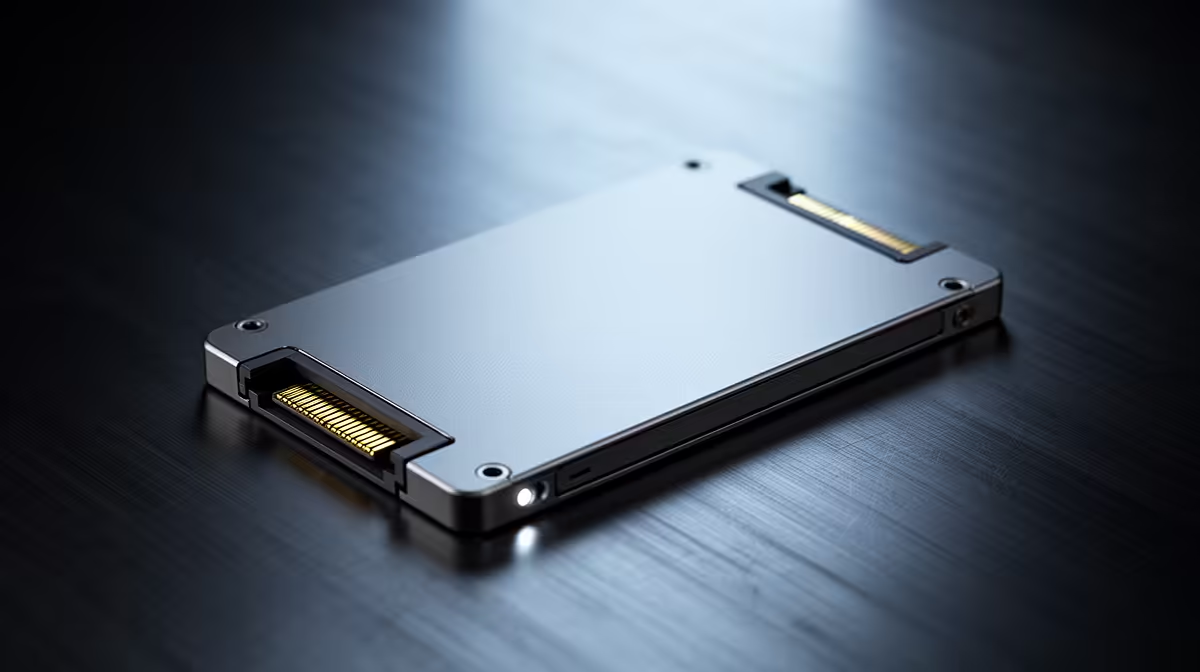
510MB/s SATA SSD vs HDD: Real Daily Speed Difference for South African gamers
You can feel the difference the moment you hit “Install”… or when a match lobby refuses to load. In South Africa, where you might be bouncing between downloads on a data bundle and LAN weekends, storage speed matters more than people think. 🔧
So let’s cut through the marketing. “510MB/s” sounds fast on paper, but what does it mean when you’re daily-driving a PC for gaming, work, or school?
In this guide, we’ll compare 510MB/s SATA SSD vs HDD: Real Daily Speed Difference, using practical examples you’ll actually notice at home.
510MB/s SATA SSD vs HDD: What those numbers mean in real life
A 7,200RPM HDD can be quick for sequential file copying, but it struggles with the constant “small reads” your system performs all day: boot files, game assets, launcher updates, and Windows background tasks. An SSD fixes that because it has no moving parts and far lower access time. ⚡
When a SATA SSD is rated around 510MB/s, the “feel” usually comes from faster loading and smoother access to many different files, not just one giant file. That’s why:
- Windows boots faster and resumes quicker
- Game launches are noticeably snappier
- Asset streaming stutters reduce (especially in open-world games)
- Installing updates finishes sooner
For the daily difference, think in terms of friction. HDDs can make your system “pause” while it hunts for data. SSDs cut that pause down to almost nothing. 🚀
Real-world examples you’ll recognise
Imagine you’re:
- Joining friends in Counter-Strike 2… and your launcher is still compiling files.
- Switching between an Unreal Engine project and a game.
- After a power cycle, waiting for Windows to be usable again.
On SSD, you spend less time staring at progress bars. On HDD, you spend more time waiting for the next chunk.
If your PC currently boots from a HDD, that’s often the biggest upgrade path for immediate improvement.
Productivity Pro Tip ⚡
On a typical Windows setup, install your most-used game launcher, OS updates, and the games you play weekly onto the SSD first. Then move large archives and backups (like recordings and media) to the HDD. This keeps your “daily” speed high without forcing you to buy massive SSD storage.
510MB/s SATA SSD vs HDD: The smartest upgrade path on a budget
You don’t need a new rig to feel this. A SATA SSD is frequently the affordable stepping stone into SSD performance, especially if your motherboard supports SATA ports. Then later, you can consider a faster NVMe drive when funds allow.
If you’re shopping, Evetech has a clear way to browse SSD options by brand and form factor, which is handy when you want compatibility first. ✨
Here are a few places to start:
- Browse SSD options across the board at Evetech: Buy solid state drives
- Prefer ADATA? Check: ADATA SSDs
- After Kingston reliability? Browse: Kingston SSDs
- If you’re planning for future upgrades, look at M.2 options: M.2 2280 SSDs
- For next-gen interfaces, explore compatible drives here: SSD interface options
510MB/s SATA SSD vs HDD: What to pick for games and everyday use
If your goal is faster daily responsiveness, a SATA SSD is usually the “noticeable win” per rand. Your biggest improvements will come from:
- boot and app launch speed
- faster game load times
- quicker update installs
- less waiting when switching tasks
And yes, HDDs still have a role. Use them for bulk storage when budget is tight. But if your HDD is your boot drive, expect your system to feel old, even if your GPU is still strong.
If you’re unsure which capacity to choose, start with what you need now. 1TB often gives breathing room for modern game libraries, but 500GB can be enough if you’re selective.
Ready to Find Your Perfect Match? Storage upgrades are the easiest way to make a PC feel new again, and the right SSD depends on your exact setup. Explore our massive range of SSDs and get the performance you can feel every day: Shop Evetech solid state drives.











