

512GB SATA SSD for Everyday Computing: Quick Buying Win for SA PCs
If your PC feels sluggish loading games, updates, or big Steam libraries, a storage upgrade is often the first fix. In South Africa, most people don’t need a monster NVMe… they need something reliable, affordable, and simple to install. A 512GB SATA SSD for everyday computing can cut boot times and app loading in a big way, especially on older systems still running hard drives. 🔧✨
But not all 512GB SATA SSDs are equal. Let’s break down what to look for, so you don’t waste money.
512GB SATA SSD for Everyday Computing: What matters (and what doesn’t)
SATA SSDs run on the same SATA interface your motherboard likely already supports. That’s why they’re a common “upgrade path” for offices, home PCs, and budget gaming rigs. The big things to check are:
Capacity and real-world usability
512GB is a sweet spot for everyday computing and casual gaming. With space for Windows updates, a couple of productivity apps, and at least a few popular game installs, it’s practical without being overkill.
Form factor and compatibility
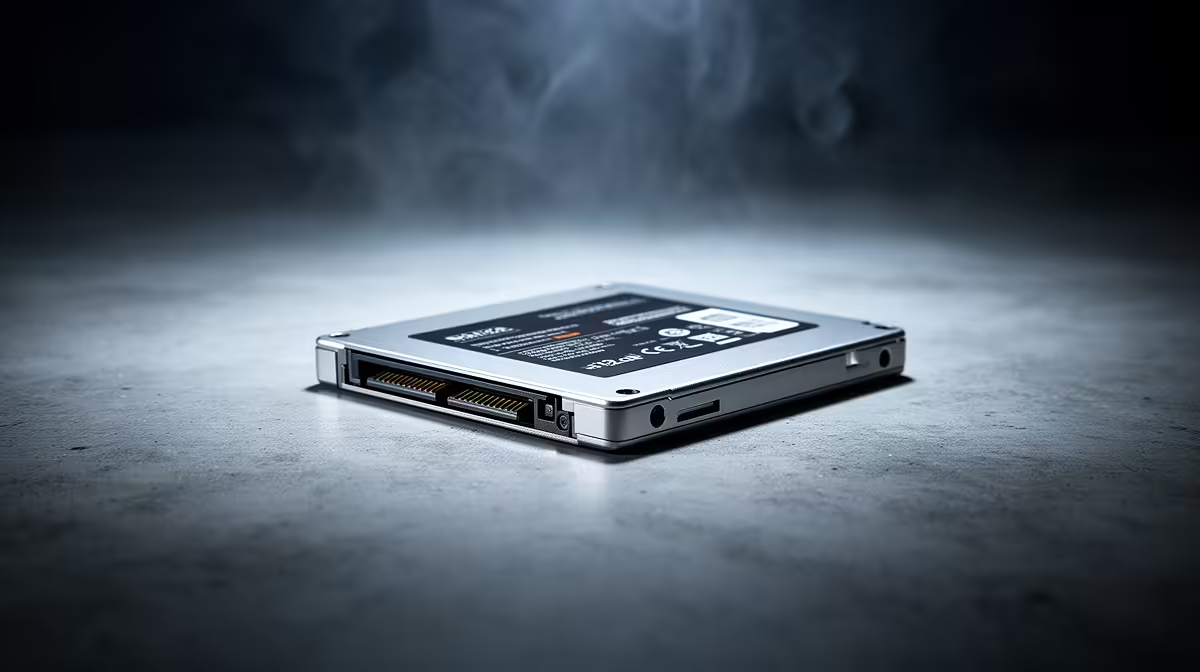
Most SATA SSDs in consumer PCs are 2.5-inch drives. If your case supports 2.5-inch bays (with the right bracket), you’re good. Always confirm form factor support before you buy. For more options, browse Evetech’s solid state drives selection here: https://www.evetech.co.za/PC-Components/buy-solid-state-drives-83
Brand consistency for fewer headaches
SSDs fail less often than HDDs, but not never. If you want a familiar name, consider checking brand-filtered stock. Two popular picks are:
- https://www.evetech.co.za/PC-Components/buy-solid-state-drives-83?brands=ADATA
- https://www.evetech.co.za/PC-Components/buy-solid-state-drives-83?brands=Kingston
If you’re thinking “Why not NVMe?”
That’s fair. NVMe is faster, but it requires M.2 support and isn’t always needed for day-to-day use. If your goal is better everyday responsiveness on a SATA-only setup, stick to SATA. Still, if your system supports M.2 and you want to compare, Evetech has an M.2 filter here: https://www.evetech.co.za/PC-Components/buy-solid-state-drives-83?attributes-formfactor=M.2+2280
512GB SATA SSD for Everyday Computing: Installation tips that prevent pain
A 512GB SATA SSD is usually a straightforward swap. The part most people mess up is planning the migration.
Back up first, then migrate
Before you move anything: back up your important files. Then decide between:
- Cloning (best if you want your old system to boot immediately)
- Fresh install (best if you want a clean, fast start)
Choose the right performance expectations
On SATA SSDs, you’re mainly buying faster access and smoother load times, not “wow” transfer speeds like NVMe. If you’re upgrading from an HDD, you will feel it though. ⚡
Productivity Pro Tip 🔧
On your new 512GB SATA SSD, keep at least 10–20% of the drive empty to help maintain consistent performance during updates and normal wear. After cloning or installing, verify your BIOS SATA mode is set correctly and then run a quick health check using your SSD tool of choice.
512GB SATA SSD for Everyday Computing: Avoid common mistakes
Here’s where buyers lose value in SA stores.
- Mismatch interface: Make sure you’re not accidentally shopping for an incompatible interface standard. If you’re comparing newer interfaces, double-check what your system supports. Use this interface-focused view as a reminder while you browse: https://www.evetech.co.za/PC-Components/buy-solid-state-drives-83?attributes-interface\=Gen+5+%28NVM…
- Ignoring your workload: If you only browse and do office work, SATA is more than enough.
- Overbuying capacity: 512GB is often perfect for everyday use without ballooning cost in ZAR.
512GB SATA SSD for Everyday Computing: Make the upgrade feel instant
Once installed, your PC should feel “snappier” during app launches and boot. For gamers, it also means faster map loads in many titles and quicker patching, depending on how the game handles assets.
Ready to stop waiting on drives… and start playing? 🚀
Ready to Find Your Perfect Match? The Mac vs Windows debate is complex, but for maximum power, choice, and value in South Africa, Windows is hard to beat. Explore our massive range of laptop specials and find the perfect machine to conquer your world.











