

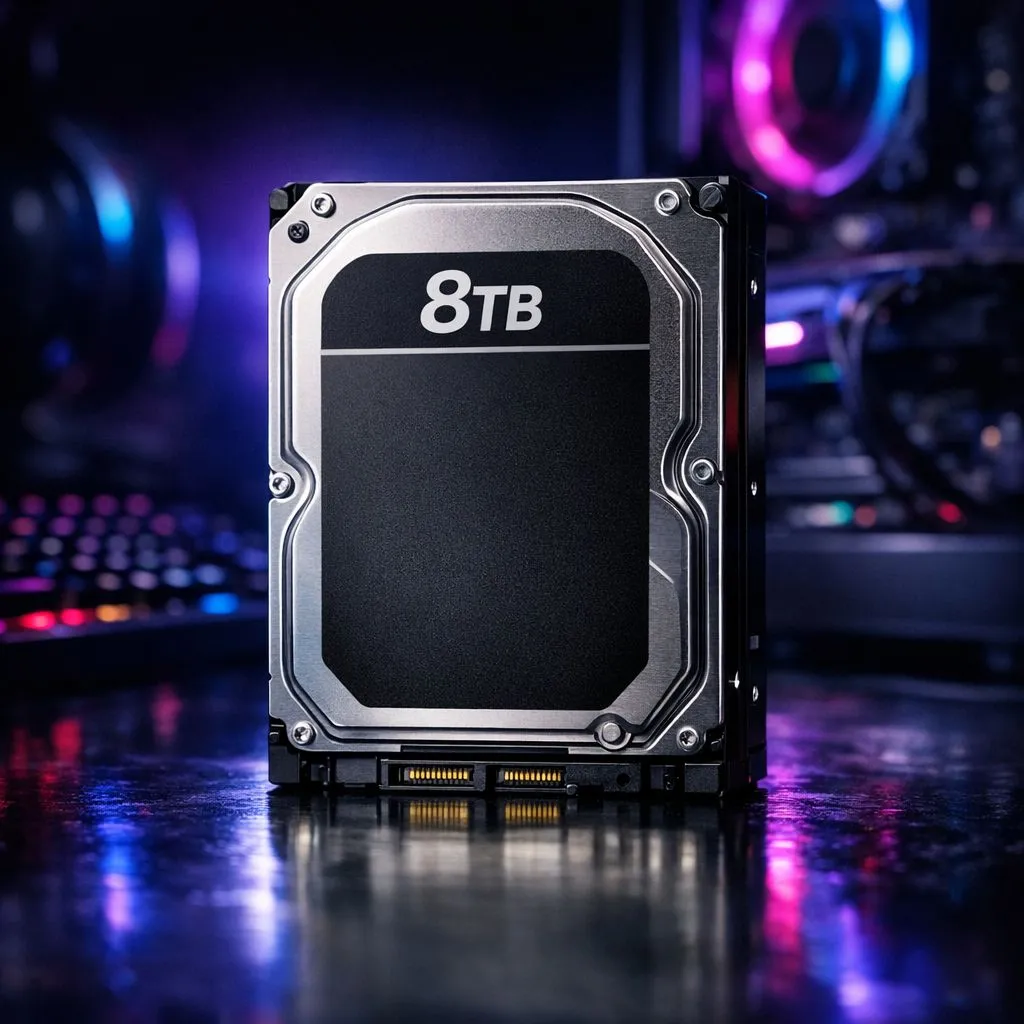
Tired of the "delete and redownload" dance every time a new patch drops? We know the pain of choosing between Warzone and your favourite RPG. As modern titles easily exceed 150GB, standard drives simply don't cut it anymore. Adding an 8TB secondary drive for your gaming PC is the smartest way to future-proof your setup and keep your entire library ready to play. 🚀
Why Massive Storage is the New Standard
Gone are the days when a 1TB drive was plenty. Today, high-resolution textures and massive open worlds demand serious space. If you are tired of managing storage like a full-time job, upgrading to high-capacity solid state drives is the best move.
A secondary drive allows you to keep your OS on a lightning-fast primary disk while your massive library lives elsewhere. This separation keeps your system snappy even when you have dozens of AAA titles installed.
Internal vs External: Which Path to Take?
Deciding how to add that extra 8TB depends on your lifestyle. If you travel between LANs or use multiple devices, external SSDs offer incredible flexibility. You can carry your entire Steam library in your pocket.
Storage Management Tip ⚡
Use Steam's built-in 'Move Install Folder' feature to shift games between drives without redownloading. This lets you keep your currently active games on your fastest drive while archiving others on your 8TB secondary drive for your gaming PC. It saves hours of downloading on capped or slower South African lines.
For those who want a permanent, clutter-free setup, internal is the way to go. However, if you are a laptop gamer or need portability, choosing a drive with an External form factor ensures you never have to leave a game behind.
Choosing the Right Brand for Reliability
When you are storing 8TB of data, reliability is non-negotiable. You want a drive that can handle constant read and write cycles without breaking a sweat. In South Africa, certain brands have stood the test of time for local gamers.
For instance, ADATA drives offer a fantastic balance of performance and price in ZAR. They are perfect for secondary storage where you want high capacity without a massive price tag. On the other hand, Western Digital options are legendary for their durability and specialized gaming firmware. ✨
Speed Considerations: Gen 5 and Beyond
While a secondary drive is often used for "cold storage," you still want decent speeds. Nobody wants to wait ten minutes for a level to load. If your motherboard supports the latest tech, looking at Gen 5 (NVME) interfaces will give you the fastest possible data transfers.
Even if you don't need Gen 5 speeds for every game, having that overhead ensures your PC stays relevant for years. It makes moving large files... like that 100GB 4K video project... feel instantaneous. 🔧
Ready to Expand Your Library? Don't let a "Disk Space Full" error ruin your weekend gaming session. Whether you need internal speed or external portability, we have the perfect storage solution for your rig. Explore our massive range of SSD specials and never delete a game again.











