

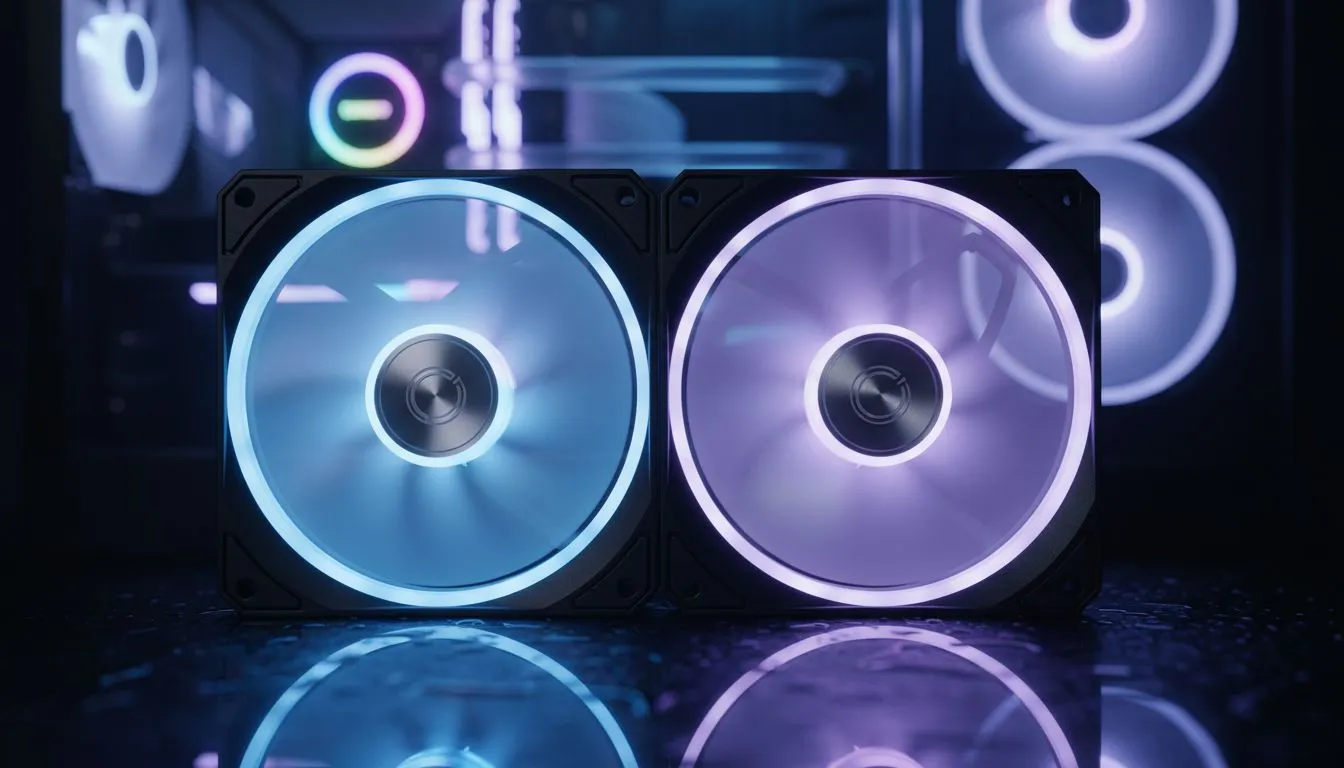
Aftermarket case fans vs pre-installed fans — is an upgrade worth it?
Gamers in Cape Town, Joburg and Durban: want lower temps and less noise without swapping your whole rig? Upgrading case fans can be the quickest, most cost-effective move to squeeze better airflow and quieter performance from an existing build. Read on for practical tests, real-world tips and local buying links that save you time and rand. 🔧✨
Aftermarket case fans vs pre-installed fans — performance differences
Most stock fans are chosen for cost, not silence or static pressure. Aftermarket fans often use better bearings, higher quality blades and finer RPM control, which translates to steeper airflow gains at similar noise levels. If your hot GPU or CPU is being throttled under long sessions, a balanced set of intake and exhaust fans usually makes the biggest difference.
For new cases and sizes, browse Evetech’s case range to match fan count and mounting points — their PC cases page lists popular layouts and compatibility to help plan your upgrade: https://www.evetech.co.za/components/computer-cases-70.
Aftermarket case fans vs pre-installed fans — noise, control and RGB
Noise comfort matters for streamers and late‑night raids. Aftermarket fans often include PWM control, letting you tune curves in BIOS or software for quiet idling and ramped cooling under load. If aesthetics are top of mind, some aftermarket options add addressable RGB while keeping airflow efficient. Check compatible Fractal designs and options if you favour clean aesthetics and silence: https://www.evetech.co.za/PC-Components/fractal-design-pc-cases-346. 🚀
Airflow Tip ⚡
Position two intakes at the front and one or two exhausts at the top back. Use a single exhaust fan with higher static pressure if you have a restrictive front panel. Adjust PWM curves so idle temps sit comfortably without constant fan whine.
Aftermarket case fans vs pre-installed fans — price vs value in South Africa
Upgrading fans can be a sub‑R500 to R1 500 project depending on brand and RGB features. For budget builds, Gamdias offers solid value options; their range includes affordable cases and fan bundles that pair well with popular motherboards: https://www.evetech.co.za/PC-Components/gamdias-gaming-cases-293. If you’re shopping on a tighter budget, filter for options under R1 500 to find good performance without overspend: https://www.evetech.co.za/PC-Components/gamdias-gaming-cases-293?max-price=1500.
Aftermarket case fans vs pre-installed fans — when to upgrade
Upgrade if you face thermal throttling, noise that disrupts gameplay, or you want precise fan control. Skip upgrading if your current temps are already within safe margins and noise is acceptable. When you do upgrade, match fan size, RPM range and connector type to your case and motherboard. Consider a fan hub or motherboard headers if you run four-plus fans.
Final verdict — smart, targeted upgrades pay off
Swapping to high‑quality aftermarket fans is a low-risk, high‑impact step. You’ll often see measurable temperature drops, reduced noise and cleaner cable routing. If you want to explore compatible cases, styles and price points before buying, check Evetech’s case and component categories above for make‑and‑model details.
Ready to Find Your Perfect Match? The Mac vs Windows debate is complex, but for maximum power, choice, and value in South Africa, Windows is hard to beat. Explore our massive range of laptop specials and find the perfect machine to conquer your world.











