

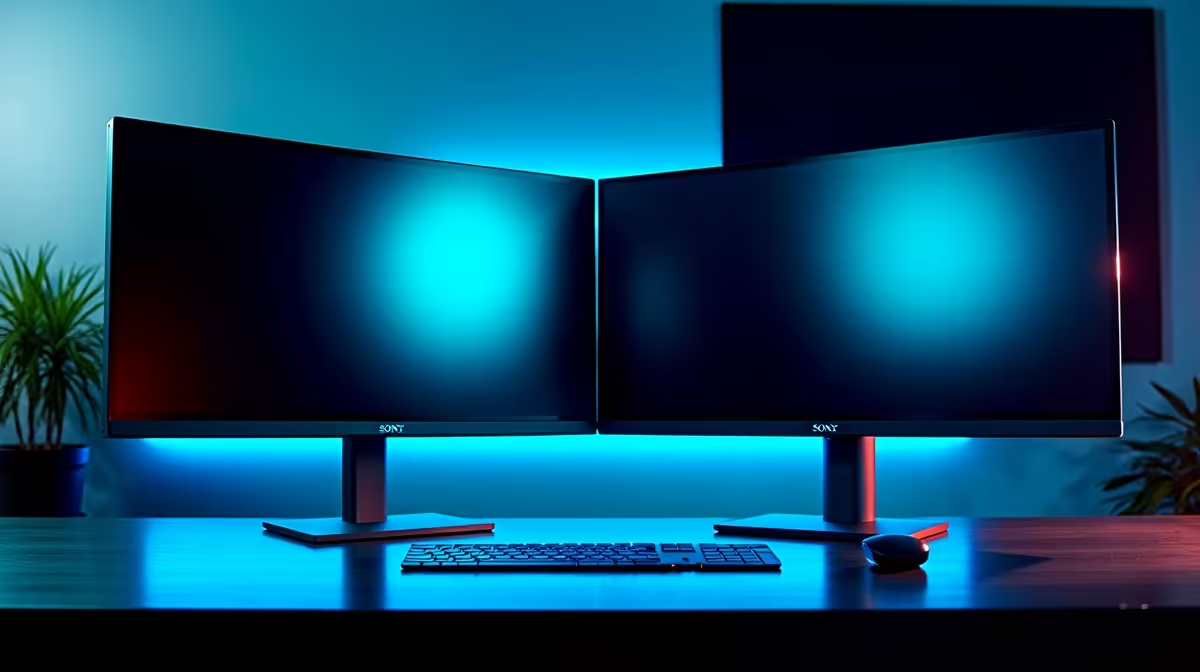
Leveling up your PC setup in South Africa? Going from one screen to two is one of the most satisfying upgrades you can make. It transforms how you game, work, and multitask. But you don't need to drop a fortune to get there. Finding the best budget monitors for a dual setup is about smart choices, not big spending. Let's dive into our top picks for 2025 and help you build that dream command centre. 🚀
Why a Dual Monitor Setup is Worth It
Ever tried to follow a guide on one screen while playing a game on the same one? Or maybe you're a streamer juggling your game, chat, and OBS windows. It’s a mess. A dual monitor setup solves this instantly. For gamers, it means Discord, Spotify, or a walkthrough is always a glance away. For productivity, it's a massive workflow boost… think research on one screen, writing on the other. It's an upgrade that you'll feel the benefit of every single day.
A great starting point for any build is to see the full variety of PC monitors available, from basic models to high-end displays.
Key Features for Your Budget Dual Monitor Setup
When you're buying two screens, every rand counts. Focusing on the right features ensures you get the best performance for your money. The goal is to find two identical (or very similar) monitors for a clean, seamless experience.
Resolution, Size, and Bezels
For a budget-friendly dual setup, the sweet spot is typically a 24-inch or 27-inch monitor with a Full HD (1920x1080) resolution. This combination offers sharp visuals without needing a monster graphics card to power both screens.
Pay close attention to the bezels—the plastic border around the screen. Ultra-thin bezels are ideal for a dual setup, as they minimise the distracting gap between your displays, creating a more immersive, unified view.
Refresh Rate and Panel Type
You don't need a 240Hz beast for your second screen, but consistency helps. Aim for at least 75Hz for a smoother experience than the old 60Hz standard. For panel type, IPS (In-Plane Switching) panels offer the best colour accuracy and viewing angles, making them perfect for ensuring a consistent picture across both screens.
Cable Management Magic 🔧
To keep your new dual monitor setup looking clean, invest in some velcro cable ties and an under-desk cable management tray. Run the power and display cables for both monitors along the monitor arms or stands, bundle them together, and hide them in the tray. A clean desk makes for a clear mind!
Adaptive Sync: No More Screen Tearing
Screen tearing is that ugly visual glitch where your display seems to split. Adaptive Sync technology solves this by matching your monitor's refresh rate to your GPU's frame rate. This is crucial for smooth gameplay.
- For AMD graphics cards, look for monitors with FreeSync (AMD).
- For NVIDIA cards, G-Sync (NVIDIA) is the gold standard, though many FreeSync monitors are now "G-Sync Compatible."
- You'll also find plenty of displays that support the universal Adaptive Sync standard, offering great flexibility.
Top Brands for Budget Monitors in South Africa ✨
Finding the best budget monitors for a dual setup often means looking at brands that deliver incredible value. You don't always need the biggest name to get the best performance for your needs.
In South Africa, brands like AOC consistently deliver excellent gaming panels with high refresh rates at competitive prices. Similarly, newcomers like Dahua are making waves with solid, no-frills monitors that are perfect for a second screen. And of course, established players like HP offer reliable, colour-accurate displays that are fantastic for both work and play.
Choosing any of these ensures you get a quality product backed by a solid warranty.
Ready to Build Your Dream Setup? Doubling your screen real estate is one of the most impactful PC upgrades you can make. From immersive gaming to next-level productivity, the right pair of monitors makes all the difference. Explore our wide range of monitor deals and find the perfect screens to complete your command centre today.











