

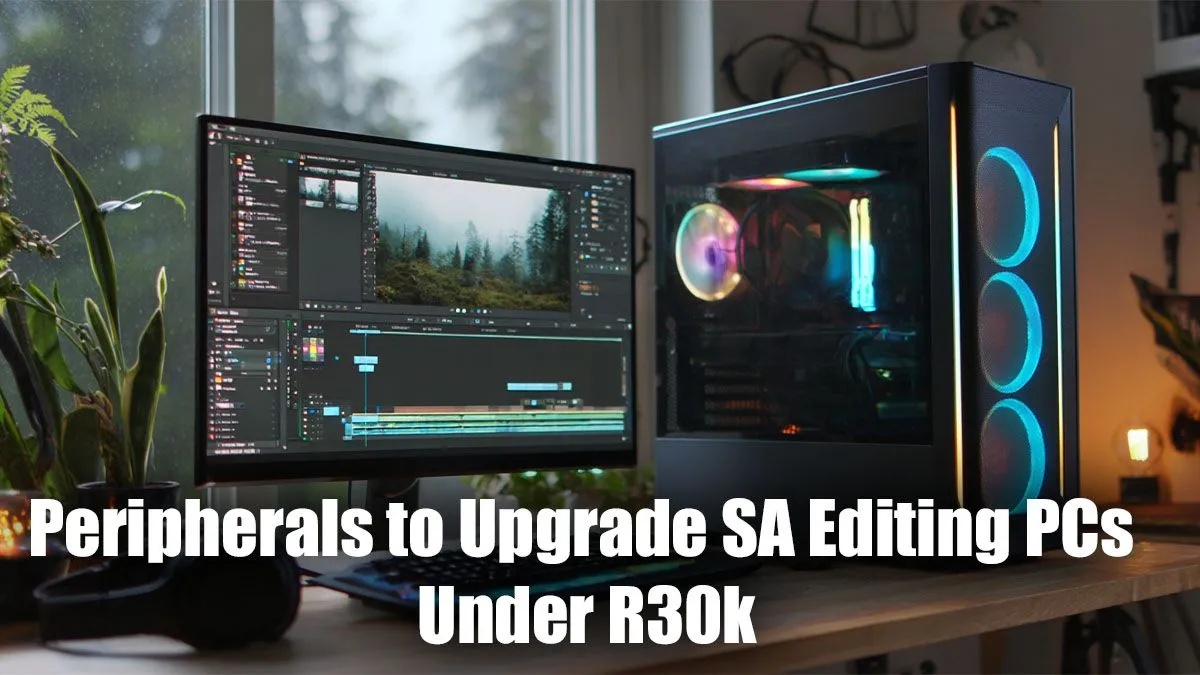
Is your powerful editing PC being held back by a fuzzy monitor and a R50 mouse? You’re not alone. In South Africa, building a content creation rig is one thing, but equipping it for peak performance is another. The good news? You don’t need to break the bank. We’re diving into the best editing PC peripherals in SA for under R30k, showing you how to build a pro-level setup that makes your workflow smoother, faster, and more precise. 🚀
The Monitor: Your Window to Colour Perfection
Your monitor is the single most important peripheral for any visual editing work. Forget high refresh rates meant for gaming; your priorities are colour accuracy, resolution, and screen real estate.
Key Monitor Specs for Editors
- Colour Gamut: Look for monitors covering at least 99% sRGB. For professional colour grading, a wider gamut like 95%+ DCI-P3 or Adobe RGB is ideal. This ensures the colours you see are the colours your audience sees.
- Resolution: A 1440p (QHD) monitor is the sweet spot for budget and performance. It offers a significant sharpness upgrade over 1080p without needing a monster GPU to drive it. 4K is fantastic but will eat a larger chunk of your R30k budget.
- Size: A 27-inch screen is perfect for 1440p, giving you ample space for your timeline and preview windows. A great monitor is crucial, even if you start with a PC from our PCs under R20k range.
Productivity Pro Tip ⚡
On Windows, use the PowerToys FancyZones utility to create custom snap layouts for your windows. It's a lifesaver for managing multiple apps on an ultrawide or large monitor, letting you organise your timeline, preview window, and asset folders perfectly for video editing.
Keyboard & Mouse: Your Creative Instruments
Don't underestimate the power of a good keyboard and mouse. These are your primary tools for interacting with your software, and the right ones can save you hours.
For your mouse, prioritise ergonomics and programmable buttons. A comfortable mouse reduces strain during long editing sessions. Assigning common actions like 'Cut', 'Ripple Delete', or 'Paste Attributes' to mouse buttons can drastically speed up your workflow. Many of our budget gaming PCs are often paired with mice that offer these exact features.
For your keyboard, a mechanical keyboard with tactile switches provides satisfying feedback. More importantly, look for features like a volume wheel or media keys for quick audio adjustments. Getting the right peripherals for editing is key to an efficient setup.
Audio & Storage: The Unsung Heroes 🎧
Clear audio is non-negotiable. A decent pair of studio monitoring headphones (not bass-boosted gaming headsets) is essential for editing sound, dialogue, and music. Look for a pair with a "flat" frequency response so you hear the audio exactly as it was recorded.
Fast storage is another critical component. While your PC's internal NVMe SSD is for your OS and apps, an external SSD is perfect for active projects. A 1TB or 2TB NVMe drive in a USB-C enclosure provides lightning-fast transfer speeds for scrubbing through 4K footage. This is a worthy investment, especially when paired with one of the powerful machines from our PCs above R20k selection.
Tying It All Together: The R30k Editing Peripheral Setup
So, how does this all fit into a R30k budget? Here’s a rough-but-realistic breakdown:
- Colour-Accurate 1440p Monitor: R7,000 - R12,000
- Ergonomic Mouse & Mechanical Keyboard: R2,500 - R4,000
- Studio Headphones: R1,500 - R3,000
- External 2TB NVMe SSD + Enclosure: R2,500 - R4,000
- Quality-of-Life (Webcam, Desk Mat, etc.): R2,000+
This shows that assembling the best editing PC peripherals in SA for under R30k is entirely achievable. It's about spending smart on the components that directly impact your workflow. A setup like this can complement any of the best gaming PC deals, as many gaming components excel at creative work too.
Of course, these amazing peripherals need a solid PC to power them. If you're building from scratch or planning a total overhaul, a balanced machine is the foundation of your creative studio. ✨
Finding the right combination of parts can be tricky, which is why exploring professionally configured options is a great starting point. Whether you're a seasoned pro or just starting your content creation journey, the right core system makes all the difference. Many of our pre-built PC deals are optimised for both gaming and demanding creative tasks right out of the box.
Ready to Build Your Ultimate Editing Station? Your peripherals and PC should work in harmony. For a powerful, reliable core to your new setup, a pre-built PC offers incredible value and performance. Explore our massive range of pre-built PC deals and find the perfect machine to bring your creative vision to life.











