

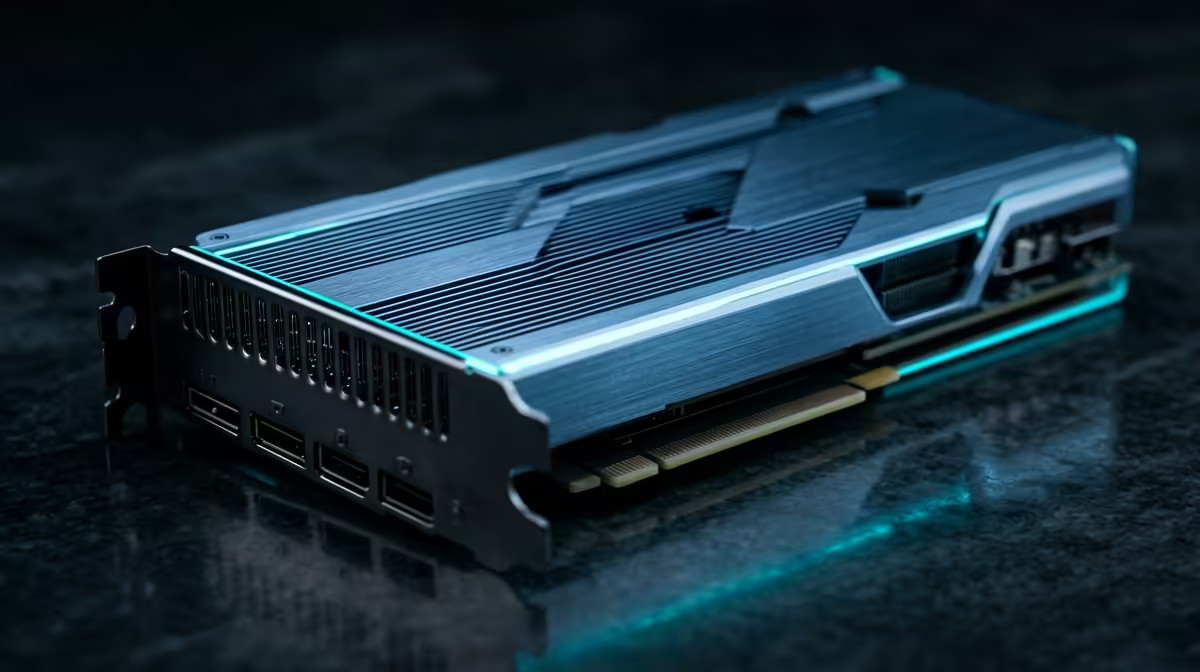
Is your editing timeline stuttering more than a nervous best man's speech? When that render bar feels like it's moving backwards, you know it's time for an upgrade. The good news? You don't need to sell a kidney to get back in the fast lane. Here in South Africa, a budget of R20,000 can seriously transform your machine. Let's explore the best editing PC upgrades under R20k for peak performance and get your creativity flowing again. ⚡
Prioritising Your Upgrades: Where R20k Makes the Biggest Splash
When you're working with a set budget, every rand needs to pull its weight. For video editing, photo processing, and content creation, the performance hierarchy is clear. Your money should first go towards the components that do the heaviest lifting in applications like Adobe Premiere Pro, DaVinci Resolve, or Blender.
Think of it this way:
- CPU (Processor): The brain of the operation. More cores and higher clock speeds directly translate to faster rendering and encoding times.
- RAM (Memory): Your workspace. Not enough RAM causes slowdowns when handling large files, 4K footage, or multiple applications.
- Storage (SSD): The speed of access. A fast NVMe SSD makes your entire system feel snappier, from booting up to scrubbing through complex timelines.
- GPU (Graphics Card): Important for real-time playback, effects, and colour grading, but the CPU often provides a bigger overall performance uplift for rendering on a tight budget.
Focusing on the first three will give you the most noticeable performance boost for your R20,000 investment.
The Core of Performance: CPU & Motherboard Combos
The single biggest upgrade you can make to an ageing editing PC is a new CPU and motherboard. This is the engine of your creative workflow. A modern processor with more cores will chew through video renders and complex exports in a fraction of the time.
For creative workloads, the debate between Intel and AMD is fierce, which is great for us consumers. AMD's Ryzen chips often excel in multi-core performance, making them fantastic for rendering. You can find some excellent AMD Ryzen PC deals that offer incredible value. On the other hand, Intel's Core processors boast strong single-core speeds and features like Quick Sync, which can accelerate encoding in specific applications. Exploring the latest powerful Intel PC deals is always a smart move before making a final decision. 🔧
A solid mid-range CPU/motherboard combo will likely use up between R8,000 and R12,000 of your budget, leaving plenty for other crucial parts.
Workflow Pro Tip 🚀
Your storage setup matters. Use a super-fast NVMe SSD for your operating system and applications. Dedicate a second SSD as a "scratch disk" for your active project files and cache. This prevents your OS drive from becoming a bottleneck during heavy editing sessions and dramatically improves timeline responsiveness.
RAM & Storage: The Unsung Heroes of a Smooth Workflow
With your new CPU sorted, the next bottleneck to smash is memory and storage. If you're still working with 16GB of RAM, upgrading to 32GB is a non-negotiable step for handling 4K video or complex After Effects compositions. This simple upgrade stops your system from bogging down and lets you multitask without wanting to throw your mouse.
Similarly, moving from a traditional hard drive or even an older SATA SSD to a modern NVMe M.2 SSD is a massive leap. Load times for projects and assets will vanish, and your whole system will feel incredibly responsive. A speedy 1TB NVMe SSD gives you enough space for your OS, key programs, and current projects, and it's one of the most satisfying editing PC upgrades you can make.
The Smart Route: A Complete System Refresh Under R20k
Piecing together individual components can be fun, but it also comes with compatibility headaches and the risk of one part bottlenecking another. Sometimes, the most effective upgrade path is a full system refresh. Instead of just upgrading parts, you get a brand-new, balanced machine where every component is modern and works in harmony.
This approach often provides the best value. You get a new warranty, guaranteed compatibility, and a clean slate for performance. You'll be surprised at the power packed into some of the customisable PCs under R20,000 available today. It’s a strategic way to secure a massive performance uplift across the board, ensuring your hardware is ready for any creative challenge. ✨
Ready to Banish the Render Bar? Upgrading your editing rig doesn't have to break the bank. For under R20k, you can unlock serious performance gains and get back to creating without the lag. Explore our range of powerful PCs under R20,000 and find the perfect machine to bring your creative vision to life.











