

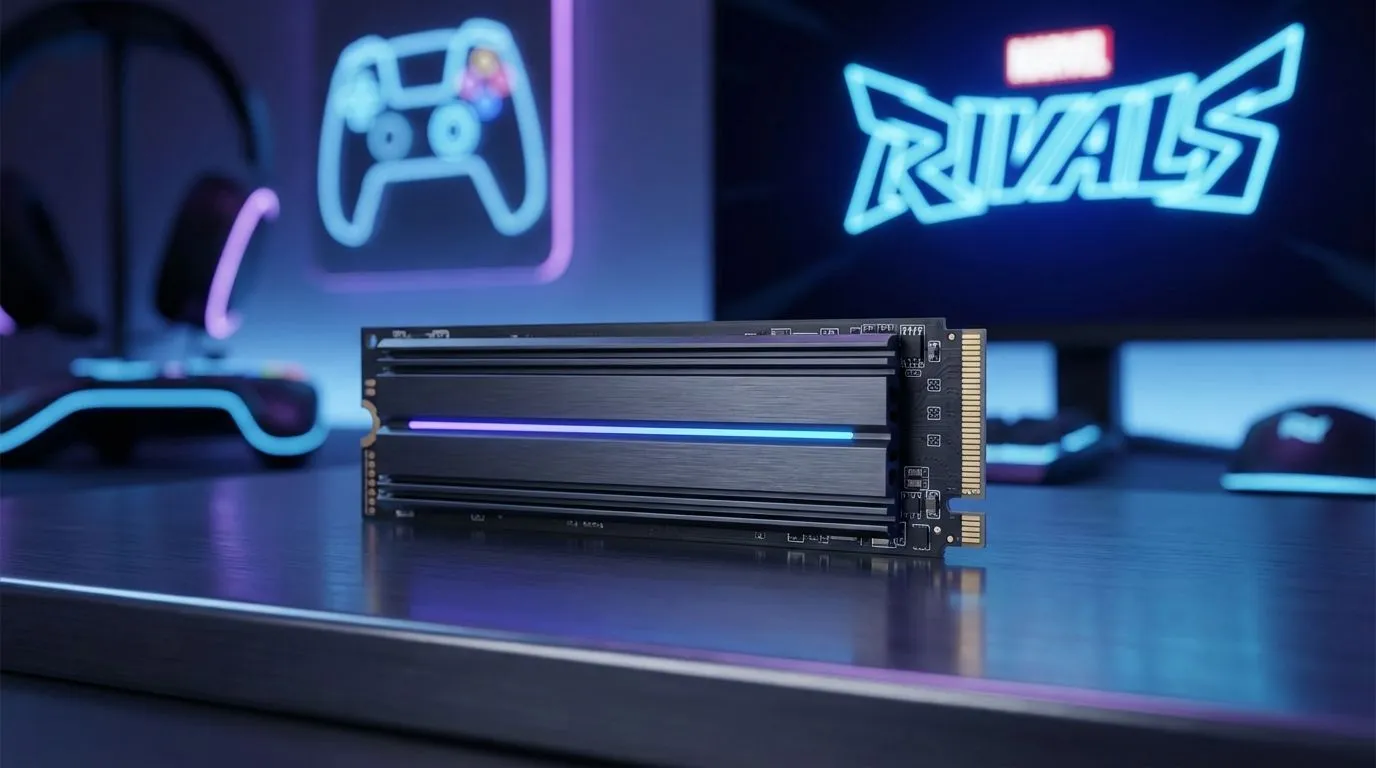
Why Marvel Rivals Demands the Best Storage Speed
Marvel Rivals is taking the local gaming scene by storm, but nothing kills the hype faster than a slow loading screen. If your teammates are already picking Iron Man while you are staring at a progress bar, your storage is the bottleneck. Upgrading to the best SSD for Marvel Rivals ensures you are first into the fray with zero stuttering or texture pop-in ⚡.
In a fast-paced hero shooter, every second counts... and that includes the time it takes to load into a match or swap heroes mid-game. Modern games are designed to stream assets directly from your drive. If you are still using an old mechanical hard drive, you are essentially handicapping your performance. High-speed NVMe SSDs offer the bandwidth necessary to handle the chaotic particle effects and high-fidelity environments of the Marvel multiverse without breaking a sweat.
Maximising Performance with Modern Solid State Drives
When you optimise your PC for competitive play, the focus is often on the GPU or CPU, but storage is the silent partner in performance. Using modern solid state drives reduces "micro-stutter," which often happens when the game tries to pull data for a new ability or character model. In South Africa, where competitive integrity matters, having a drive that can keep up with your 144Hz monitor is vital.
Choosing the right drive does not have to break the bank. You can find some of the best SSD deals starting from under R1,000, providing a massive uplift over legacy storage. Whether you are looking for a primary boot drive or a dedicated gaming partition, the jump in responsiveness is immediately noticeable from the moment you hit the power button.
Storage Pro Tip ⚡
Always leave at least 15% of your SSD capacity empty. Solid state drives use a process called "wear leveling" to distribute data across cells. If the drive is completely full, it can significantly slow down write speeds and reduce the lifespan of the hardware. Keep your Marvel Rivals installation breathing room for the best results!
Choosing Between Internal and External Upgrades
For many South African gamers, the choice comes down to convenience versus raw speed. Browsing through high-quality SSDs will show you various form factors. While internal M.2 drives offer the lowest latency, players on gaming laptops or those who move between setups might prefer a versatile external SSD.
The latest USB-C external drives are surprisingly fast... often reaching speeds that rival older internal SATA drives. This means you can take your entire Marvel Rivals library to a friend's house or a local LAN without needing to redownload massive patches. It is all about finding the balance between capacity and velocity that fits your specific gaming lifestyle 🚀.
Experience the Marvel Multiverse Without the Wait
The difference between a standard drive and the best SSD for Marvel Rivals is the difference between being a spectator and being the MVP. Faster load times mean more time practicing your combos and less time watching a spinning circle. With prices in ZAR becoming more competitive than ever, there has never been a better time to ditch the spinning platters and embrace the speed of silicon ✨.
Ready to Boost Your Load Speeds? Don't let slow storage hold your team back in Marvel Rivals. Whether you need a lightning-fast NVMe or a reliable SATA upgrade, we have the hardware to get you into the action faster. Explore our massive range of SSD specials and find the perfect drive to conquer the multiverse.











